CLZ-360 - Azure Monitor and Log Analytics
Goal
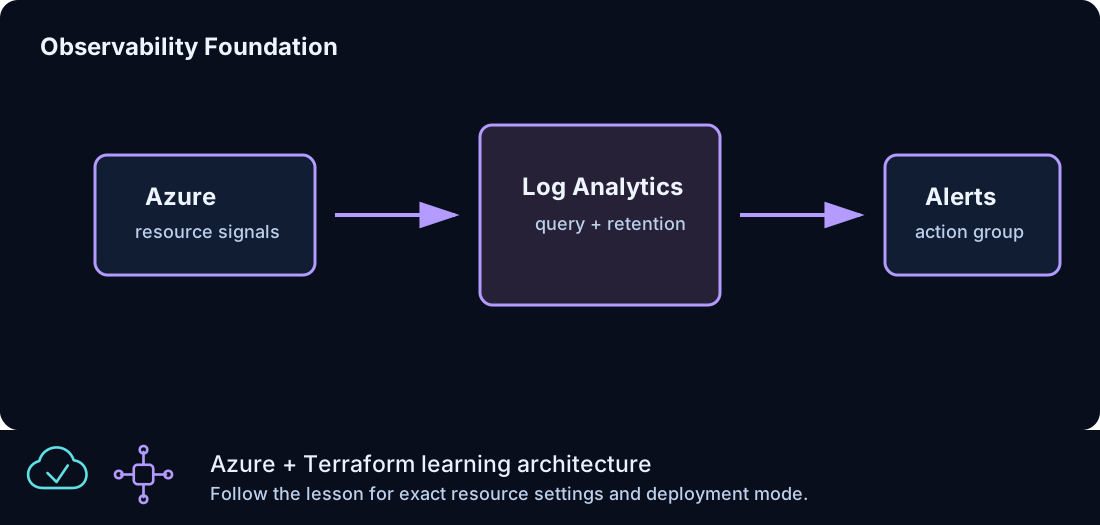
Create the operations foundation for centralized logs and notifications, then distinguish a provisioned workspace from a workload that is actually sending data.
Prerequisites
- Complete CLZ-120.
- Permission to create Log Analytics workspaces and action groups.
- Choose nonproduction notification details before enabling real receivers.
Architecture
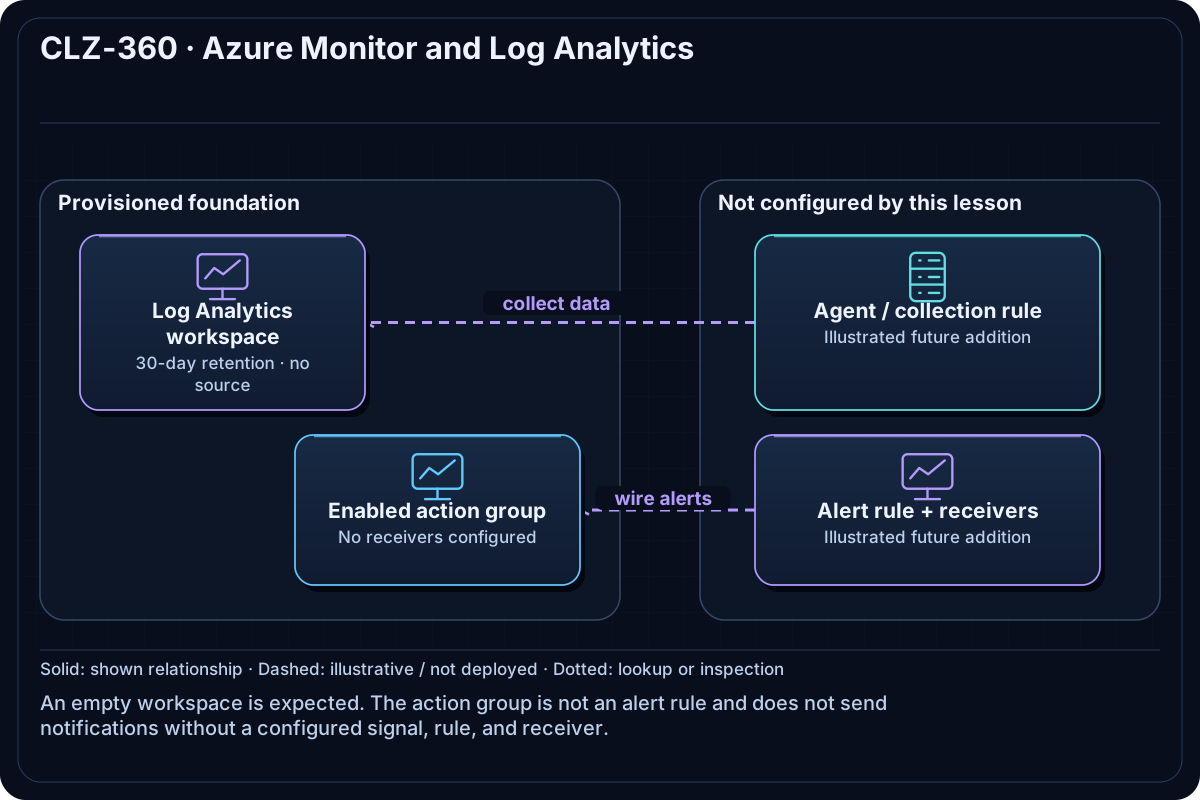
A Log Analytics workspace provides the query/data boundary and retention setting. An Azure Monitor action group supplies an operations notification target. No VM diagnostic setting or data-collection rule is attached, so an empty workspace is expected immediately after deployment.
Resources And Cost
Relative cost: Low. Log ingestion and retention drive cost; the empty workspace/action group are inexpensive.
| Component | Purpose and principal cost driver |
|---|---|
| Log Analytics workspace | Analytics store and query scope; ingestion/retention are the principal drivers. |
| Monitor action group | Reusable notification target; receiver services may have separate limits/costs. |
| Resource group | Owns the operations foundation. |
Inputs
| Input | Required substitution or decision |
|---|---|
subscription_id |
Required for Azure plan, apply, and destroy; use the exact subscription GUID. |
environment |
Keep dev for an ephemeral lab unless testing another environment boundary. |
location |
Choose a supported region with sufficient quota. |
name_prefix |
Use a short lowercase prefix for derived names. |
Keep real subscription IDs, CIDRs, endpoint names, and secrets in untracked local files or protected repository settings.
Deploy

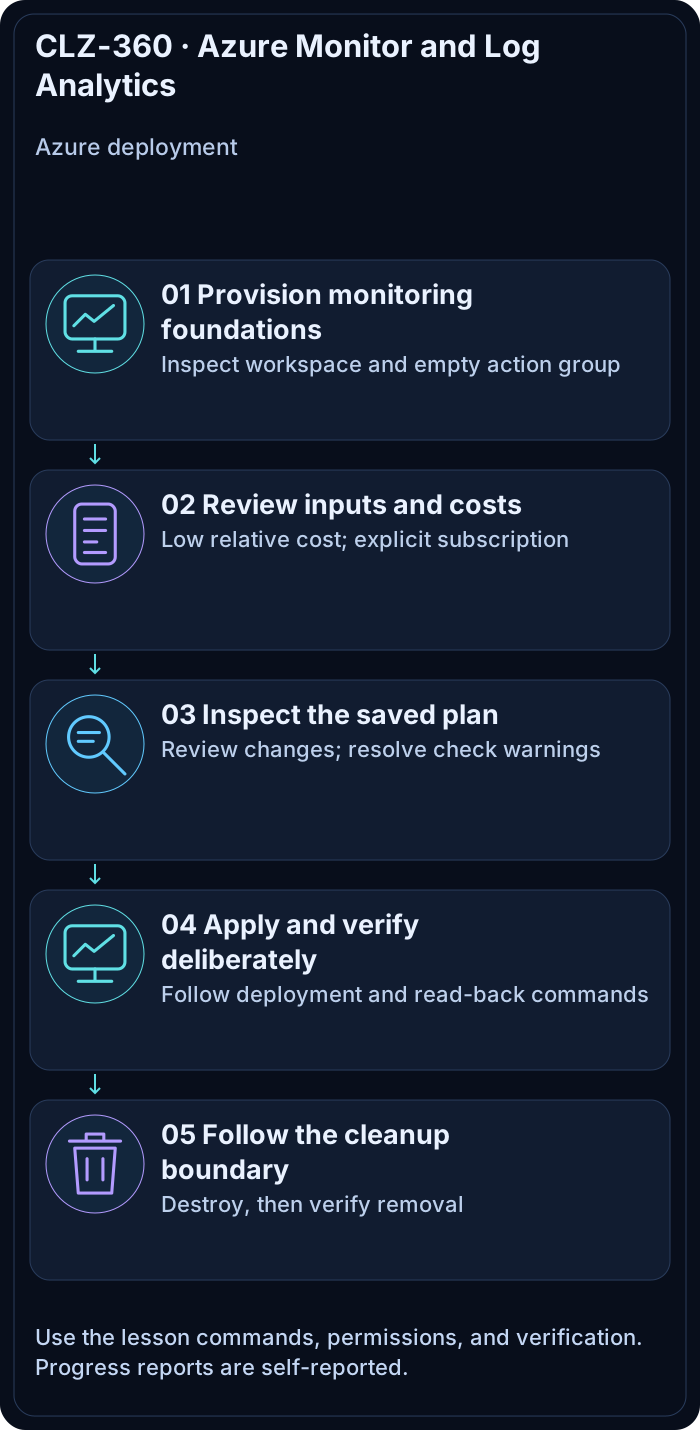
Run from the repository root in PowerShell 7:
Set-Location CLZ-360-azure-monitor-log-analytics
if (-not (Test-Path terraform.tfvars)) {
  Copy-Item terraform.tfvars.example terraform.tfvars
}
$subscriptionId = az account show --query id --output tsv
terraform init -lockfile=readonly
terraform fmt -check
terraform validate
terraform plan -var "subscription_id=$subscriptionId" -out tfplan
terraform show tfplan
terraform apply tfplan
Validate
$resourceGroup = terraform output -raw resource_group_name
$workspaceId = terraform output -raw log_analytics_workspace_id
az monitor log-analytics workspace show --ids $workspaceId --query '{name:name,state:provisioningState,retention:retentionInDays}' --output table
az monitor action-group list --resource-group $resourceGroup --query '[].{name:name,enabled:enabled}' --output table
$workspaceGuid = az monitor log-analytics workspace show --ids $workspaceId --query customerId --output tsv
az monitor log-analytics query --workspace $workspaceGuid --analytics-query 'Heartbeat | take 5' --output table
Expected result:
- The workspace is
Succeededwith the configured retention. - The action group exists and is enabled.
- The query uses the workspace GUID (
customerId), whileworkspace show --idsuses the ARM resource ID. - The Heartbeat query may return no rows or report that the table does not exist because this lesson deliberately attaches no data source.
Troubleshooting

| Symptom | Resolution |
|---|---|
| The query is empty or Heartbeat is unavailable | Expected until a VM/agent and data-collection rule send data; provisioning alone does not create telemetry or its tables. |
| Log query returns authorization failure | Verify workspace query/read roles and the selected tenant. |
| Notifications do not arrive | An action group alone does nothing; connect it to an alert rule and verify receiver configuration. |
Cleanup

$resourceGroup = terraform output -raw resource_group_name
terraform destroy -var "subscription_id=$subscriptionId"
az group exists --name $resourceGroup
Workspace and action group are removed; consider workspace soft-delete/recovery behavior if names are reused.
Production Delta
- Define data-collection rules, diagnostic settings, retention/archive, daily caps, alert rules, workbooks, RBAC, and incident ownership.
- Treat alert delivery as a tested service with severity, deduplication, escalation, and maintenance controls.
Exercises
- Write a KQL query that would summarize Heartbeat by computer once a source is attached.
- Design one actionable alert and identify its signal, threshold, window, receiver, and runbook.
Navigation
← CLZ-350 - Private Endpoint for Storage | Curriculum | CLZ-370 - GitHub Actions for Terraform →