CLZ-130 - Provider Authentication
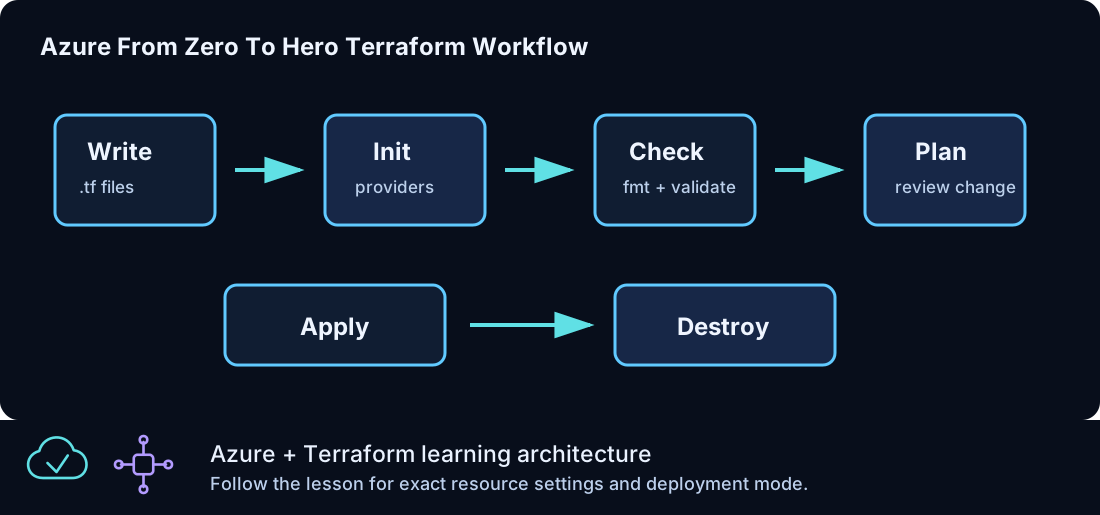
Goal
Understand how the AzureRM provider uses Azure CLI identity while an explicit subscription ID prevents accidental cross-subscription deployment.
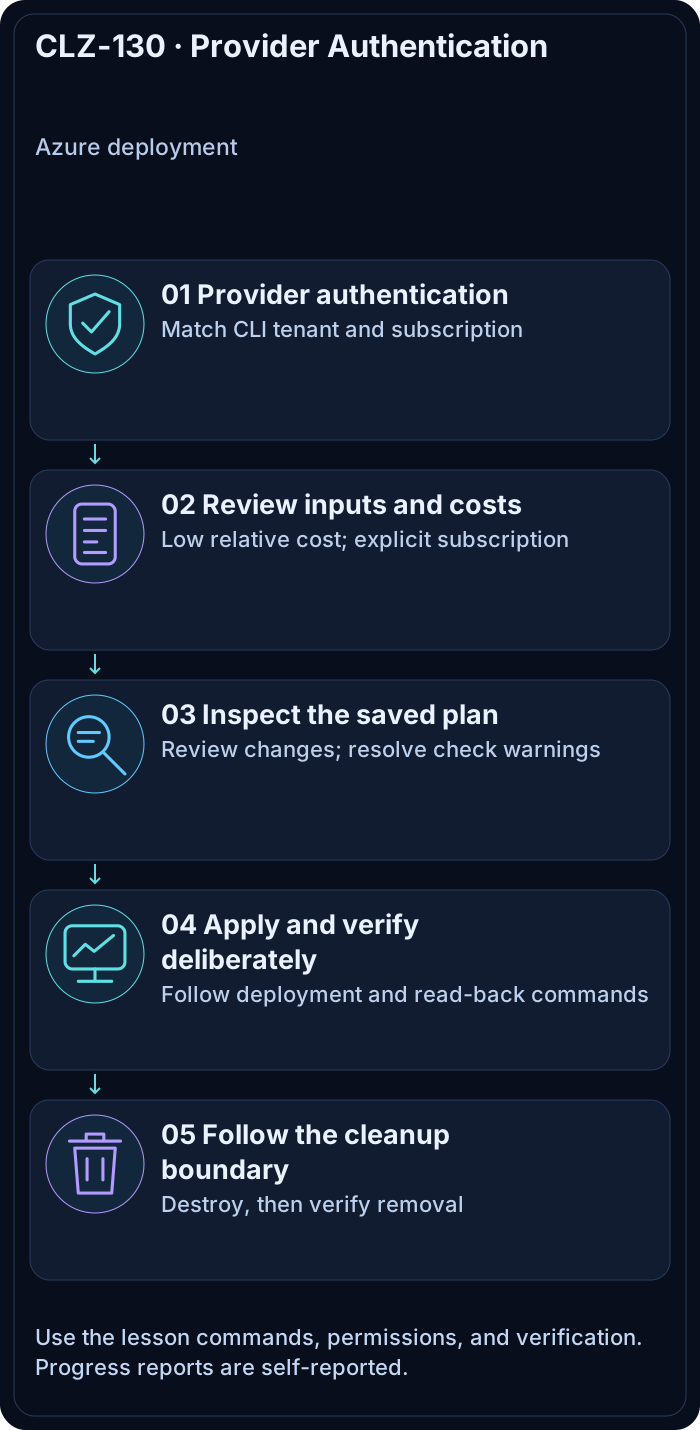
Prerequisites
- Complete CLZ-120 and destroy its resource group.
- An active Azure CLI session with access to the intended learning subscription.
Architecture
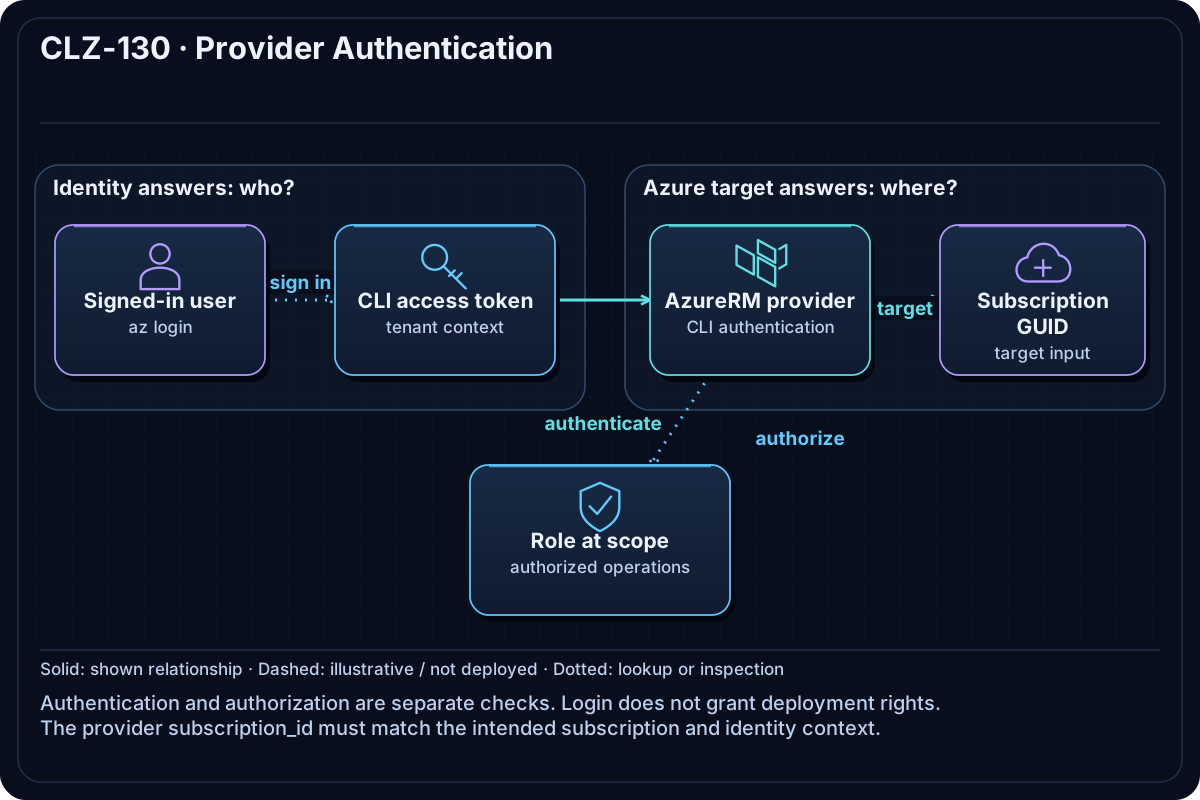
Terraform Core loads the pinned AzureRM provider, Azure CLI supplies the user token, and the provider targets only var.subscription_id. A resource group gives the authentication path a harmless managed object to validate.
Resources And Cost
Relative cost: Low. The empty resource group has no direct charge.
| Component | Purpose and principal cost driver |
|---|---|
| AzureRM provider session | Authenticates and sends control-plane requests to one subscription. |
| Tagged resource group | Proves create/read/delete permissions in the selected scope. |
Inputs
| Input | Required substitution or decision |
|---|---|
subscription_id |
Required for Azure plan, apply, and destroy; copy the exact ID returned by Azure CLI. |
environment |
Keep dev for the lab or choose test/prod only to study the naming boundary. |
location |
Use a region where your subscription has access and sufficient quota. |
name_prefix |
Use a short lowercase prefix; resource names derive from it. |
Keep real subscription IDs, CIDRs, and secrets in untracked terraform.tfvars or environment variables.
Deploy

Run from the repository root in PowerShell 7:
Set-Location CLZ-130-provider-authentication
if (-not (Test-Path terraform.tfvars)) {
  Copy-Item terraform.tfvars.example terraform.tfvars
}
$subscriptionId = az account show --query id --output tsv
terraform init -lockfile=readonly
terraform fmt -check
terraform validate
terraform plan -var "subscription_id=$subscriptionId" -out tfplan
terraform show tfplan
terraform apply tfplan
Validate
terraform providers
$terraformSubscription = terraform providers schema -json | Out-Null; $subscriptionId
az account show --query '{subscription:id,tenant:tenantId,user:user.name}' --output table
az group show --name (terraform output -raw resource_group_name) --query id --output tsv
Expected result:
- The dependency tree contains the HashiCorp AzureRM provider.
- Azure CLI shows the same subscription ID passed to Terraform.
- The resource-group ID begins with
/subscriptions/$subscriptionId/.
Troubleshooting

| Symptom | Resolution |
|---|---|
| Azure CLI is logged in but Terraform gets 401/403 | Run az account get-access-token, confirm the tenant, and check role scope. |
| Multiple subscriptions have the same display name | Select and pass the immutable GUID. |
| CI cannot use the interactive login | Use OIDC as demonstrated in CLZ-370; never store a client secret in the repository. |
Cleanup

$resourceGroup = terraform output -raw resource_group_name
terraform destroy -var "subscription_id=$subscriptionId"
az group exists --name $resourceGroup
The command returns false; no authentication credential is stored in Terraform code.
Production Delta
- Prefer managed identity or OIDC workload federation for automation.
- Separate plan and apply identities, minimize role scope, and log privileged operations.
Exercises
- Use
terraform providersto map each configuration to its provider source. - Explain why setting an active Azure CLI subscription and passing
subscription_idare complementary controls.
Navigation
← CLZ-120 - First Azure Deployment and Terraform Workflow | Curriculum | CLZ-140 - Resource Groups and Tags →