CLZ-170 - Virtual Network Foundation
Goal
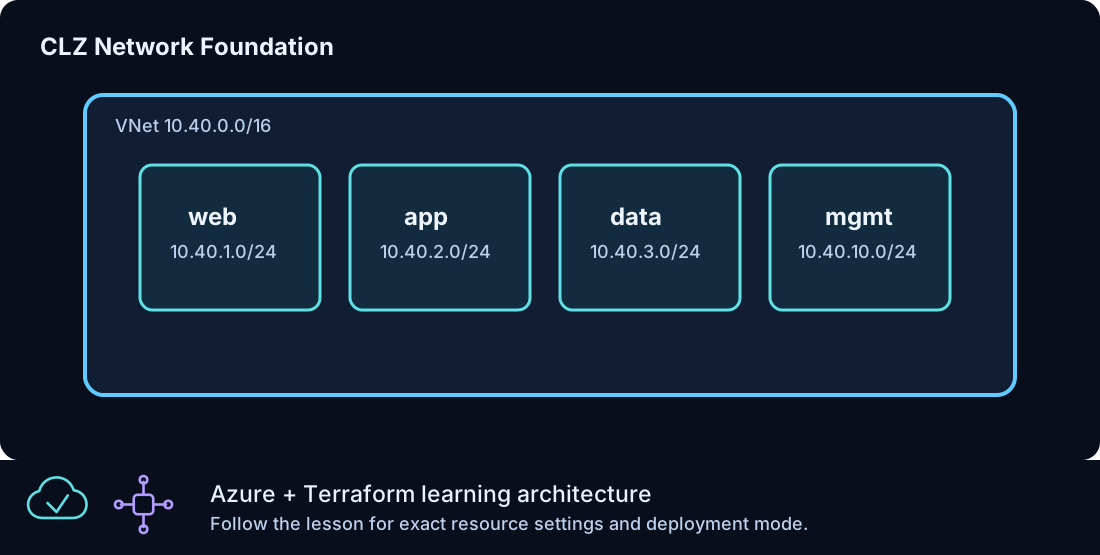
Build an address plan that separates web, application, data, and management workloads and exposes stable subnet IDs for later patterns.
Prerequisites
- Complete CLZ-160 and destroy its lab.
- Know which subscription and Azure region will host the network.
Architecture
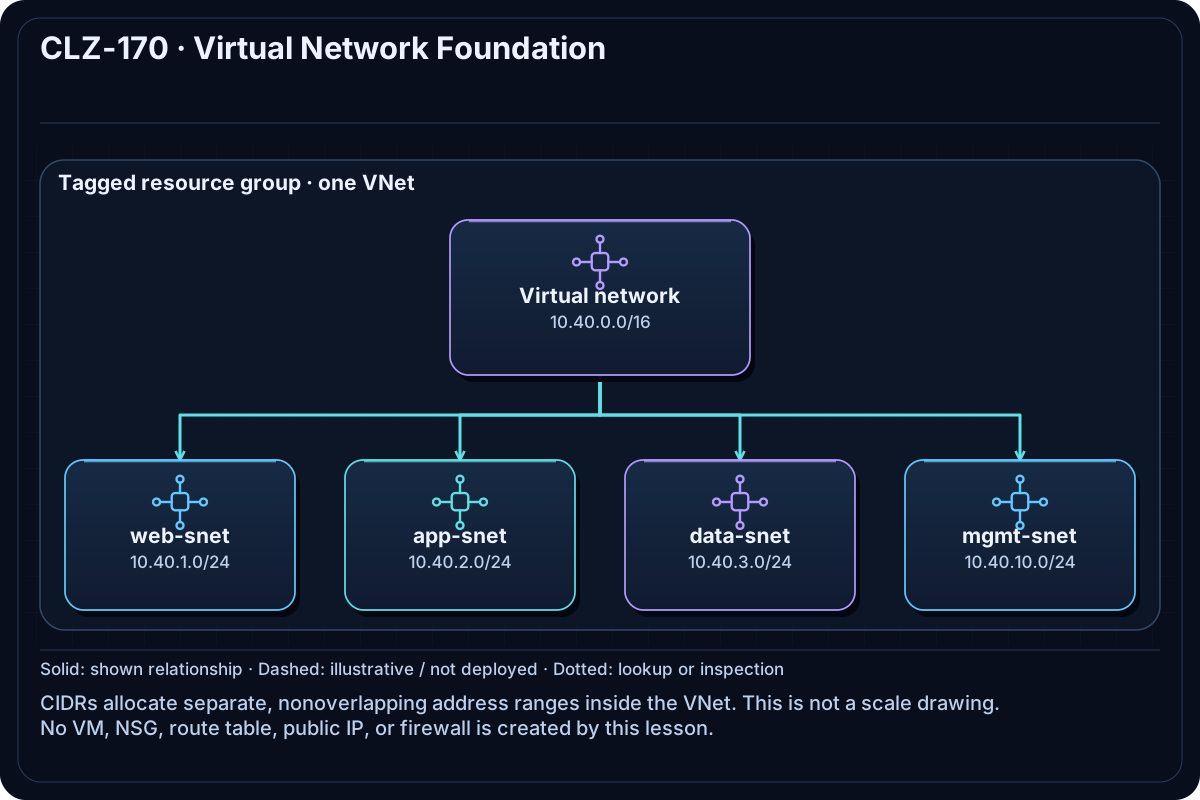
One 10.40.0.0/16 virtual network contains four nonoverlapping /24 subnets: web, app, data, and management. This lesson intentionally has no NSG, route table, VM, or public IP so the address model is easy to inspect before policy is layered on.
Resources And Cost
Relative cost: Low. Virtual networks and subnets have no direct hourly charge; later gateways, peerings, and traffic can be billable.
| Component | Purpose and principal cost driver |
|---|---|
| Resource group | Lifecycle boundary for the lesson. |
| Virtual network | 10.40.0.0/16 address space. |
| Four subnets | Web, app, data, and management segmentation; no workload is deployed. |
Inputs
| Input | Required substitution or decision |
|---|---|
subscription_id |
Required for plan, apply, and destroy; use the exact subscription GUID. |
environment |
Keep dev for an ephemeral lab unless testing an environment boundary. |
location |
Select a supported region with adequate quota. |
name_prefix |
Use a short lowercase prefix for derived names. |
Keep real subscription IDs, CIDRs, and secrets in untracked terraform.tfvars or environment variables.
Deploy

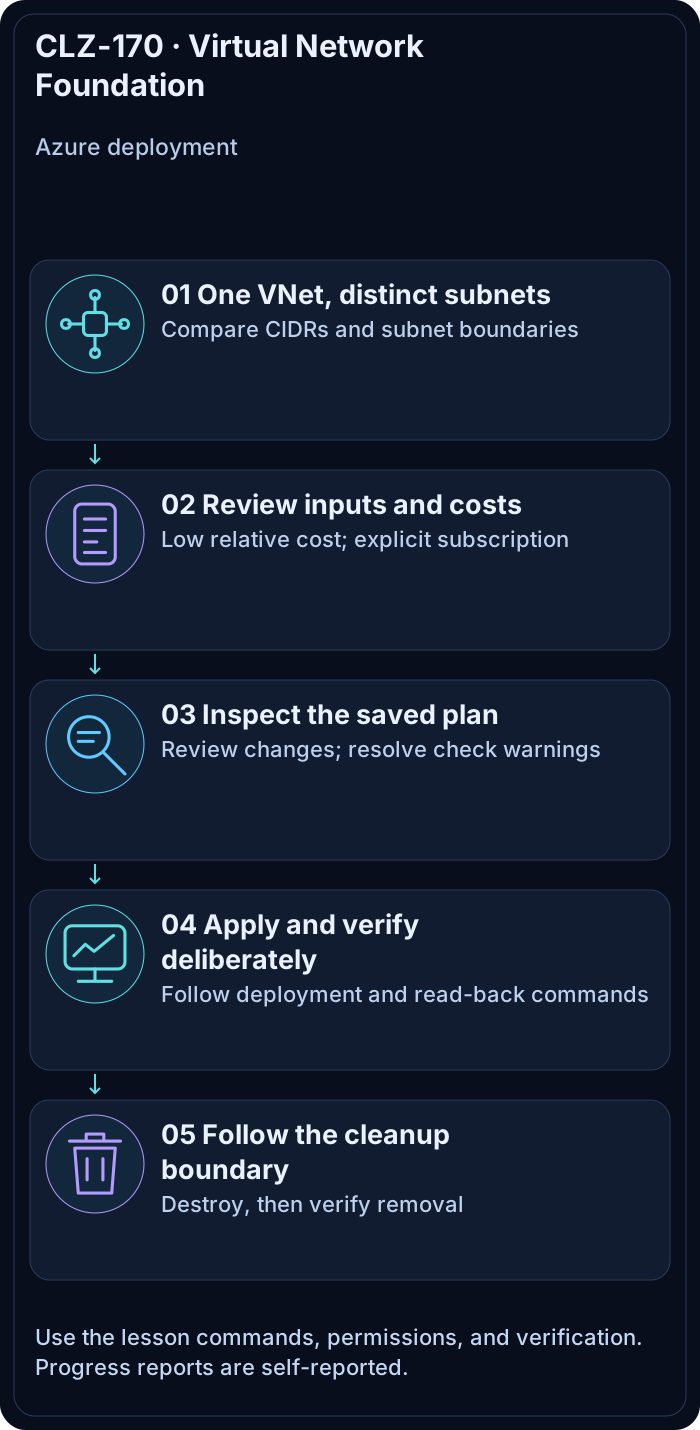
Run from the repository root in PowerShell 7:
Set-Location CLZ-170-virtual-network-foundation
if (-not (Test-Path terraform.tfvars)) {
  Copy-Item terraform.tfvars.example terraform.tfvars
}
$subscriptionId = az account show --query id --output tsv
terraform init -lockfile=readonly
terraform fmt -check
terraform validate
terraform plan -var "subscription_id=$subscriptionId" -out tfplan
terraform show tfplan
terraform apply tfplan
Validate
$resourceGroup = terraform output -raw resource_group_name
$vnet = terraform output -raw vnet_name
az network vnet show --resource-group $resourceGroup --name $vnet --query addressSpace.addressPrefixes --output tsv
az network vnet subnet list --resource-group $resourceGroup --vnet-name $vnet --query '[].{name:name,prefix:addressPrefix}' --output table
Expected result:
- The VNet contains
10.40.0.0/16. - Exactly four subnets appear with distinct
10.40.x.0/24prefixes. - A second Terraform plan reports no changes.
Troubleshooting

| Symptom | Resolution |
|---|---|
| A subnet prefix overlaps | Correct the address plan before apply; Azure will reject overlapping ranges. |
| A preferred region is unavailable | Change location; VNet CIDRs are independent of region. |
| Later peering would overlap | Choose a new nonoverlapping private range before workloads depend on this network. |
Cleanup

$resourceGroup = terraform output -raw resource_group_name
terraform destroy -var "subscription_id=$subscriptionId"
terraform state list
az group exists --name $resourceGroup
The state is empty and Azure CLI returns false.
Production Delta
- Allocate CIDRs from an organization-wide IP address management plan.
- Add DNS, DDoS decisions, route tables, NSGs, flow logs, and hub connectivity according to the platform design.
Exercises
- Add a fifth temporary subnet without overlapping existing ranges and review the plan.
- Draw a peering candidate and prove its address space does not overlap
10.40.0.0/16.
Navigation
← CLZ-160 - State and Locking Basics | Curriculum | CLZ-180 - Network Security Groups →