CLZ-090 - Optional Windows Contributor Workstation Setup
Goal
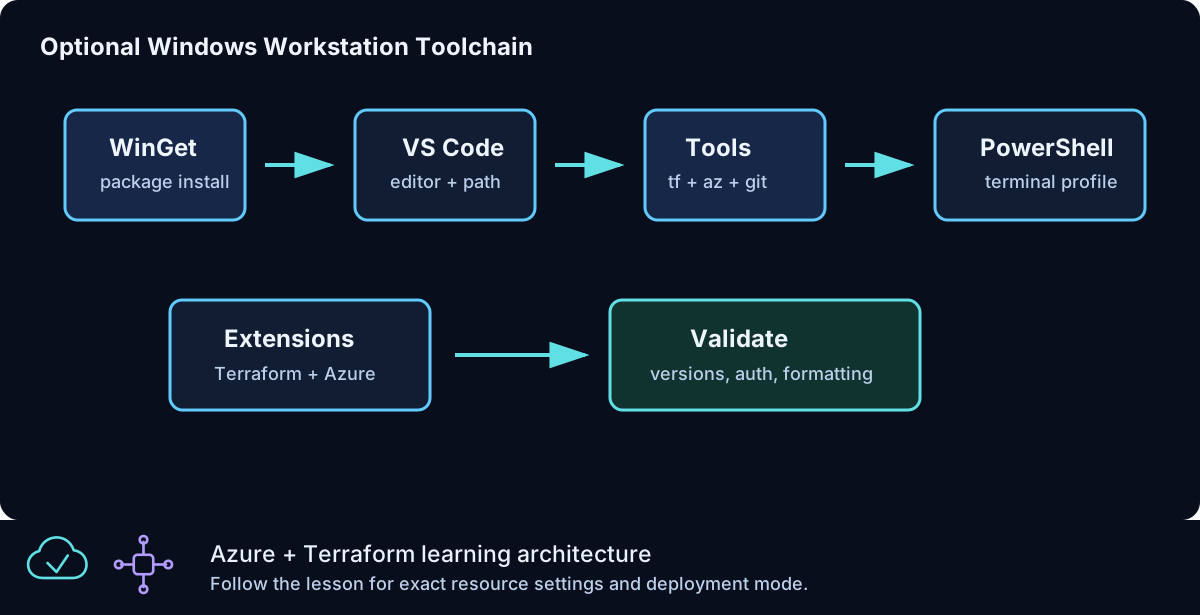
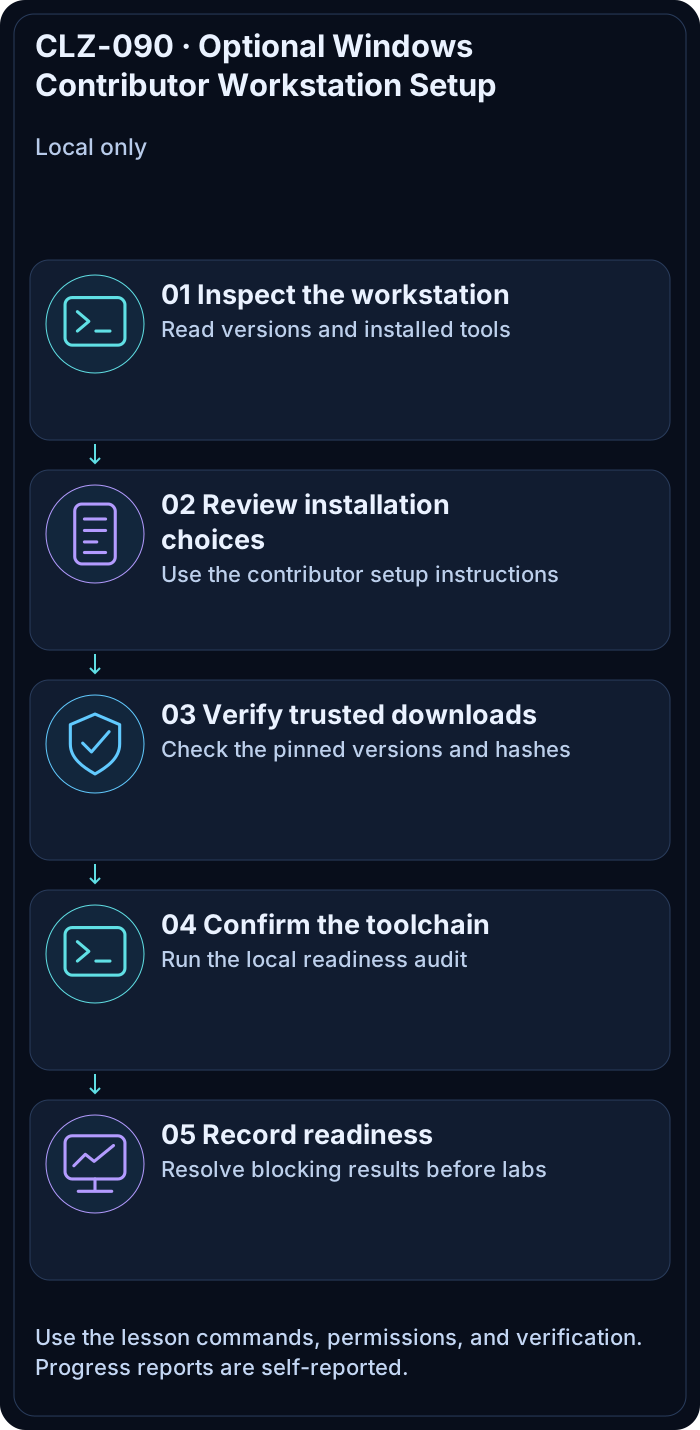
Prepare a Windows 10/11 workstation for both learning and repository contribution, including PowerShell 7, Git, VS Code, Terraform, Azure CLI, and the recommended editor extensions. This local-only lesson never contacts or changes Azure.
Prerequisites
- A supported Windows workstation and permission to install user applications.
- Use an enterprise-approved software channel when WinGet is restricted.
Architecture
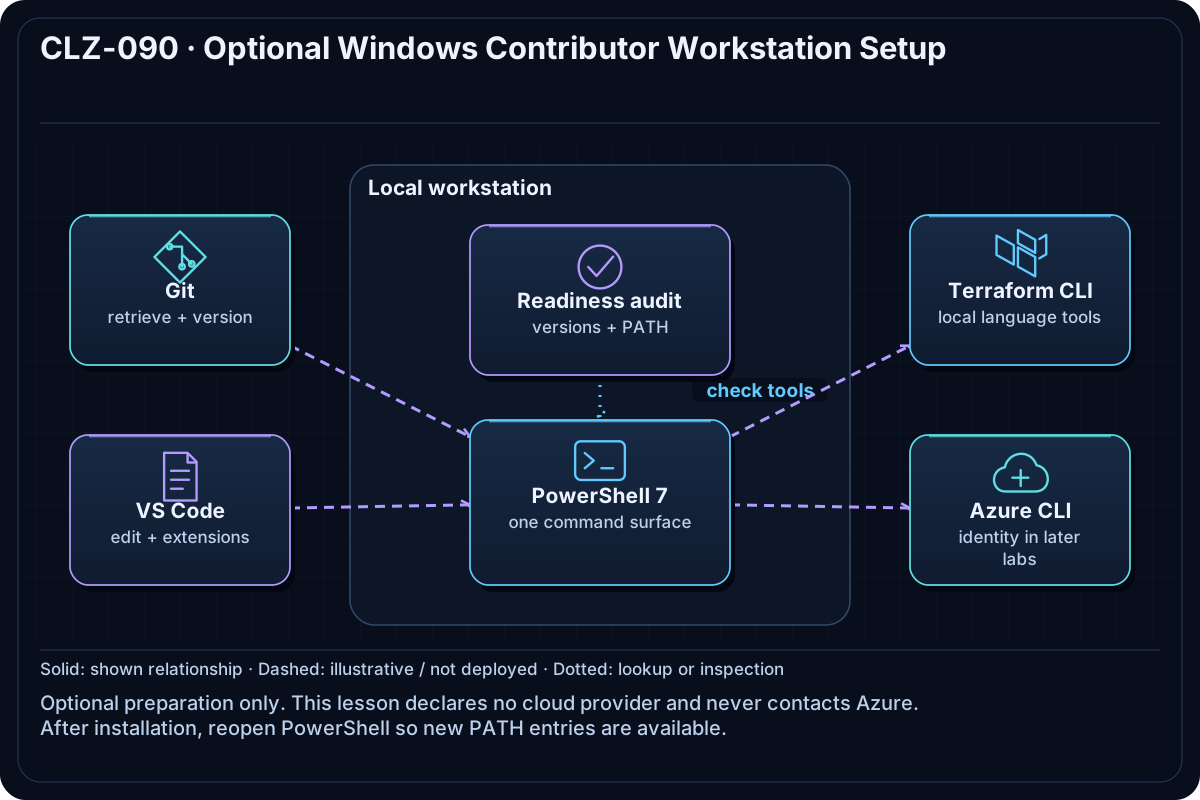
PowerShell is the command surface; Git retrieves and versions the repository; VS Code edits Terraform, Markdown, PowerShell, and YAML; Terraform performs infrastructure operations in later lessons; Azure CLI supplies interactive identity and subscription context. No cloud provider or Azure resource is declared here.
Resources And Cost
Relative cost: None. Only local, freely available tools are used. Enterprise software distribution policies may still apply.
| Component | Purpose and principal cost driver |
|---|---|
| Local tools | PowerShell 7, Git, VS Code, Terraform CLI, and Azure CLI; no Azure billing. |
| VS Code extensions | Terraform, PowerShell, Azure, GitHub Actions, and Markdown authoring support. |
Inputs
| Input | Required substitution or decision |
|---|---|
workstation_os |
Leave Windows unless validating the lesson template. |
preferred_shell |
Use PowerShell 7 for commands in this curriculum. |
editor |
Use Visual Studio Code to match the workspace recommendations. |
Keep real subscription IDs, CIDRs, and secrets in untracked terraform.tfvars or environment variables.
Deploy

Run from the repository root in PowerShell 7:
winget --version
winget install --id Microsoft.PowerShell --source winget
winget install --id Git.Git --source winget
winget install --id Microsoft.VisualStudioCode --source winget
winget install --id Hashicorp.Terraform --source winget
winget install --exact --id Microsoft.AzureCLI
./scripts/Test-AzureFromZeroToHeroToolchain.ps1 -Profile Contributor
Set-Location CLZ-090-optional-vscode-terraform-powershell-setup
terraform init -backend=false -lockfile=readonly
terraform fmt -check
terraform validate
terraform plan
Installation is optional: omit the WinGet commands when the audit reports the required versions already installed. Reopen PowerShell after installation so updated PATH values take effect.
Validate
$commands = 'pwsh','git','code','terraform','az'
$commands | ForEach-Object { Get-Command $_ -ErrorAction Stop | Select-Object Name, Source }
code --list-extensions | Select-String 'hashicorp.terraform|ms-vscode.powershell|markdown'
terraform output -json | ConvertFrom-Json
Expected result:
- Every command resolves from
PATH. - The required Terraform, PowerShell, and Markdown extensions are listed.
- Terraform reports local workstation metadata and plans no Azure resources.
Troubleshooting

| Symptom | Resolution |
|---|---|
| A command is not recognized | Close and reopen PowerShell, then inspect $env:PATH; reinstall only the missing tool. |
| WinGet is blocked | Use the organization-approved package portal or official installer and rerun the audit. |
| VS Code extensions are missing | Open the repository in VS Code and install its workspace recommendations. |
Cleanup

Set-Location ..
Remove-Item CLZ-090-optional-vscode-terraform-powershell-setup/tfplan -ErrorAction SilentlyContinue
There are no Azure resources or Terraform-managed local resources to destroy. Keep the installed tools for later lessons.
Production Delta
- Use managed software distribution, approved versions, endpoint protection, and a non-administrator daily account on corporate workstations.
- Store Azure credentials in supported identity tooling; never in PowerShell profiles or repository files.
Exercises
- Run the Learner and Contributor audits and explain the extra contributor checks.
- Open a new terminal and prove each required command is resolved from the expected installation path.
Navigation
← Curriculum | Curriculum | CLZ-100 - Terraform Foundations →