CLZ-310 - Remote State Storage
Goal
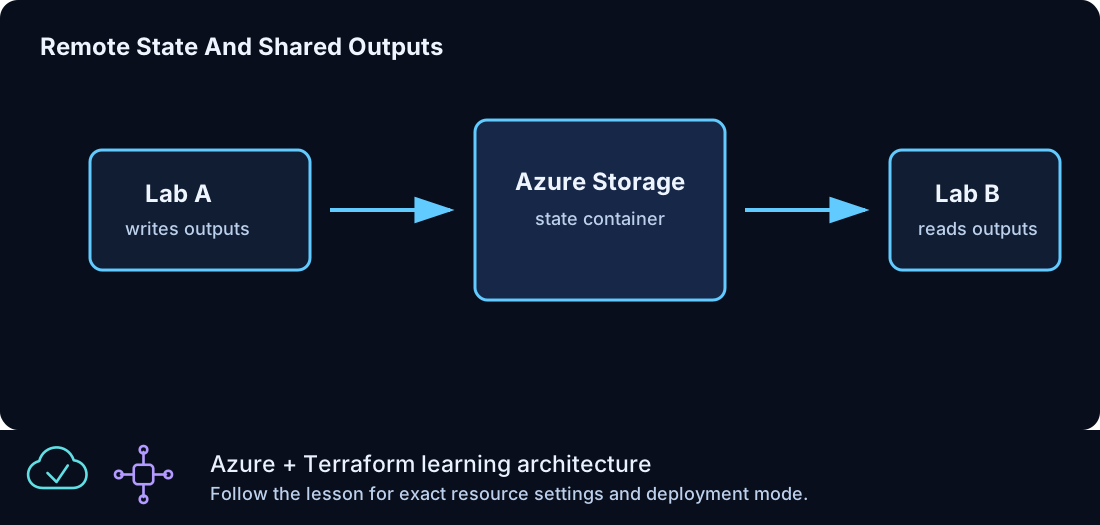
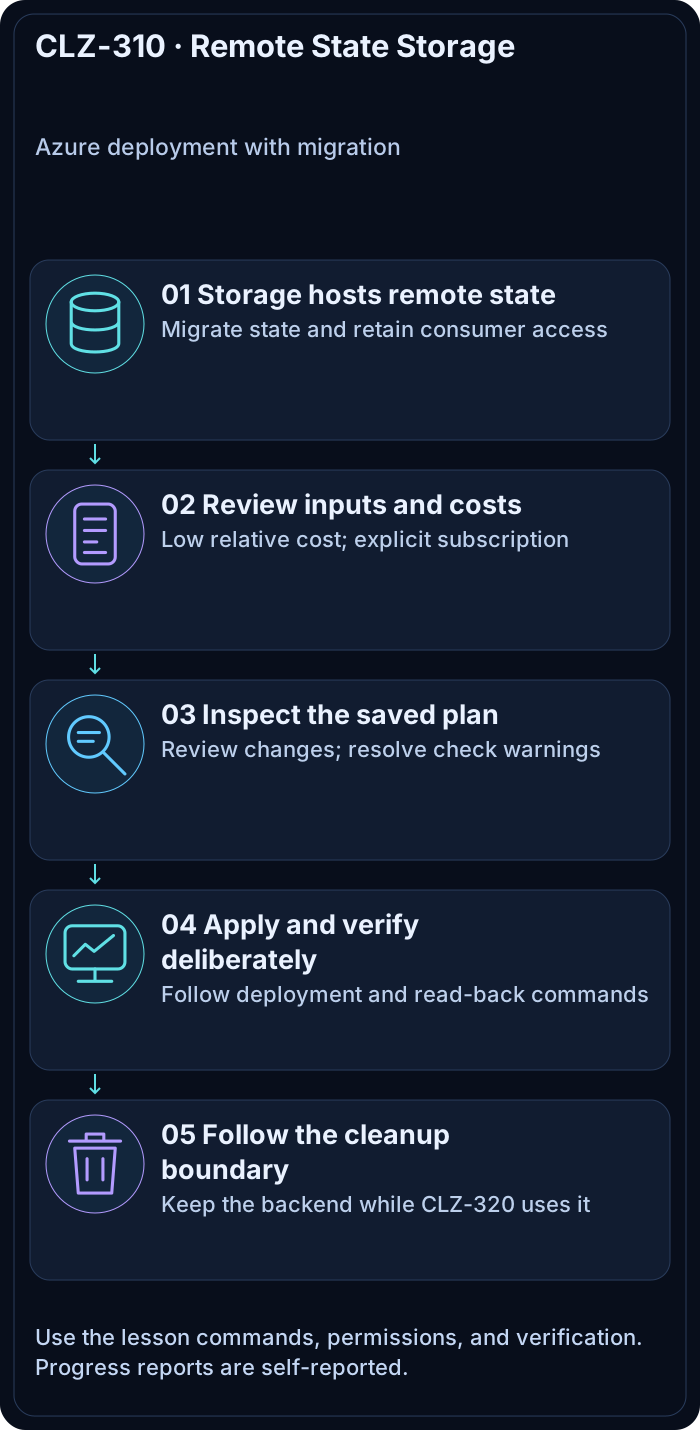
Bootstrap a protected Azure Storage backend from local state, migrate CLZ-310 into it, share its typed configuration with CLZ-320, and later migrate back before deleting the backend.
Prerequisites
- Complete CLZ-160.
- Storage-account creation permission and data-plane blob access through Azure AD.
- Your current public IPv4 expressed as a
/32for the storage firewall. - Keep CLZ-310 alive until CLZ-320 has been destroyed.
Architecture
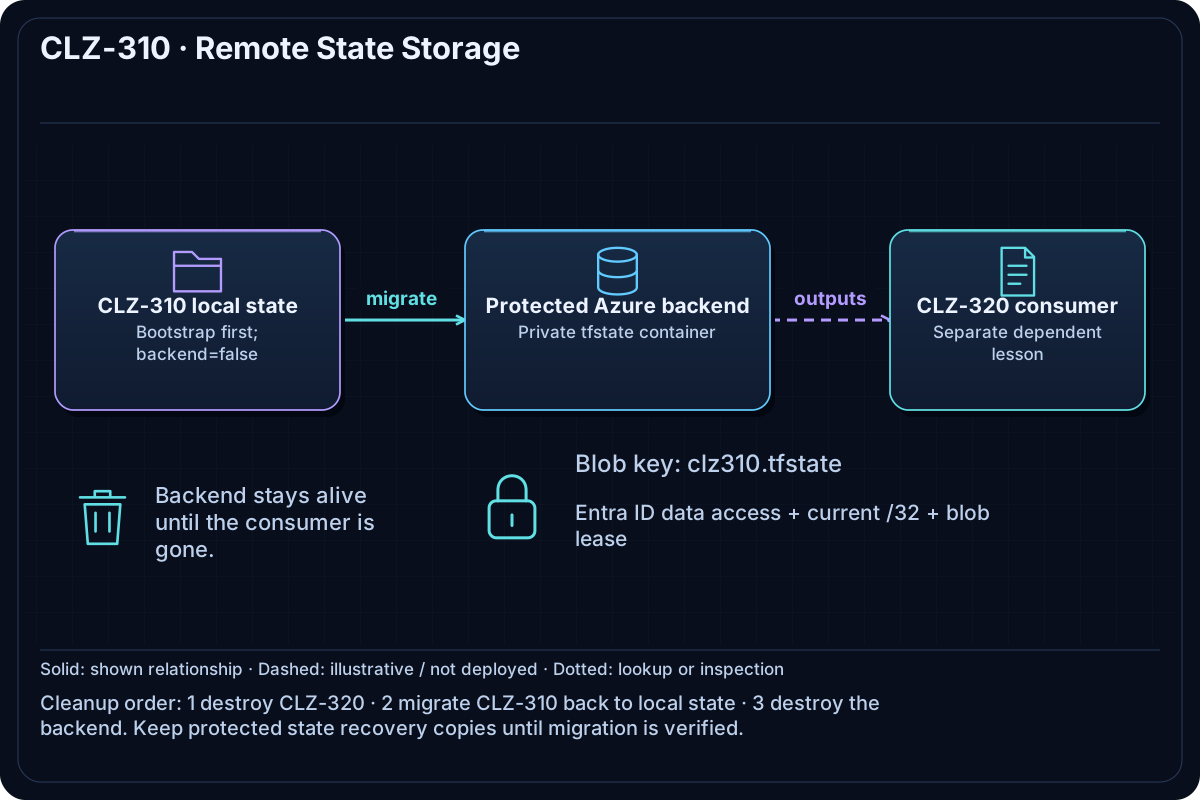
Local state first creates a uniquely named Storage account and private tfstate container. Network rules admit only the supplied workstation IPv4 plus approved Azure service bypass. After bootstrap, an untracked backend block and configuration migrate CLZ-310 state into blob key clz310.tfstate, where Azure Blob leasing provides locking.
Resources And Cost
Relative cost: Low. Standard LRS capacity and transactions are small for lab state; retention, replication, network, and logging choices affect production cost.
| Component | Purpose and principal cost driver |
|---|---|
| Storage account | TLS 1.2, infrastructure encryption, public blob access disabled, restricted firewall; advanced encryption is intentionally platform-managed for lab scope. |
Private tfstate container |
Holds clz310.tfstate; no anonymous access. |
| Random stable suffix | Persists a globally unique storage name in state. |
| Backend example files | Copied to untracked runtime files only after the account exists. |
Inputs
| Input | Required substitution or decision |
|---|---|
subscription_id |
Required for Azure plan, apply, and destroy; use the exact subscription GUID. |
environment |
Keep dev for the lab unless testing another environment boundary. |
location |
Select a supported region with sufficient quota. |
name_prefix |
Use a short lowercase prefix. |
backend_access_cidr |
Required public IPv4 /32 allowed by the Storage firewall; update it when your ISP address changes. |
Keep real subscription IDs, CIDRs, domains, endpoint names, and secrets in untracked local files or environment variables.
Deploy

Run from the repository root in PowerShell 7:
Set-Location CLZ-310-remote-state-storage
Copy-Item terraform.tfvars.example terraform.tfvars
# Edit terraform.tfvars and replace backend_access_cidr with your public IPv4 /32.
$subscriptionId = az account show --query id --output tsv
terraform init -backend=false -lockfile=readonly
terraform fmt -check
terraform validate
terraform plan -var "subscription_id=$subscriptionId" -out tfplan
terraform apply tfplan
terraform output -json backend_configuration
Copy-Item backend.tf.example backend.tf
Copy-Item backend.hcl.example backend.hcl
# Replace the first three backend.hcl values from backend_configuration.
code backend.hcl
terraform init -migrate-state -backend-config=backend.hcl
terraform state list
Accept the state-copy prompt only after checking all four backend values. Never commit backend.tf, backend.hcl, state, or access details.
Validate
$backend = terraform output -json backend_configuration | ConvertFrom-Json
$backend | Format-List
az storage blob show --auth-mode login --account-name $backend.storage_account_name --container-name $backend.container_name --name $backend.key --query '{name:name,size:properties.contentLength}' --output table
terraform state pull | ConvertFrom-Json | Select-Object lineage,serial
Expected result:
- The backend object contains the real resource group, account, container, and key.
- Azure CLI finds
clz310.tfstatein the private container using Azure AD authorization. terraform state pullsucceeds after migration and preserves the state lineage.
Troubleshooting

| Symptom | Resolution |
|---|---|
| Backend initialization gets 403 | Confirm Azure RBAC data-plane access, storage firewall /32, active public IP, and Azure CLI tenant. |
The account cannot exist before init |
Bootstrap with -backend=false; copy the backend examples only after apply. |
| Terraform proposes to recreate backend resources after migration | Stop and compare state lineage/address lists; do not apply until the same objects are present in remote state. |
Cleanup

# First destroy CLZ-320 from its own folder, then return here.
Set-Location ../CLZ-310-remote-state-storage
# Remove the backend block so Terraform detects the implicit local backend.
Rename-Item backend.tf backend.tf.remote
terraform init -migrate-state
terraform state list
Remove-Item backend.tf.remote, backend.hcl -ErrorAction SilentlyContinue
terraform destroy -var "subscription_id=$subscriptionId"
terraform state list
State is copied back locally before the account is destroyed. CLZ-320 is already gone, local state becomes empty after destroy, and no consumer points at the deleted blob.
Production Delta
- Use private endpoints/approved runners, least-privilege blob-data roles, versioning, soft delete, immutability/recovery policy, monitoring, and tested state restoration.
- Intentional lab exception: customer-managed keys require a separate Key Vault, identity, and rotation design; assess that requirement for production.
- Separate backend ownership from workload state so normal workload destroy cannot delete its own backend.
Exercises
- Acquire a state lock in one terminal and observe a second state-changing command fail safely.
- Complete the CLZ-320 consumer, destroy it, migrate CLZ-310 back locally, and verify reverse-order cleanup.
Navigation
← CLZ-300 - Optional Public DNS | Curriculum | CLZ-320 - Cross-Environment State →