CLZ-220 - Standard Load Balancer for Windows
Goal
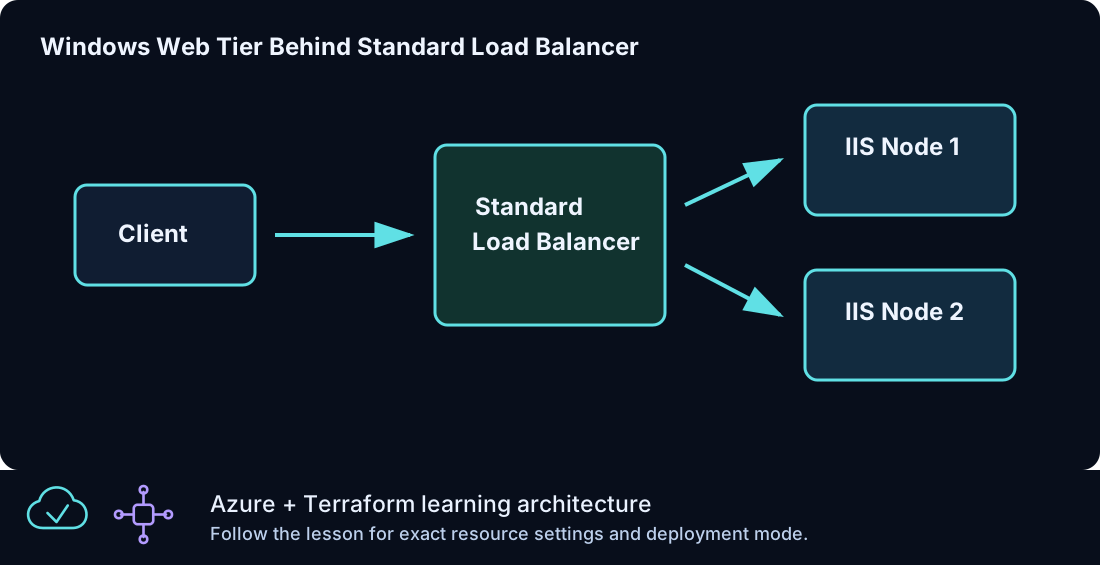
Serve one public HTTP endpoint from multiple IIS Windows backends and define both inbound distribution and explicit outbound SNAT behavior.
Prerequisites
- Complete CLZ-210 and understand why workload administration should be private.
- Quota for the requested Windows instance count.
- Allow several minutes for IIS extensions and the health probe to become ready.
Architecture
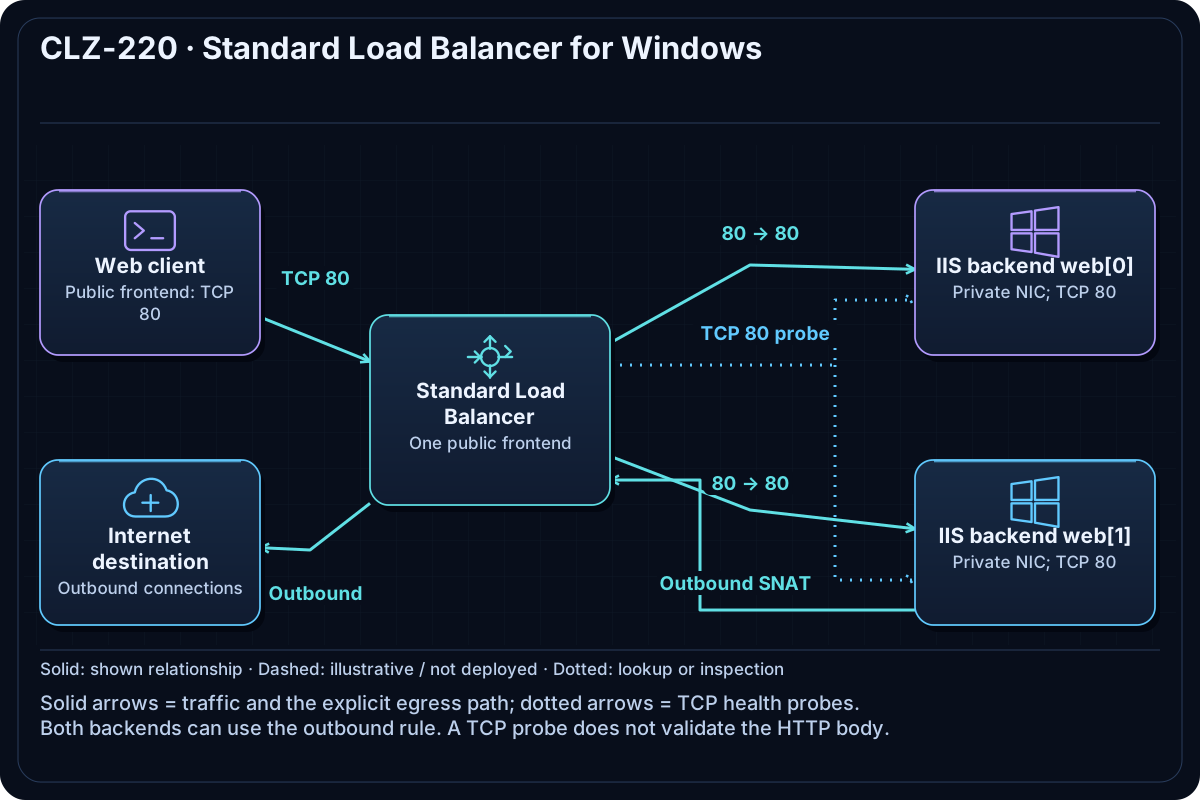
A Standard public IP fronts a Standard Load Balancer. Its backend pool contains two private NICs. The configuration does not explicitly select availability zones. A TCP health probe gates an HTTP rule, and an outbound rule explicitly supplies SNAT; the inbound rule disables implicit outbound SNAT.
Resources And Cost
Relative cost: High. Multiple Windows VMs and disks dominate. The Standard public IP and outbound data also contribute.
| Component | Purpose and principal cost driver |
|---|---|
| Standard Load Balancer and public IP | HTTP frontend, probe, backend pool, rule, and explicit outbound rule. |
| Windows IIS backends | Private NICs in the web subnet; instance count multiplies compute/disk cost. |
| VNet and web NSG | Allows the intended HTTP flow while Azure's default rules deny other unsolicited ingress. |
Inputs
| Input | Required substitution or decision |
|---|---|
subscription_id |
Required for plan, apply, and destroy; use the exact subscription GUID. |
environment |
Keep dev for an ephemeral lab unless testing an environment boundary. |
location |
Select a supported region with adequate quota. |
name_prefix |
Use a short lowercase prefix for derived names. |
admin_username |
Nonreserved local administrator name used on each backend. |
vm_size |
Use a small regionally available Windows size. |
Keep real subscription IDs, CIDRs, and secrets in untracked terraform.tfvars or environment variables.
The configuration fixes the backend count at two; it does not expose an instance_count input.
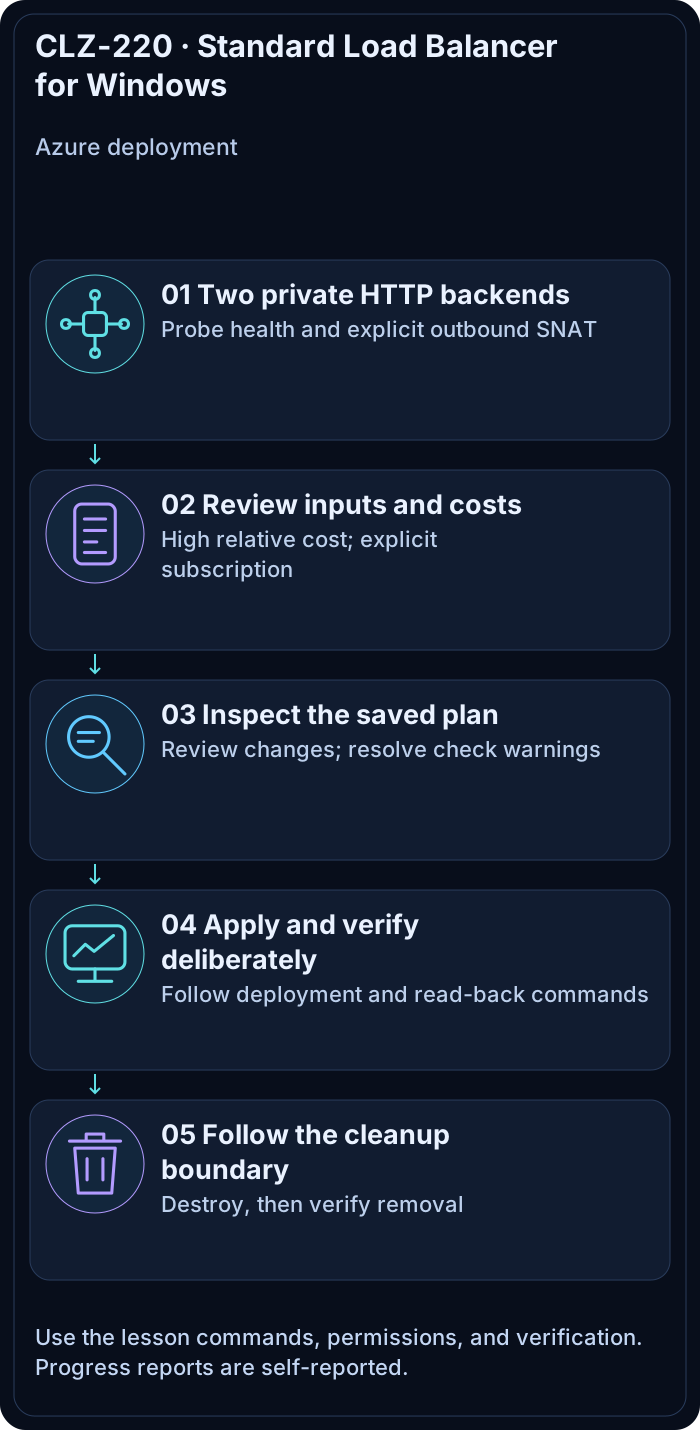
Deploy

Run from the repository root in PowerShell 7:
Set-Location CLZ-220-standard-load-balancer-windows
if (-not (Test-Path terraform.tfvars)) {
  Copy-Item terraform.tfvars.example terraform.tfvars
}
$subscriptionId = az account show --query id --output tsv
terraform init -lockfile=readonly
terraform fmt -check
terraform validate
terraform plan -var "subscription_id=$subscriptionId" -out tfplan
terraform show tfplan
terraform apply tfplan
Validate
$resourceGroup = terraform output -raw resource_group_name
$url = terraform output -raw load_balancer_url
1..4 | ForEach-Object { (Invoke-WebRequest -Uri $url -UseBasicParsing).Content }
$lb = az network lb list --resource-group $resourceGroup --query '[0].name' -o tsv
az network lb outbound-rule list --resource-group $resourceGroup --lb-name $lb --query '[].{name:name,protocol:protocol,ports:allocatedOutboundPorts}' --output table
az network lb probe list --resource-group $resourceGroup --lb-name $lb --output table
Expected result:
- Repeated HTTP requests return status 200 and can show more than one backend identity.
- The health probe and HTTP rule exist.
- An explicit outbound rule is listed; the matching inbound rule does not provide implicit outbound SNAT.
Troubleshooting

| Symptom | Resolution |
|---|---|
| Connections time out or a backend returns an HTTP error | Wait for IIS bootstrap, then inspect probe health, NSG port 80, backend-pool associations, and the application's response. The layer-4 load balancer does not generate HTTP 502 responses. |
| A backend cannot download bootstrap content | Verify the outbound rule and backend pool membership. |
| Only one page appears repeatedly | Load Balancer distribution is flow based; use new TCP connections and verify both backends are healthy. |
Cleanup

$resourceGroup = terraform output -raw resource_group_name
terraform destroy -var "subscription_id=$subscriptionId"
az group exists --name $resourceGroup
The load balancer, public IP, VMs, disks, and network are deleted.
Production Delta
- Use zones/zone-redundant components where supported, TLS termination, application health semantics, monitoring, and capacity planning.
- Keep explicit outbound behavior, but prefer NAT Gateway or Azure Firewall when workloads need scalable or governed egress.
Exercises
- Temporarily stop one backend and observe probe-driven removal without changing Terraform.
- Explain why Standard Load Balancer preserves client source IP and how that affects NSG design.
Navigation
← CLZ-210 - Azure Bastion RDP | Curriculum | CLZ-230 - Load Balancer NAT Rules →