CLZ-120 - First Azure Deployment and Terraform Workflow
Goal
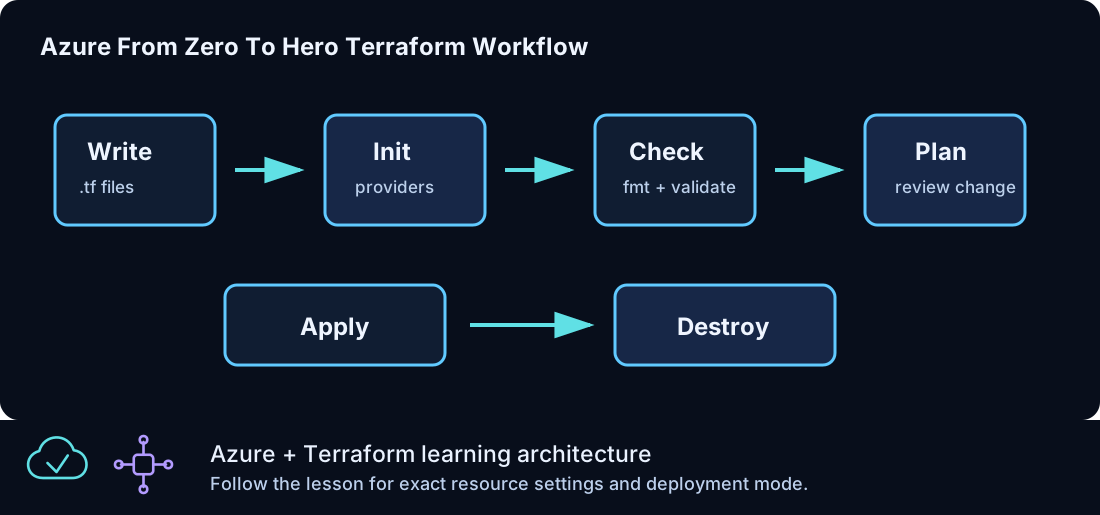
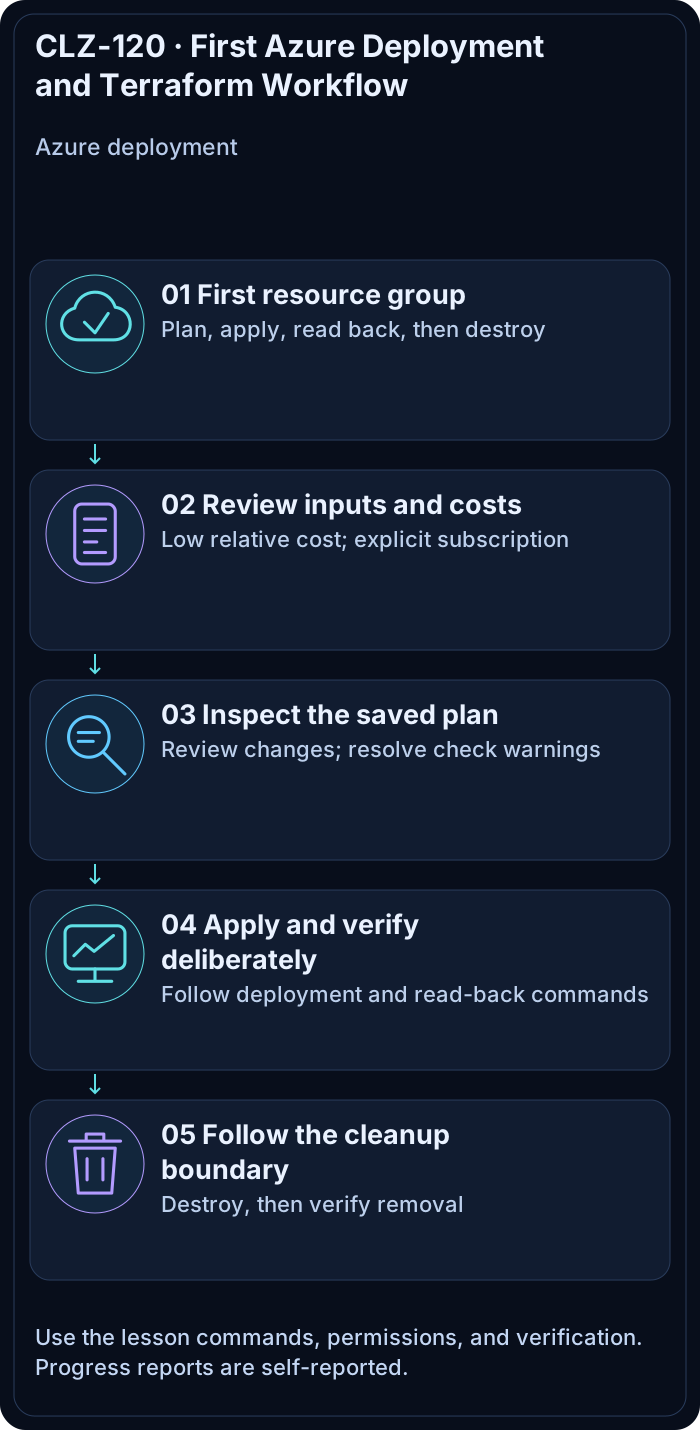
Run the complete, reviewable Terraform lifecycle against Azure for the first time: initialize, format, validate, plan, inspect, apply, verify, and destroy a tagged resource group.
Prerequisites
- Complete CLZ-110 and keep its intended subscription ID available.
- Contributor permission at a disposable learning scope.
- No active resources from an older version of this lesson.
Architecture
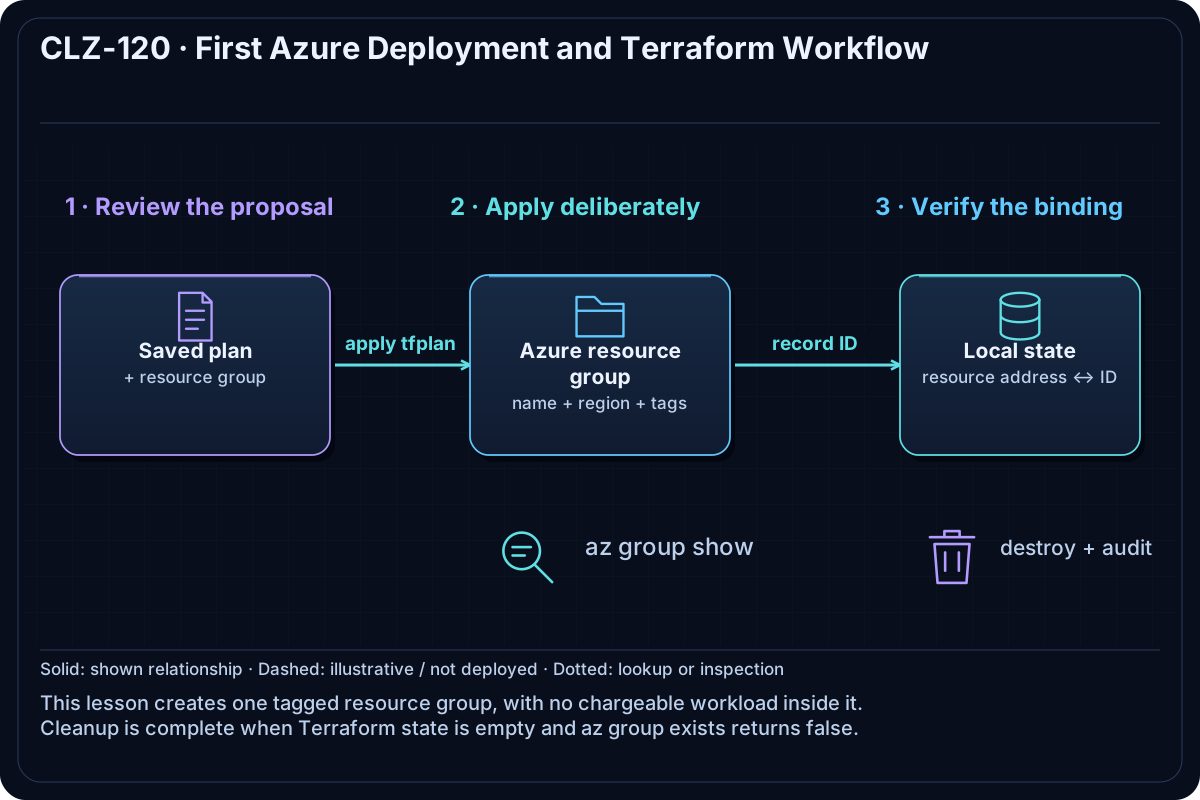
The AzureRM provider authenticates through the selected Azure CLI context while subscription_id pins the target. One tagged resource group is the smallest Azure object that demonstrates the full Terraform lifecycle.
Resources And Cost
Relative cost: Low. An empty resource group has no direct charge, although resources later placed inside it can be billable.
| Component | Purpose and principal cost driver |
|---|---|
| Azure resource group | Lifecycle boundary carrying the standard lesson tags. |
| Local Terraform state and plan | Tracks the resource; protect it even though this lesson stores no secret. |
Inputs
| Input | Required substitution or decision |
|---|---|
subscription_id |
Required for Azure plan, apply, and destroy; copy the exact ID returned by Azure CLI. |
environment |
Keep dev for the lab or choose test/prod only to study the naming boundary. |
location |
Use a region where your subscription has access and sufficient quota. |
name_prefix |
Use a short lowercase prefix; resource names derive from it. |
Keep real subscription IDs, CIDRs, and secrets in untracked terraform.tfvars or environment variables.
Deploy

Run from the repository root in PowerShell 7:
Set-Location CLZ-120-terraform-core-workflow
if (-not (Test-Path terraform.tfvars)) {
  Copy-Item terraform.tfvars.example terraform.tfvars
}
$subscriptionId = az account show --query id --output tsv
terraform init -lockfile=readonly
terraform fmt -check
terraform validate
terraform plan -var "subscription_id=$subscriptionId" -out tfplan
terraform show tfplan
terraform apply tfplan
Validate
$resourceGroup = terraform output -raw resource_group_name
az group show --name $resourceGroup --query '{name:name,location:location,state:properties.provisioningState,tags:tags}' --output json
terraform state list
Expected result:
- Azure reports the exact output name, selected location,
Succeeded, and the standard tags. - Terraform state contains only
azurerm_resource_group.lab. - Re-running
terraform planreports no changes.
Troubleshooting

| Symptom | Resolution |
|---|---|
| Provider configuration requires a subscription | Pass -var "subscription_id=$subscriptionId" and confirm the value is a GUID. |
| Authorization fails | Verify the CLZ-110 role assignment at the target scope and allow time for a new grant to propagate. |
| The plan targets an unexpected subscription | Stop; compare $subscriptionId, az account show, and the provider plan before applying. |
Cleanup

$resourceGroup = terraform output -raw resource_group_name
terraform destroy -var "subscription_id=$subscriptionId"
terraform state list
az group exists --name $resourceGroup
Destroy completes, state is empty, and Azure CLI returns false for the resource group.
Production Delta
- Use a reviewed remote backend with locking, encryption, restricted access, and recovery controls.
- Run plans in CI with workload identity federation and require approval before apply.
Exercises
- Change only the environment and identify which name/tag values force replacement.
- Run a second plan after apply and explain why an empty plan is an important acceptance check.
Navigation
← CLZ-110 - Azure CLI and Subscription Readiness | Curriculum | CLZ-130 - Provider Authentication →