CLZ-340 - Key Vault Secrets
Goal
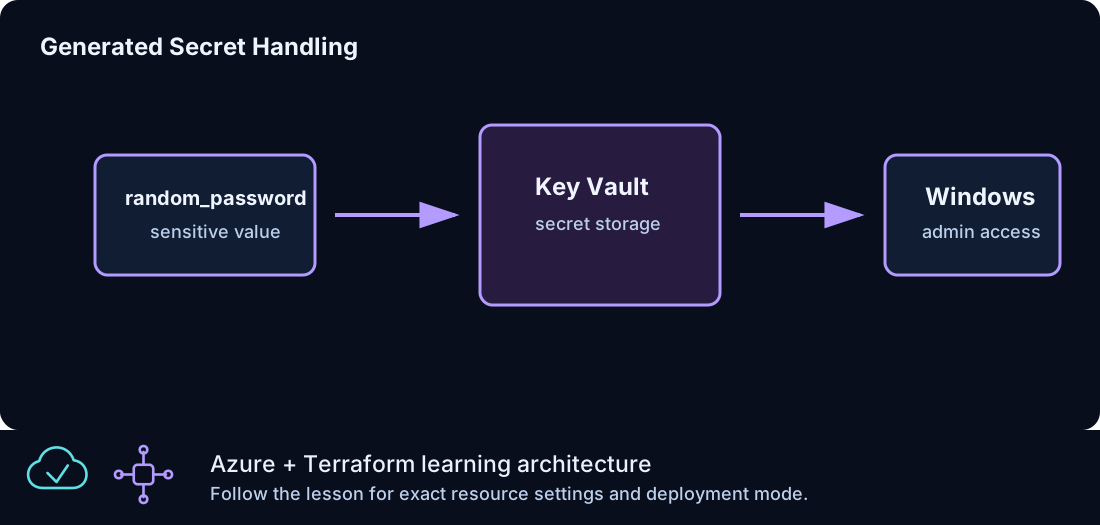
Generate a strong Windows administrator password, store it in a uniquely named Key Vault, expose only safe metadata, and keep secret material out of normal command output.
Prerequisites
- Complete CLZ-130.
- Permission to create Key Vaults and manage secrets.
- Your current public IPv4 expressed as a
/32for the lab vault firewall.
Architecture
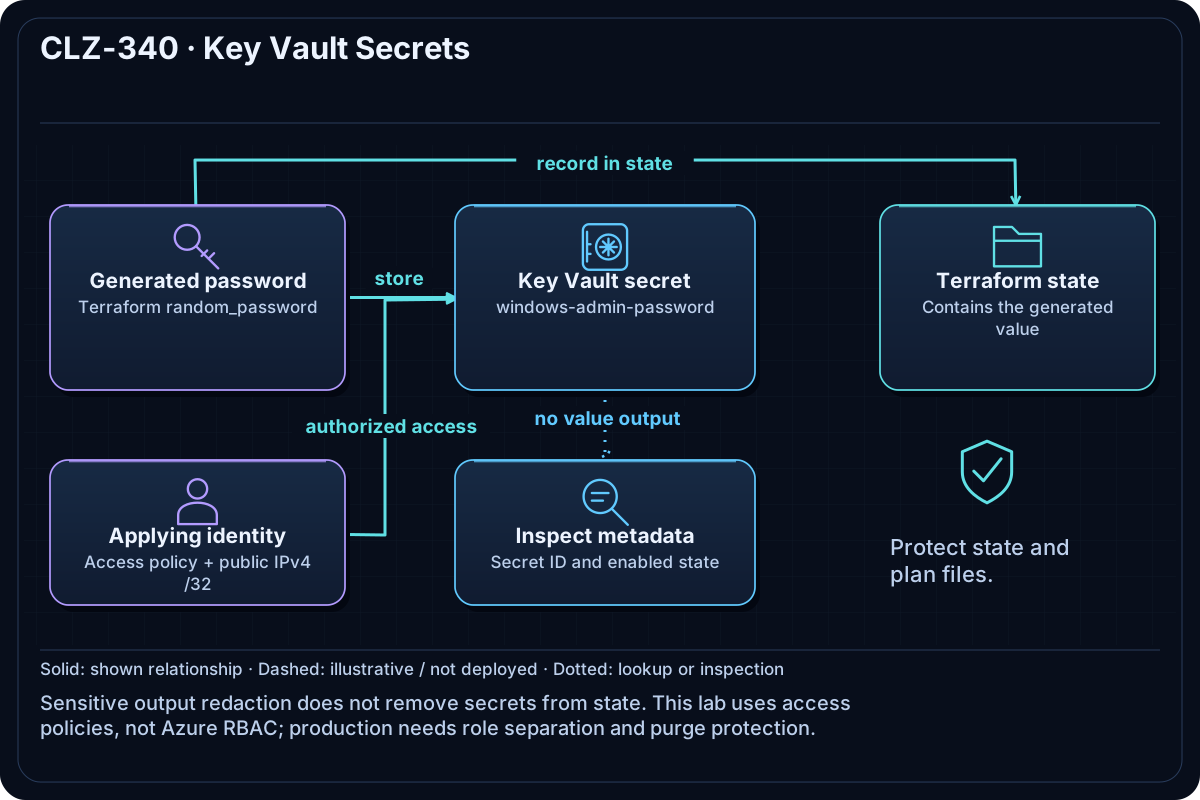
A stable random suffix makes the vault name globally unique. Terraform generates the password, creates a Standard vault restricted to the supplied IPv4, grants the current identity lab secret permissions, and writes one secret. The value remains sensitive but is still present in state.
Resources And Cost
Relative cost: Low. Standard Key Vault operations and secret storage are low cost; private endpoints, HSM-backed keys, and high transaction volume add cost.
| Component | Purpose and principal cost driver |
|---|---|
| Key Vault | Standard tier, soft delete, firewall default deny, and a stable unique name. |
| Generated password and secret | Strong random value stored as windows-admin-password and in Terraform state. |
| Access policy | Grants the applying identity the permissions needed for this disposable lesson. |
| Stable random suffix | Prevents global naming collisions without changing on every plan. |
Inputs
| Input | Required substitution or decision |
|---|---|
subscription_id |
Required for Azure plan, apply, and destroy; use the exact subscription GUID. |
environment |
Keep dev for an ephemeral lab unless testing another environment boundary. |
location |
Choose a supported region with sufficient quota. |
name_prefix |
Use a short lowercase prefix for derived names. |
key_vault_access_cidr |
Required current public IPv4 /32; broad CIDRs are rejected. |
Keep real subscription IDs, CIDRs, endpoint names, and secrets in untracked local files or protected repository settings.
Deploy

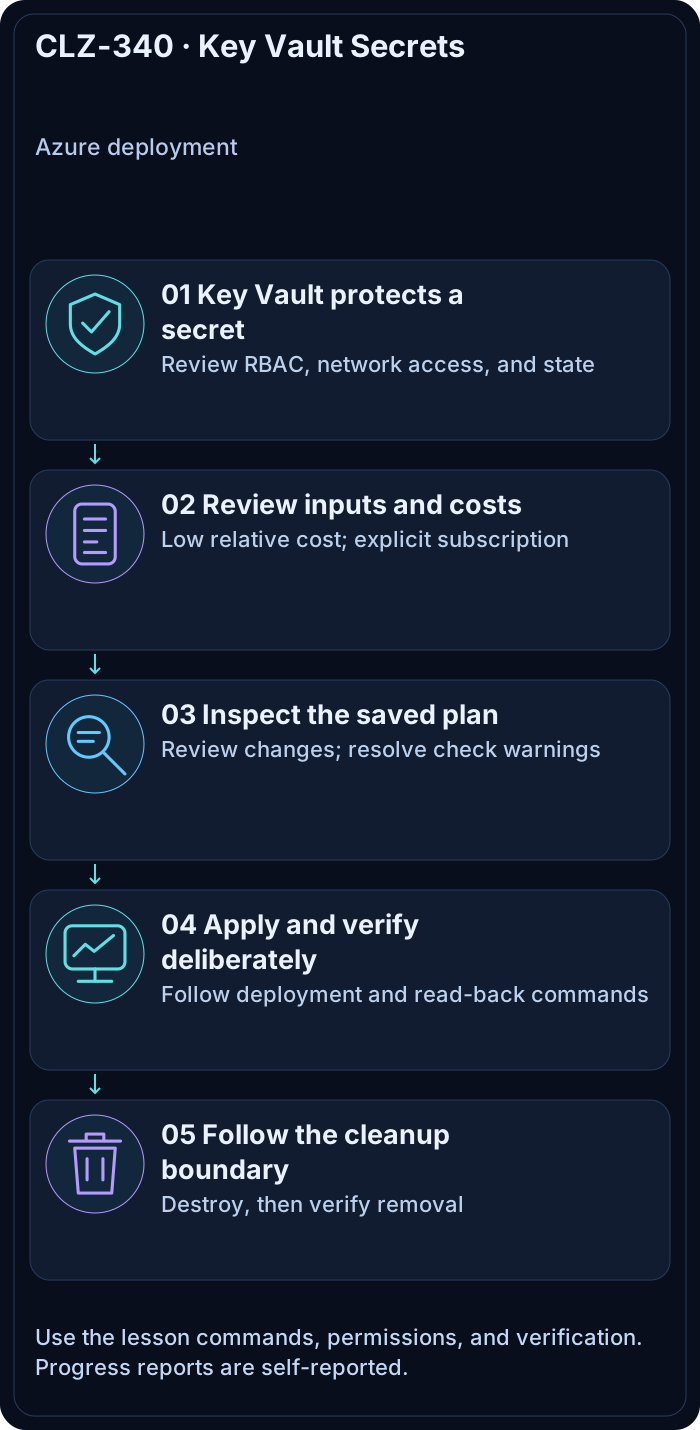
Run from the repository root in PowerShell 7:
Set-Location CLZ-340-key-vault-secrets
if (-not (Test-Path terraform.tfvars)) {
  Copy-Item terraform.tfvars.example terraform.tfvars
}
$subscriptionId = az account show --query id --output tsv
terraform init -lockfile=readonly
terraform fmt -check
terraform validate
terraform plan -var "subscription_id=$subscriptionId" -out tfplan
terraform show tfplan
terraform apply tfplan
Validate
$vault = terraform output -raw key_vault_name
az keyvault show --name $vault --query '{name:name,state:properties.provisioningState,publicAccess:properties.publicNetworkAccess,purgeProtection:properties.enablePurgeProtection}' --output json
az keyvault secret show --vault-name $vault --name (terraform output -raw secret_name) --query '{id:id,enabled:attributes.enabled}' --output json
terraform output
Expected result:
- The vault has the stable suffixed name and reaches
Succeeded. - Secret metadata is readable from the admitted
/32; validation never prints the value. - Ordinary Terraform output marks secret-bearing data sensitive.
Troubleshooting

| Symptom | Resolution |
|---|---|
| Key Vault returns Forbidden | Confirm the active identity, access policy propagation, current public IP, and firewall /32. |
| The name is unavailable | Keep state intact so the random suffix remains stable; do not hand-edit the generated name. |
| The vault is soft-deleted after an earlier run | Recover/purge only in the disposable lab scope and respect organization retention policy. |
Cleanup

$resourceGroup = terraform output -raw resource_group_name
$vault = terraform output -raw key_vault_name
terraform destroy -var "subscription_id=$subscriptionId"
az group exists --name $resourceGroup
The resource group is gone. Azure may retain a soft-deleted vault name for the configured retention period.
Production Delta
- Intentional lab exception: enable purge protection and do not grant routine purge permission.
- Prefer Azure RBAC, private endpoints, managed identities, rotation/expiration, diagnostic logs, and separation of secret administration from consumers.
- Treat Terraform state as secret-bearing and protect its backend accordingly.
Exercises
- Inspect secret metadata without retrieving its value and explain why that is safer for logs.
- Rotate the generated secret in a disposable plan and identify every state/security implication.
Navigation
← CLZ-330 - Traffic Manager Global Routing | Curriculum | CLZ-350 - Private Endpoint for Storage →