CLZ-260 - Windows VMSS Manual Scaling
Goal
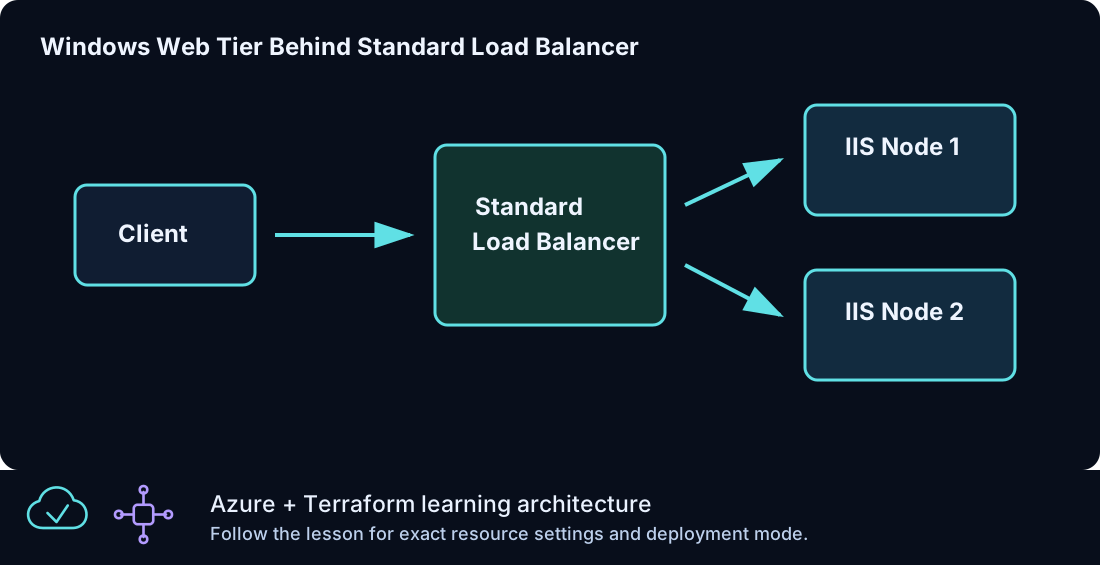
Deploy a reusable Windows IIS Virtual Machine Scale Set behind Standard Load Balancer and change capacity intentionally through a validated integer input.
Prerequisites
- Complete CLZ-250.
- Quota for the chosen
vm_sizemultiplied byinstance_count. - Understand that scale-set instances are replaceable members, not individually named servers.
Architecture
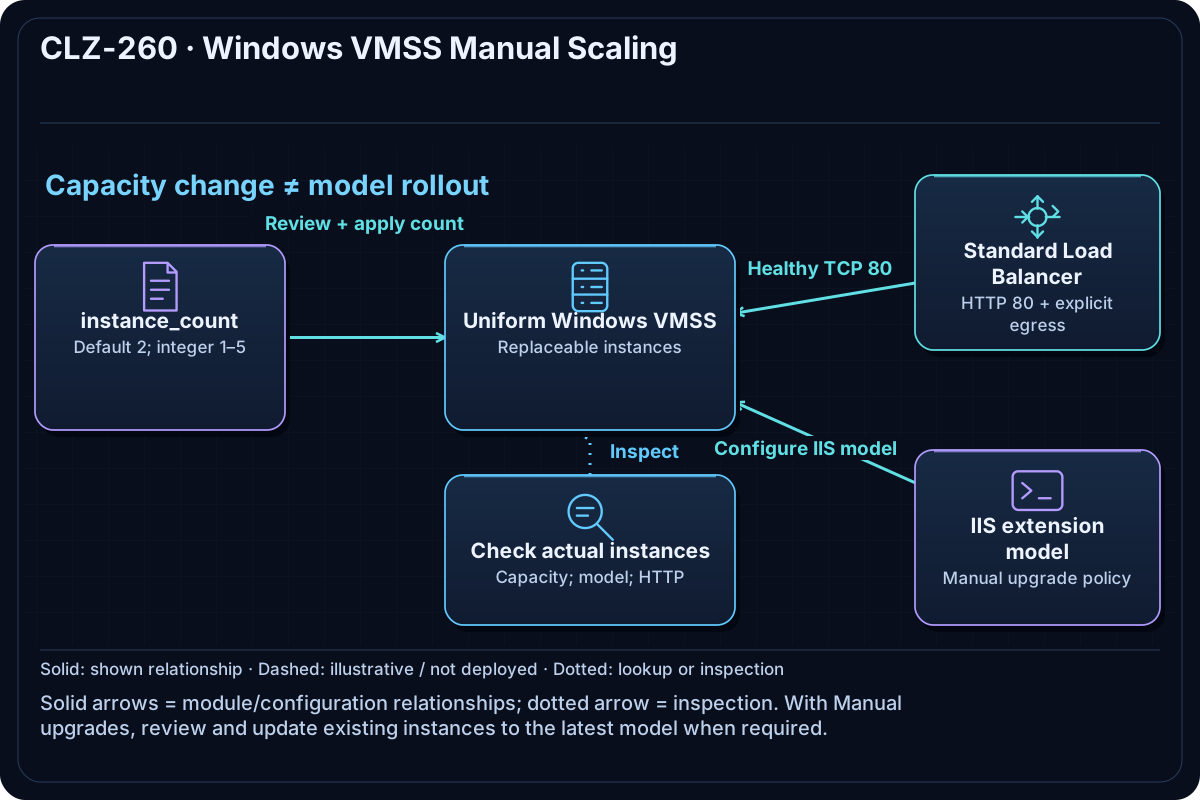
The lesson supplies a web subnet and generated administrator credential to the shared windows-iis-vmss module. The module creates a uniform Windows VMSS, IIS bootstrap, Standard Load Balancer, health probe, HTTP rule, and explicit outbound rule.
Resources And Cost
Relative cost: High. VMSS instance count and size dominate; the Standard public IP and managed OS disks also incur charges.
| Component | Purpose and principal cost driver |
|---|---|
| Windows VMSS | Uniform IIS instances; capacity is changed manually. |
| Shared VMSS module | Encapsulates load balancer, explicit outbound rule, public IP, bootstrap, and outputs. |
| VNet and web NSG | Allows the public HTTP teaching path to healthy instances. |
Inputs
| Input | Required substitution or decision |
|---|---|
subscription_id |
Required for Azure plan, apply, and destroy; use the exact subscription GUID. |
environment |
Keep dev for the lab unless testing another environment boundary. |
location |
Select a supported region with sufficient quota. |
name_prefix |
Use a short lowercase prefix. |
admin_username |
Nonreserved administrator name used by the scale set. |
vm_size |
Small Windows size applied uniformly to all instances. |
instance_count |
Positive whole number; keep it small because it directly multiplies cost. |
Keep real subscription IDs, CIDRs, domains, endpoint names, and secrets in untracked local files or environment variables.
Deploy

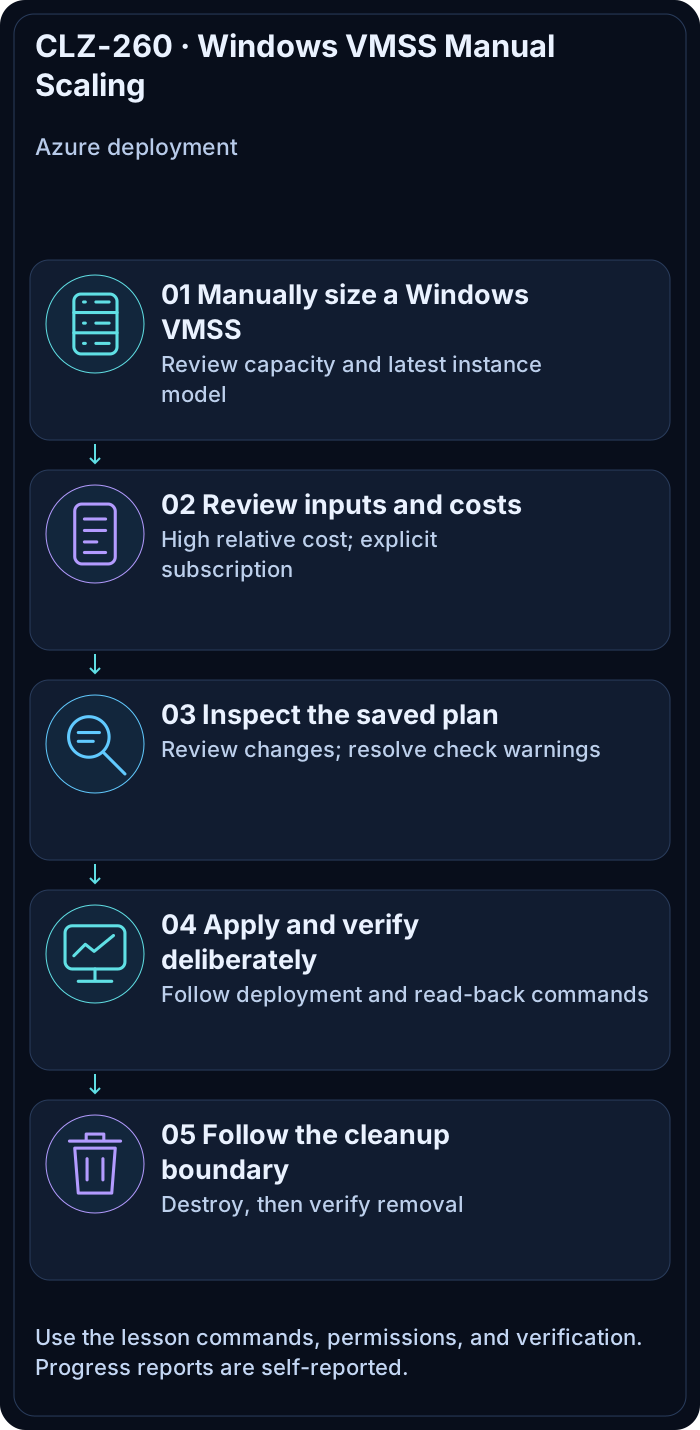
Run from the repository root in PowerShell 7:
Set-Location CLZ-260-windows-vmss-manual-scaling
if (-not (Test-Path terraform.tfvars)) {
  Copy-Item terraform.tfvars.example terraform.tfvars
}
$subscriptionId = az account show --query id --output tsv
terraform init -lockfile=readonly
terraform fmt -check
terraform validate
terraform plan -var "subscription_id=$subscriptionId" -out tfplan
terraform show tfplan
terraform apply tfplan
Validate
The shared VMSS module uses a Manual upgrade policy. An IIS extension added to the model may require explicitly updating existing instances. Review the instance model and extension status before expecting healthy HTTP responses:
$resourceGroup = terraform output -raw resource_group_name
$scaleSetName = az vmss list --resource-group $resourceGroup --query '[0].name' --output tsv
az vmss list-instances --resource-group $resourceGroup --name $scaleSetName --expand instanceView --output json
# Deliberate Azure change: update these lab instances to the latest model after review.
az vmss update-instances --resource-group $resourceGroup --name $scaleSetName --instance-ids '*'
Follow Microsoft's VMSS application deployment guidance. Wait for successful extension execution and probe health before checking HTTP.
$resourceGroup = terraform output -raw resource_group_name
$url = terraform output -raw vmss_load_balancer_url
(Invoke-WebRequest -Uri $url -UseBasicParsing).StatusCode
az vmss list --resource-group $resourceGroup --query '[].{name:name,capacity:sku.capacity,size:sku.name,state:provisioningState}' --output table
$lb = az network lb list --resource-group $resourceGroup --query '[0].name' -o tsv
az network lb outbound-rule list --resource-group $resourceGroup --lb-name $lb --output table
Expected result:
- HTTP returns
200after the probe marks instances healthy. - VMSS capacity equals the requested integer and its size equals
vm_size. - The module-created Load Balancer has an explicit outbound rule.
Troubleshooting

| Symptom | Resolution |
|---|---|
| HTTP is unavailable immediately after apply | Wait for model deployment, extension execution, and probe health. |
| A fractional count fails | Use a positive integer; the module validates instance cardinality. |
| Scale-out fails on quota | Reduce capacity/size or choose a region with verified quota before retrying. |
Cleanup

$resourceGroup = terraform output -raw resource_group_name
terraform destroy -var "subscription_id=$subscriptionId"
az group exists --name $resourceGroup
The VMSS instances, Load Balancer, public IP, and network are deleted.
Production Delta
- Build and patch a versioned image, use rolling upgrade policy and application health, and collect guest diagnostics.
- Use autoscaling with tested bounds where demand changes; govern egress with NAT Gateway or Firewall when appropriate.
Exercises
- Increase capacity by one, review the plan, apply, and prove the new instance count.
- Change only
vm_sizein a disposable plan and inspect the scale-set model update.
Navigation
← CLZ-250 - For Each with Windows VMs | Curriculum | CLZ-270 - Windows VMSS Autoscaling →