CLZ-110 - Azure CLI and Subscription Readiness
Goal
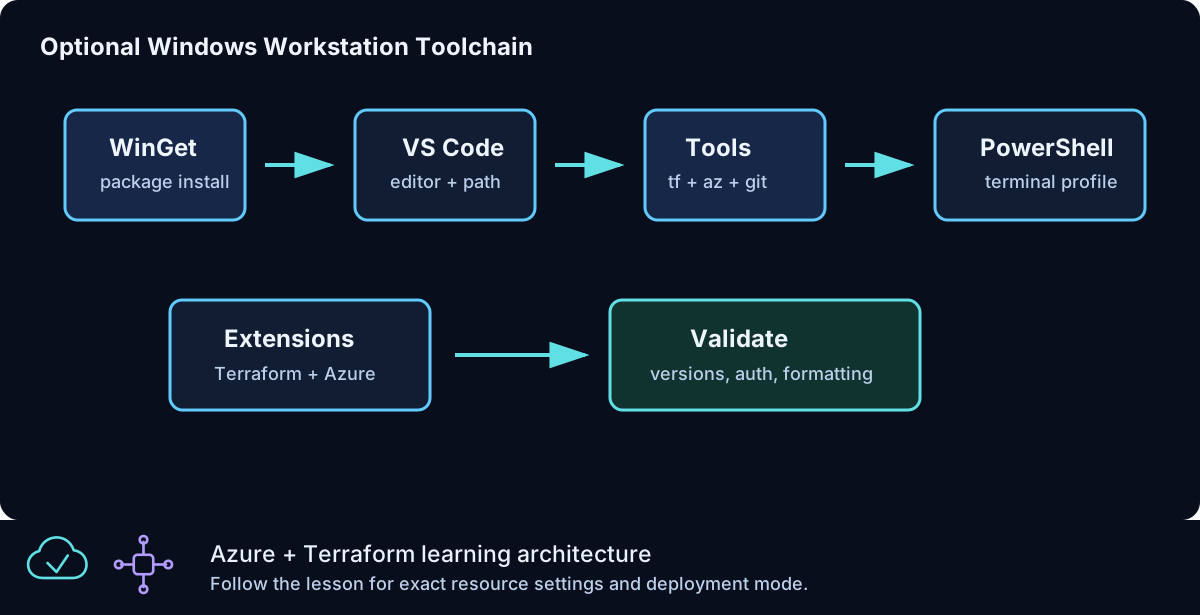
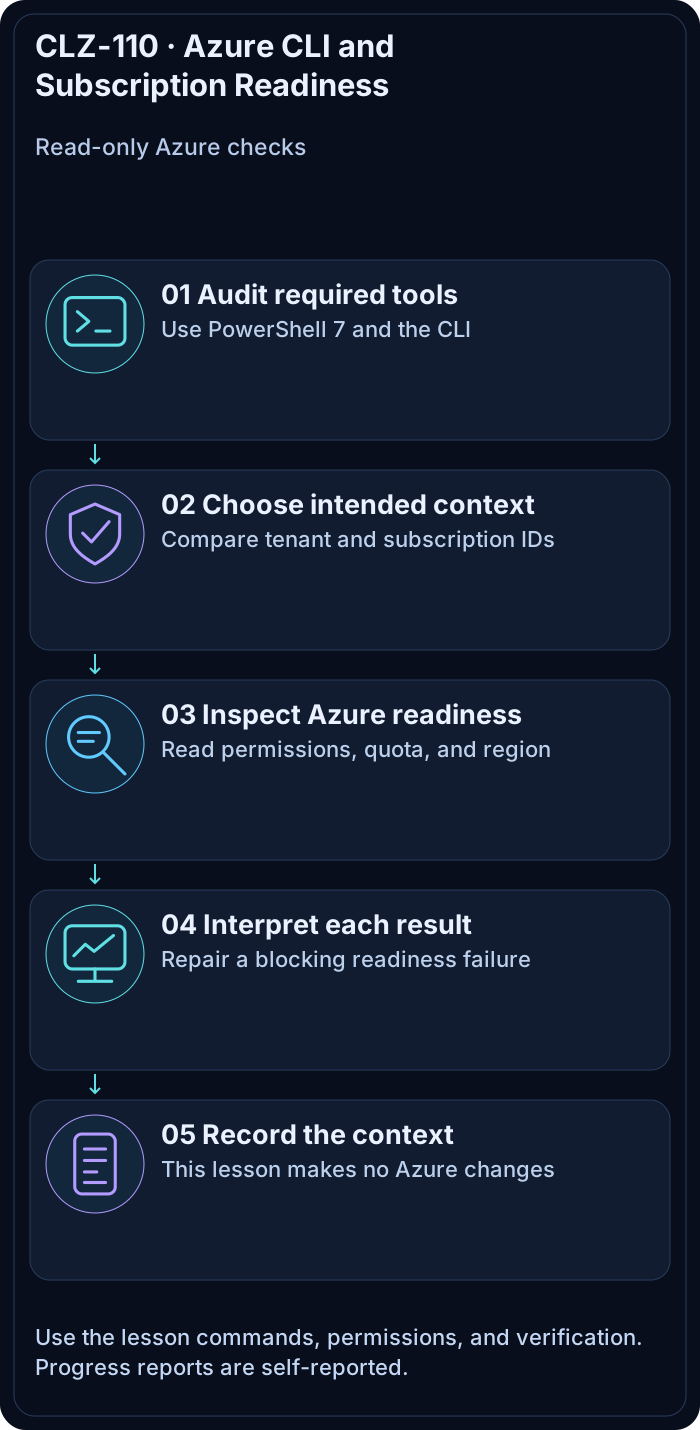
Prove that the intended Azure account, tenant, subscription, region, permissions, and compute quota are ready before Terraform is allowed to deploy anything.
Prerequisites
- Complete CLZ-100.
- An Azure account with access to a disposable learning subscription.
- Permission to read subscription metadata and regional usage; do not register providers in this lesson.
Architecture
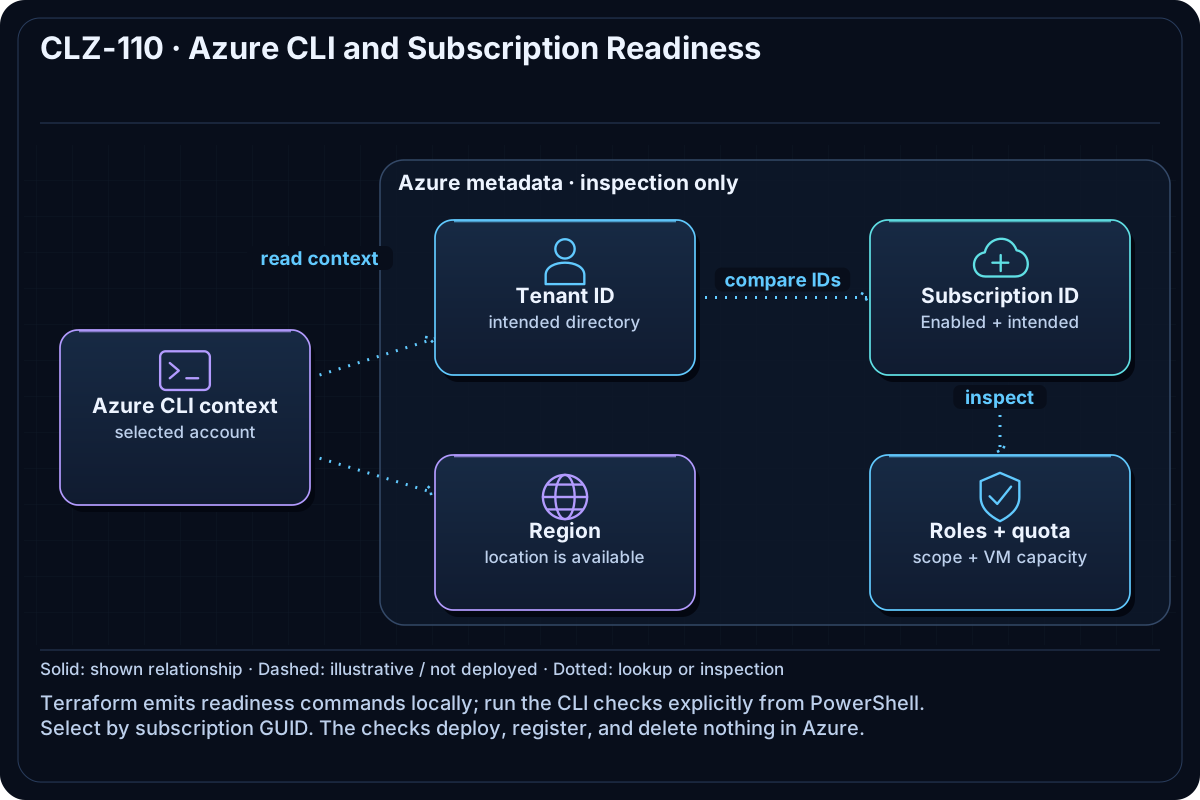
Terraform only emits a checklist of Azure CLI commands and declares no provider or resources. You execute read-only Azure CLI queries explicitly, inspect their results, and select a subscription by immutable ID.
Resources And Cost
Relative cost: None. Account, location, role-assignment, and quota reads do not deploy billable resources.
| Component | Purpose and principal cost driver |
|---|---|
| Local readiness outputs | Commands and safety-boundary text produced by Terraform. |
| Azure control-plane reads | Subscription, tenant, location, role, and quota metadata only. |
Inputs
| Input | Required substitution or decision |
|---|---|
subscription_id |
Optional for the local output; set $env:ARM_SUBSCRIPTION_ID when you must select one exact subscription. |
location |
Region to check for availability and VM-family quota; default is eastus2. |
Keep real subscription IDs, CIDRs, and secrets in untracked terraform.tfvars or environment variables.
Deploy

Run from the repository root in PowerShell 7:
Set-Location CLZ-110-windows-workstation-setup
terraform init -backend=false -lockfile=readonly
terraform fmt -check
terraform validate
terraform plan -out tfplan
terraform apply tfplan
az login
az account list --output table
$env:ARM_SUBSCRIPTION_ID = '<subscription-id>'
az account set --subscription $env:ARM_SUBSCRIPTION_ID
terraform apply records local outputs only. The Azure CLI commands query Azure but create, update, register, and delete nothing.
Validate
az account show --query '{tenant:tenantId,subscription:id,state:state,user:user.name}' --output table
az account list-locations --query "[?name=='eastus2'].{name:name,displayName:displayName}" --output table
az vm list-usage --location eastus2 --output table
az role assignment list --assignee (az account show --query user.name -o tsv) --all --output table
terraform output deployment_behavior
Expected result:
- The selected subscription state is
Enabledand its tenant and ID are the intended values. - The target region is returned and the required VM family has nonzero remaining quota.
- A suitable role is visible at the intended scope;
deployment_behaviorconfirms that Terraform declares no Azure provider or resources.
Troubleshooting

| Symptom | Resolution |
|---|---|
| The wrong tenant or subscription is active | Set the subscription by ID, not display name, and rerun az account show. |
| Quota shows zero available cores | Choose another supported region/size or request quota before a compute lesson. |
| Role assignments are empty | Ask the subscription owner for an appropriate learning scope; do not elevate your own access. |
Cleanup

Remove-Item tfplan -ErrorAction SilentlyContinue
Remove-Item Env:ARM_SUBSCRIPTION_ID -ErrorAction SilentlyContinue
terraform state list
Only local plan/output state is removed. No Azure resource exists to destroy.
Production Delta
- Use least-privilege groups and workload identities instead of personal owner credentials.
- Add policy, budgets, diagnostic settings, and an approved region/quota review to the platform onboarding process.
Exercises
- Repeat the checks against a second accessible subscription and identify every changed identifier.
- Find the regional quota row for the VM family used in CLZ-190 without requesting or changing quota.
Navigation
← CLZ-100 - Terraform Foundations | Curriculum | CLZ-120 - First Azure Deployment and Terraform Workflow →