CLZ-190 - Windows VM Basics
Goal
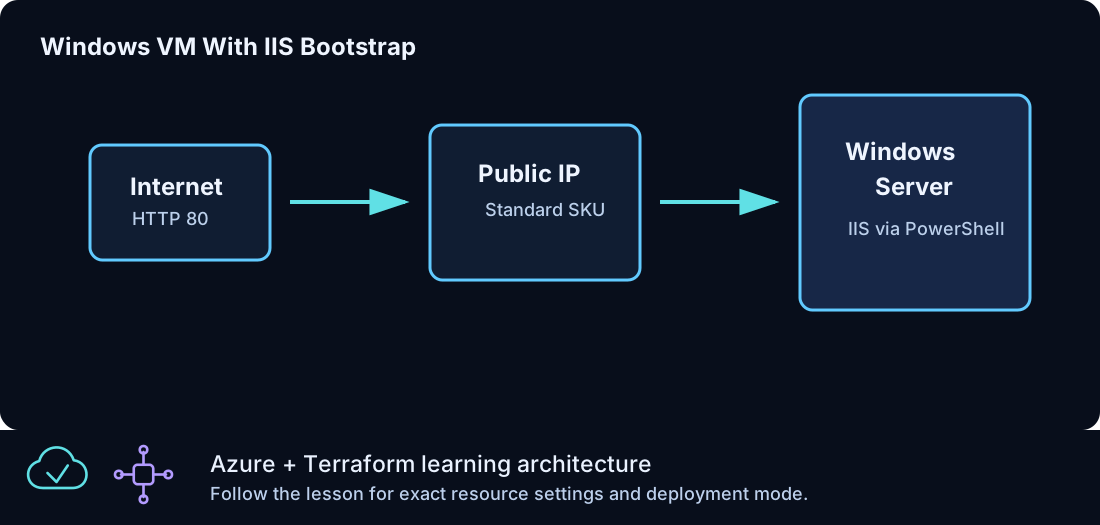
Deploy the first Windows Server 2022 Azure Edition VM and understand the NIC, subnet, NSG, public IP, disk, image, size, and generated-credential relationships.
Prerequisites
- Complete CLZ-180.
- Available regional vCPU quota for the chosen
vm_size. - A current administrator IPv4
/32for this deliberately direct-access lesson.
Architecture
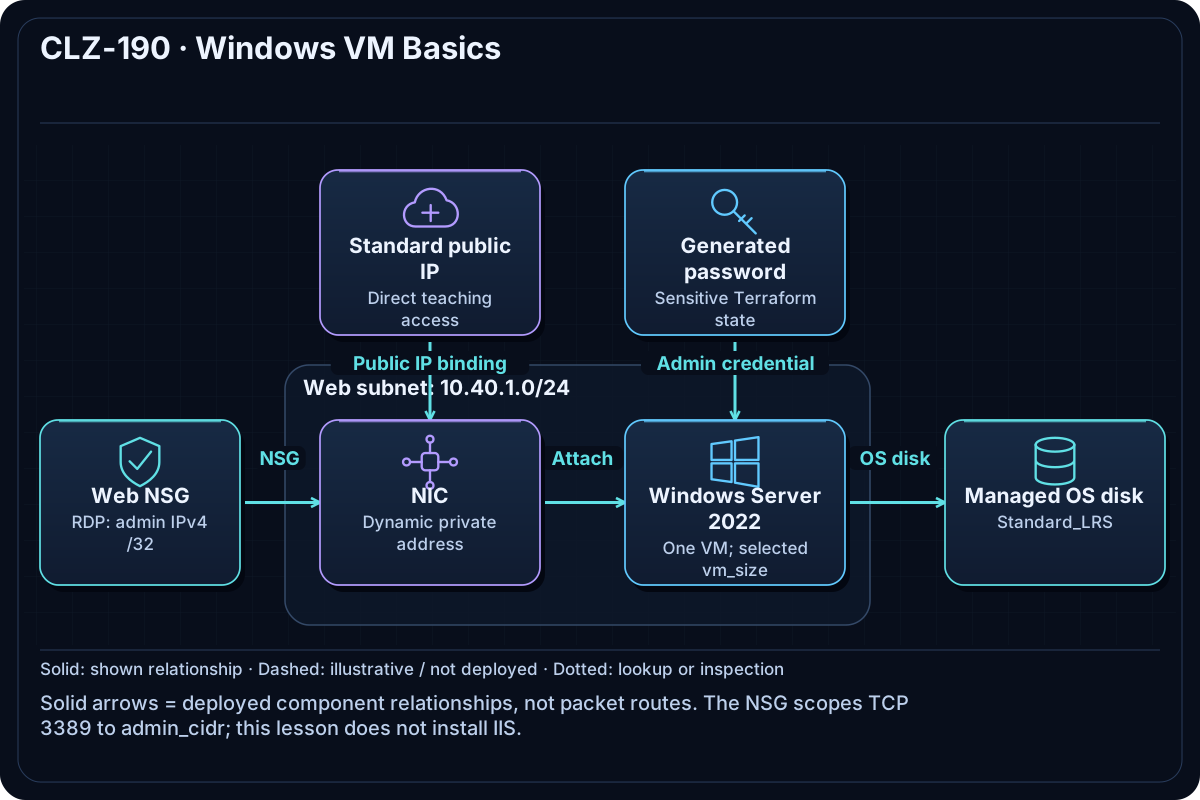
A Windows VM attaches to a NIC in the protected web subnet. A Standard public IP gives the introductory VM inbound and outbound connectivity. Terraform generates the administrator password and stores it in state as a sensitive value.
Resources And Cost
Relative cost: Moderate. The VM size and running hours dominate; managed disk and Standard public IPv4 also incur charges.
| Component | Purpose and principal cost driver |
|---|---|
| Windows virtual machine | Compute charged while allocated; default Azure Edition image uses latest intentionally. |
| OS disk | Managed storage billed by provisioned tier. |
| NIC and Standard public IP | Network attachment and intentional introductory public access. |
| VNet, subnets, and NSG | Web subnet allows only the documented ports and scoped RDP source. |
Inputs
| Input | Required substitution or decision |
|---|---|
subscription_id |
Required for plan, apply, and destroy; use the exact subscription GUID. |
environment |
Keep dev for an ephemeral lab unless testing an environment boundary. |
location |
Select a supported region with adequate quota. |
name_prefix |
Use a short lowercase prefix for derived names. |
admin_username |
Choose a nonreserved Windows administrator name. |
admin_cidr |
Required: your current public IPv4 /32; broad RDP sources fail validation. |
vm_size |
Choose a small available size that fits regional quota. |
Keep real subscription IDs, CIDRs, and secrets in untracked terraform.tfvars or environment variables.
The CIDR validation verifies IPv4 /32 syntax, not public routability. Confirm that the value is your actual current public administrator address.
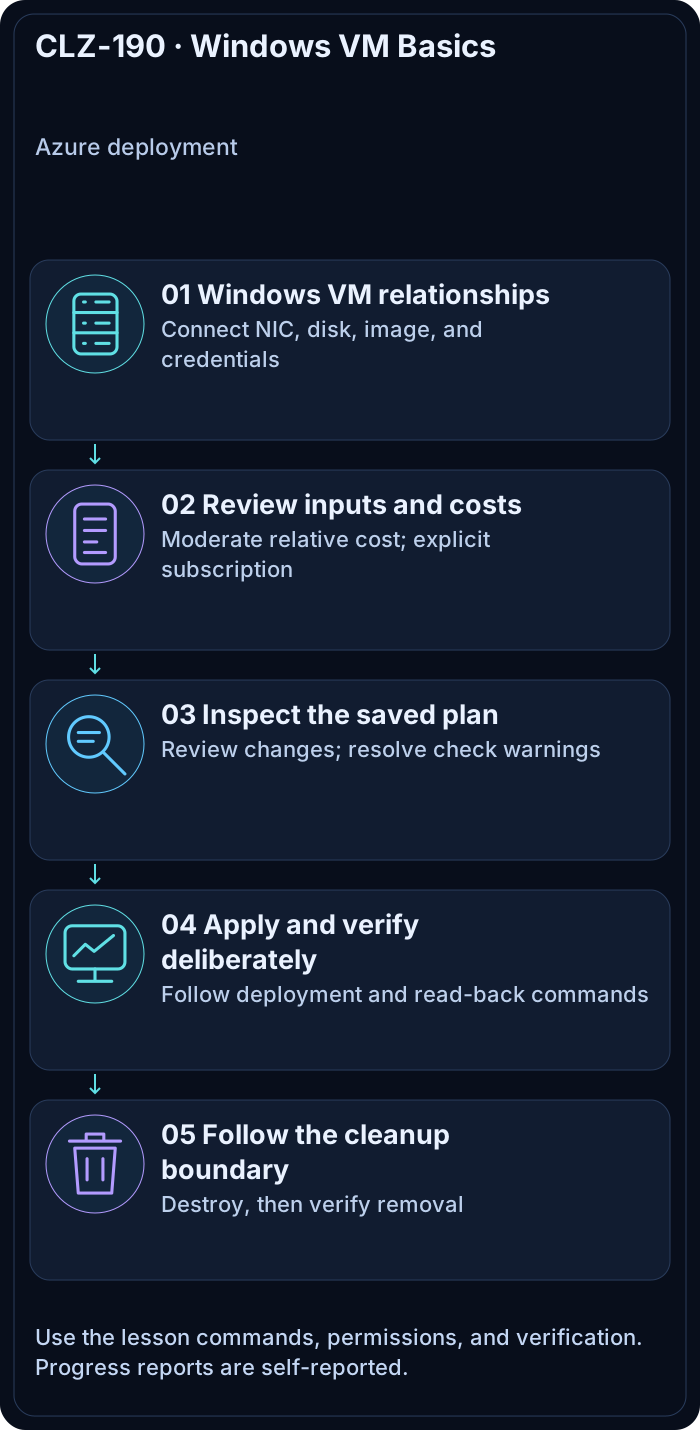
Deploy

Run from the repository root in PowerShell 7:
Set-Location CLZ-190-windows-vm-basics
if (-not (Test-Path terraform.tfvars)) {
  Copy-Item terraform.tfvars.example terraform.tfvars
}
$subscriptionId = az account show --query id --output tsv
terraform init -lockfile=readonly
terraform fmt -check
terraform validate
terraform plan -var "subscription_id=$subscriptionId" -out tfplan
terraform show tfplan
terraform apply tfplan
Validate
$resourceGroup = terraform output -raw resource_group_name
$publicIp = terraform output -raw windows_vm_public_ip
az vm list --resource-group $resourceGroup --show-details --query '[].{name:name,powerState:powerState,privateIp:privateIps,publicIp:publicIps,size:hardwareProfile.vmSize}' --output table
Test-NetConnection $publicIp -Port 3389
Expected result:
- Azure reports one VM in
VM runningstate with private and public addresses. - TCP 3389 succeeds only from the configured administrator source.
- The sensitive password is not printed by ordinary
terraform output.
Troubleshooting

| Symptom | Resolution |
|---|---|
| The size is unavailable or quota is exceeded | Select another small vm_size or an approved region after checking CLZ-110. |
| RDP times out | Confirm the current public IP still matches admin_cidr, the VM is running, and local egress permits 3389. |
| The password is needed for the lab | Use terraform output -raw windows_admin_password only in a private terminal; never paste it into logs. |
Cleanup

$resourceGroup = terraform output -raw resource_group_name
terraform destroy -var "subscription_id=$subscriptionId"
terraform state list
az group exists --name $resourceGroup
The VM, disk, public IP, network, password state, and resource group are gone; Azure CLI returns false.
Production Delta
- Intentional teaching exception: remove the VM public IP and use Bastion/private connectivity.
- Use managed identities, hardened images, patch orchestration, backup, endpoint protection, disk encryption requirements, and secret rotation.
Exercises
- Change
vm_sizeand identify whether Azure proposes an in-place resize or replacement. - List every resource address that exists only because a VM needs network and credential dependencies.
Navigation
← CLZ-180 - Network Security Groups | Curriculum | CLZ-200 - Windows VM IIS Bootstrap →