CLZ-100 - Terraform Foundations
Goal
Learn configuration, variables, locals, outputs, formatting, validation, and plan review without Azure credentials or Azure resources.
Prerequisites
- Terraform is available on
PATH; use CLZ-090 if it is not. - No Azure login or subscription is required.
Architecture
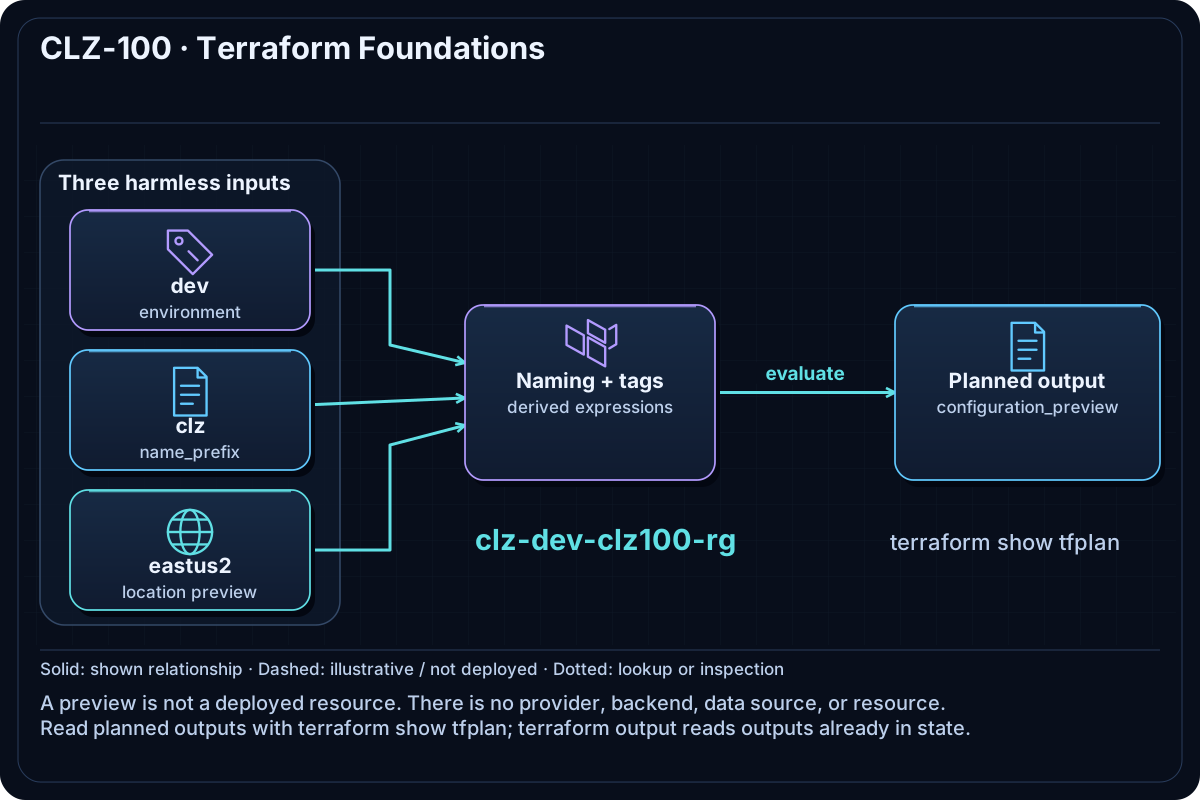
The configuration combines three harmless input values into a preview of the naming and tagging model used later. Terraform evaluates expressions and outputs locally; it declares no provider, backend, data source, or resource.
Resources And Cost
Relative cost: None. Terraform performs local evaluation only.
| Component | Purpose and principal cost driver |
|---|---|
| Terraform configuration preview | Derived resource-group name, location, and standard tags; it is output data, not an Azure object. |
| Local plan file | Optional tfplan used to practice plan inspection. |
Inputs
| Input | Required substitution or decision |
|---|---|
environment |
Use dev, test, or prod and observe the derived name. |
location |
A string used only in the preview; no regional API is called. |
name_prefix |
A short naming prefix used to construct the preview. |
Keep real subscription IDs, CIDRs, and secrets in untracked terraform.tfvars or environment variables.
Deploy

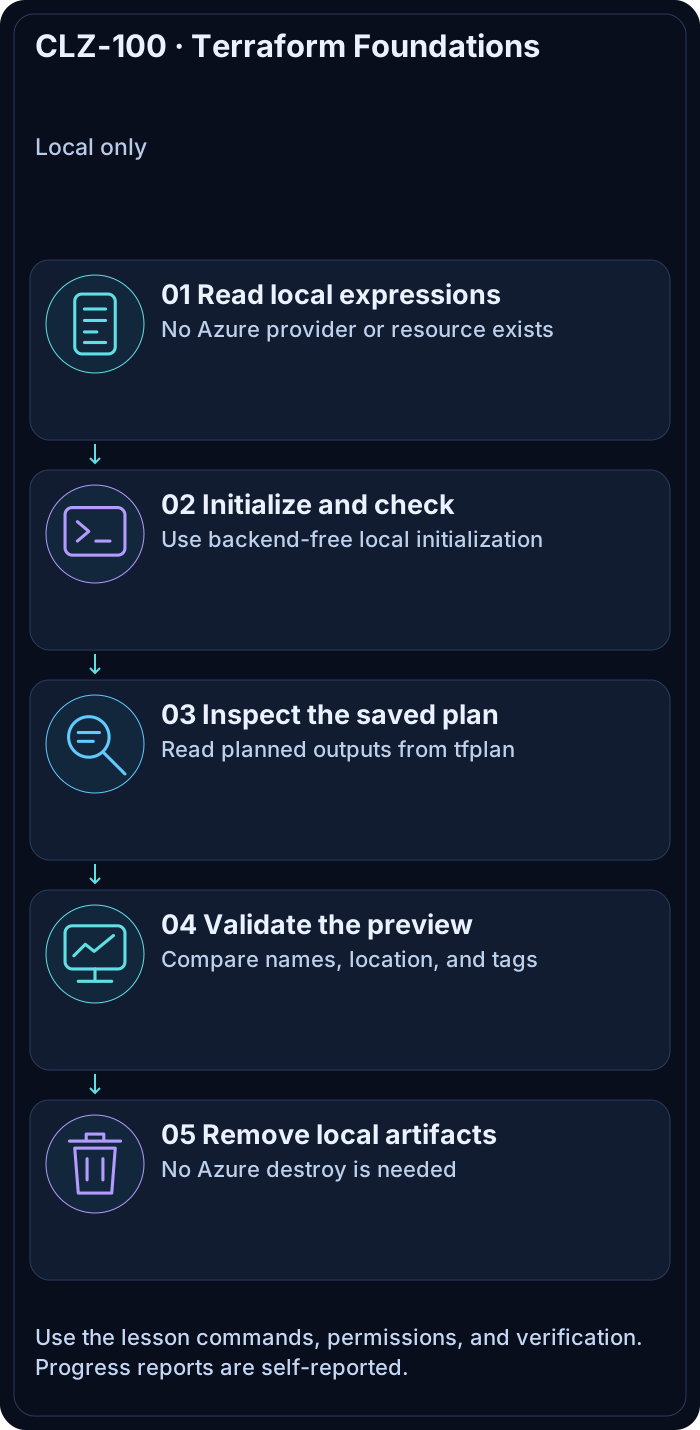
Run from the repository root in PowerShell 7:
Set-Location CLZ-100-foundations
terraform init -backend=false -lockfile=readonly
terraform fmt -check
terraform validate
terraform plan -out tfplan
terraform show tfplan
Do not run az login; this lesson is intentionally credential-free.
Validate
terraform providers
$previewPlan = terraform show -json tfplan | ConvertFrom-Json
$previewPlan.output_changes.configuration_preview.after
@($previewPlan.resource_changes).Where({ $null -ne $_ }).Count
Expected result:
terraform providerslists no Azure provider requirement.configuration_previewshows the expected prefix, location, and four standard tags.- The resource-change count is zero because no resource is declared. The JSON property may be absent.
terraform output reads outputs already stored in state. For this plan-only exercise, inspect the proposed outputs in the saved plan instead.
Troubleshooting

| Symptom | Resolution |
|---|---|
| Terraform tries to use Azure | Confirm you are in CLZ-100-foundations and that no untracked .tf files were copied into it. |
| Initialization requests a backend | Remove an untracked backend override and rerun with -backend=false. |
| The preview name is unexpected | Compare terraform.tfvars with the three inputs documented above. |
Cleanup

terraform state list returns no managed resources. No Azure destroy is needed.
Production Delta
- Adopt an agreed naming/tagging standard and enforce it with policy before creating shared infrastructure.
- Use reviewed modules and remote state only after the underlying Terraform concepts are understood.
Exercises
- Change
environmenttotestand predict the output before replanning. - Use
terraform consoleto evaluatelocal.tagsandlocal.prefix.
Navigation
← CLZ-090 - Optional Windows Contributor Workstation Setup | Curriculum | CLZ-110 - Azure CLI and Subscription Readiness →