Visual guides
Explore 36 illustrated guides to preparation, safe execution, troubleshooting, cleanup, and the five checkpoints in every lab. The black and navy artwork uses original symbolic icons. Open any visual at full size to inspect its labels.
The roadmaps show the learning sequence. Use each lab's architecture diagram for the service topology, and its instructions for exact commands, permissions, cost gates, and verification. Azure exercises remain offline-validated.
Build safe habits
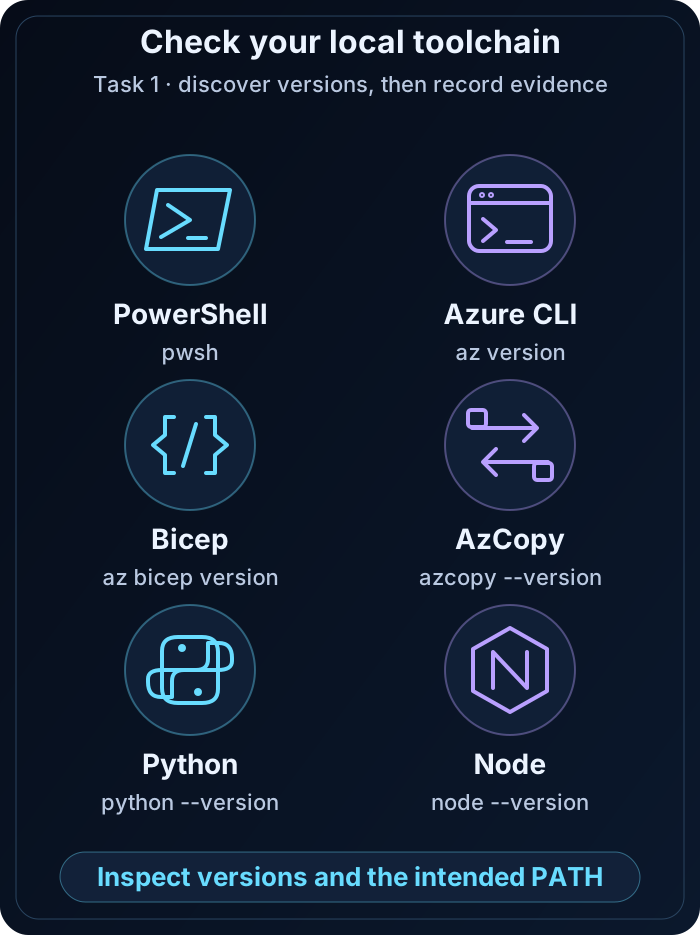
Your Azure toolchain
PowerShell hosts Azure CLI, Bicep, AzCopy, Python, and Node; confirm every tool resolves correctly.
Read the lesson →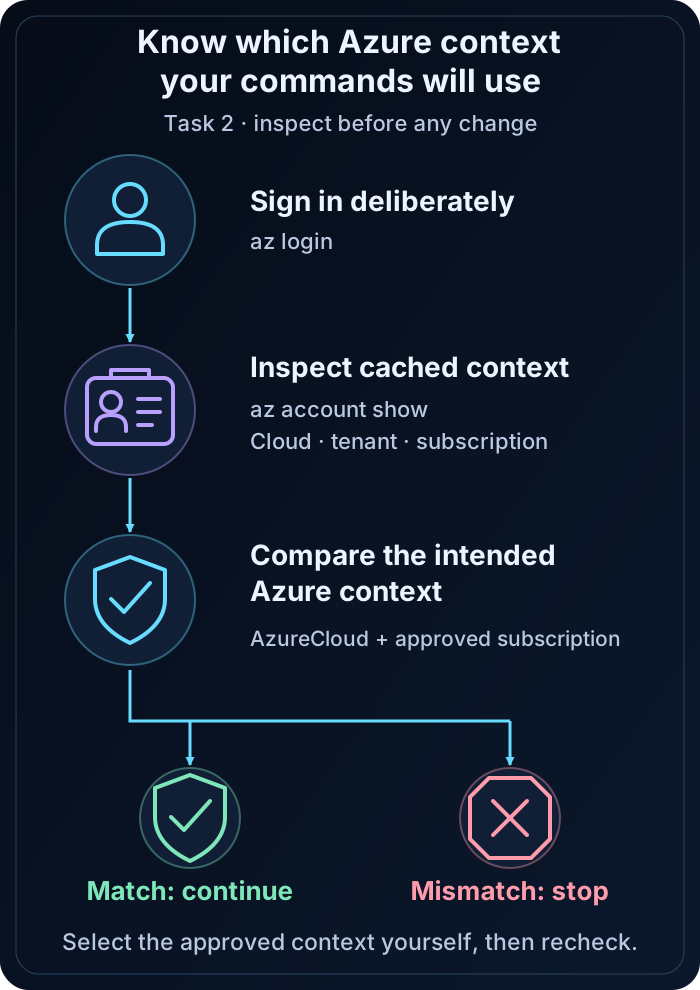
Confirm the right context
Compare cloud, tenant, and subscription with the intended context before making changes.
Read the lesson →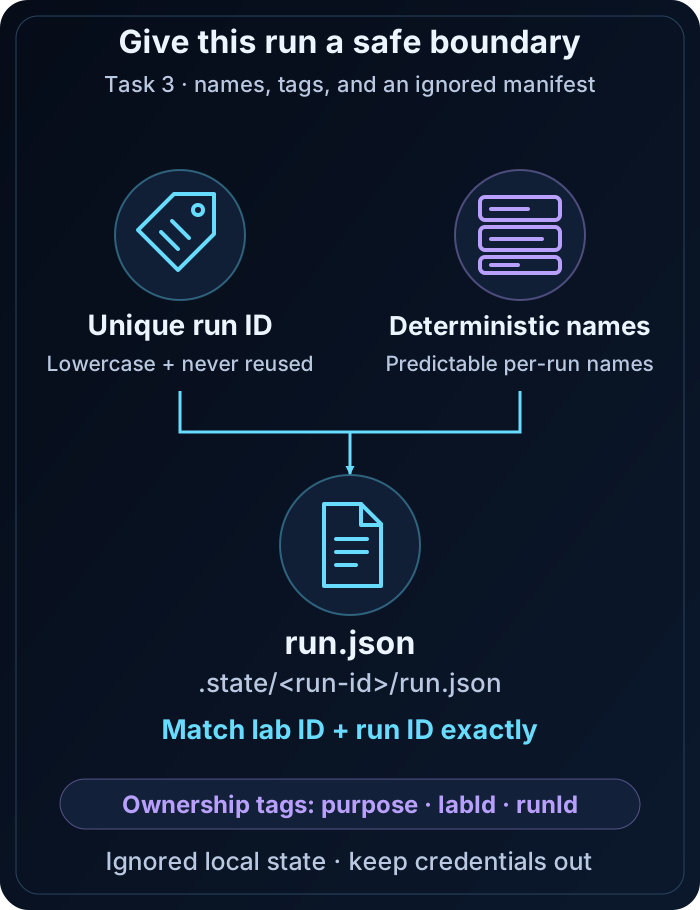
Define your run boundary
A unique run ID, deterministic names, tags, and an ignored state record identify the lab run.
Read the lesson →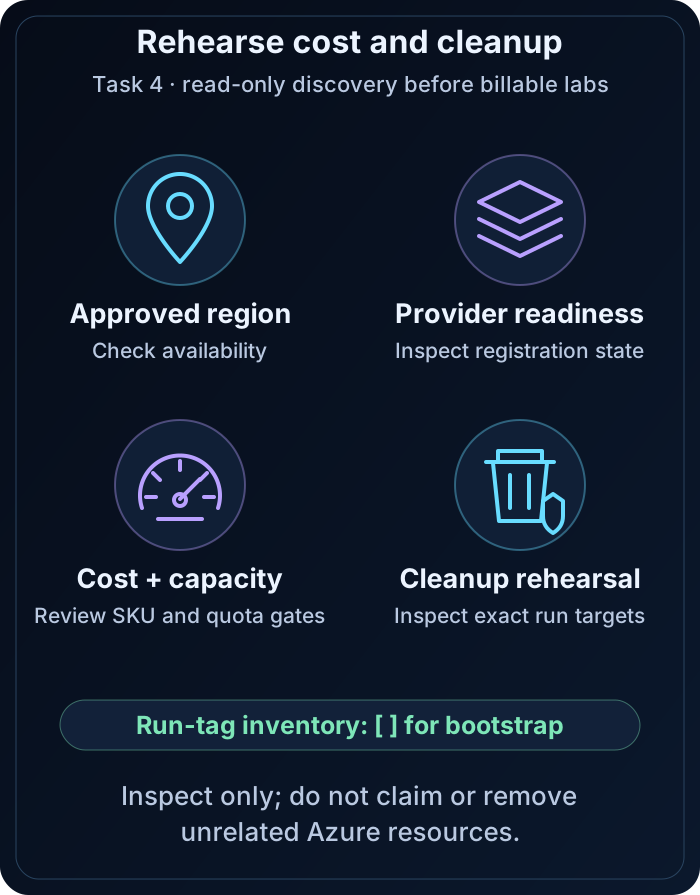
Review cost and cleanup
Preview cost gates and ownership checks, then plan the residual-resource audit.
Read the lesson →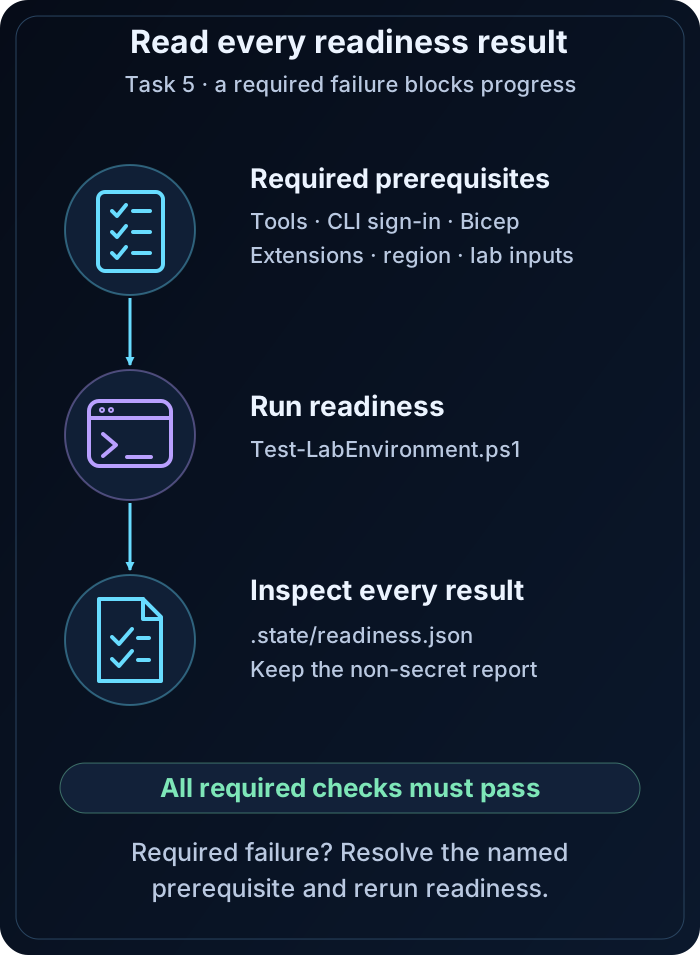
Prove readiness
Read every blocking readiness result and resolve failures before continuing.
Read the lesson →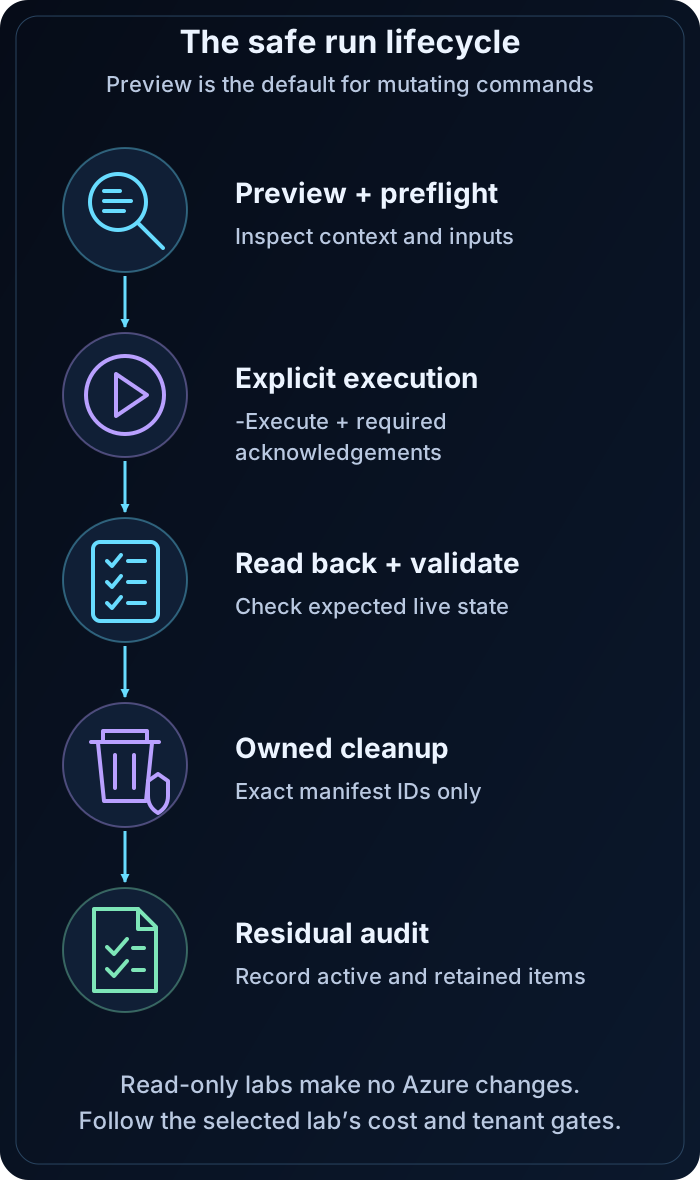
Follow a safe run
Complete read-only checks, review the preview, pass the explicit execution gates, and validate the result.
Read the lesson →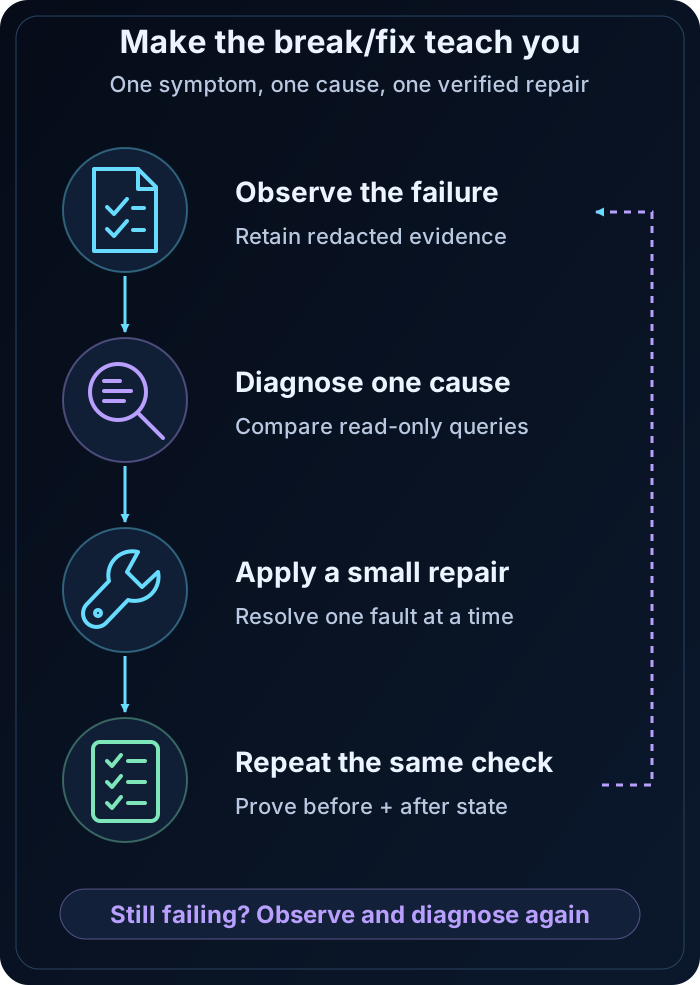
Diagnose with evidence
Observe the failure, inspect context and prerequisites, query the current state, repair the cause, and revalidate.
Read the lesson →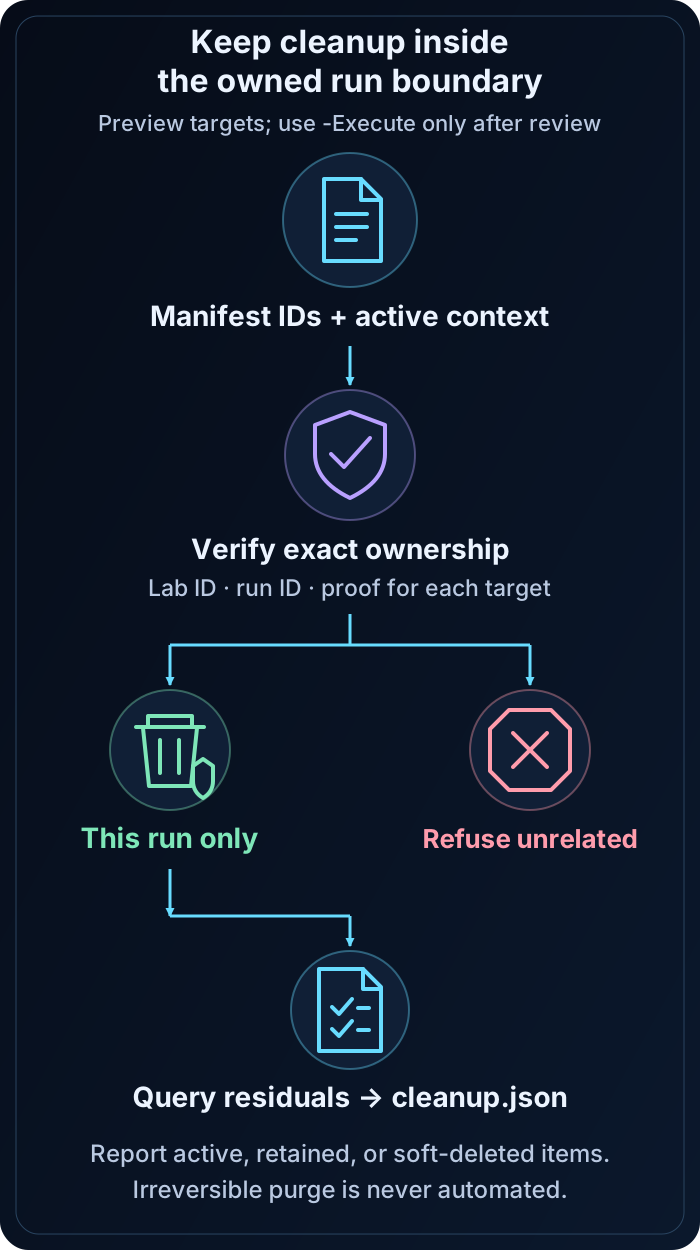
Clean up within ownership
Verify run ownership before removal; report any deliberately retained or soft-deleted items separately.
Read the lesson →Roadmaps for every lab
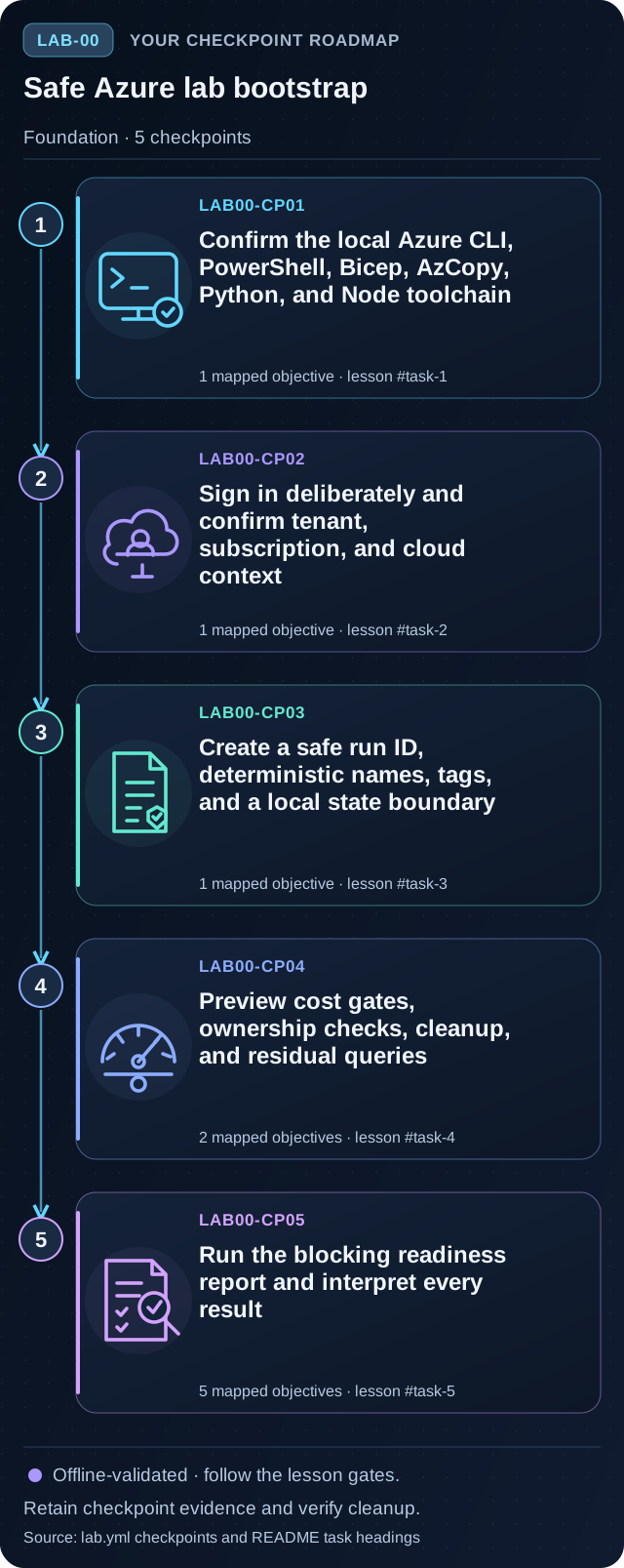
Safe Azure lab bootstrap
Preview the five tasks, then follow the guided instructions.
Open lab →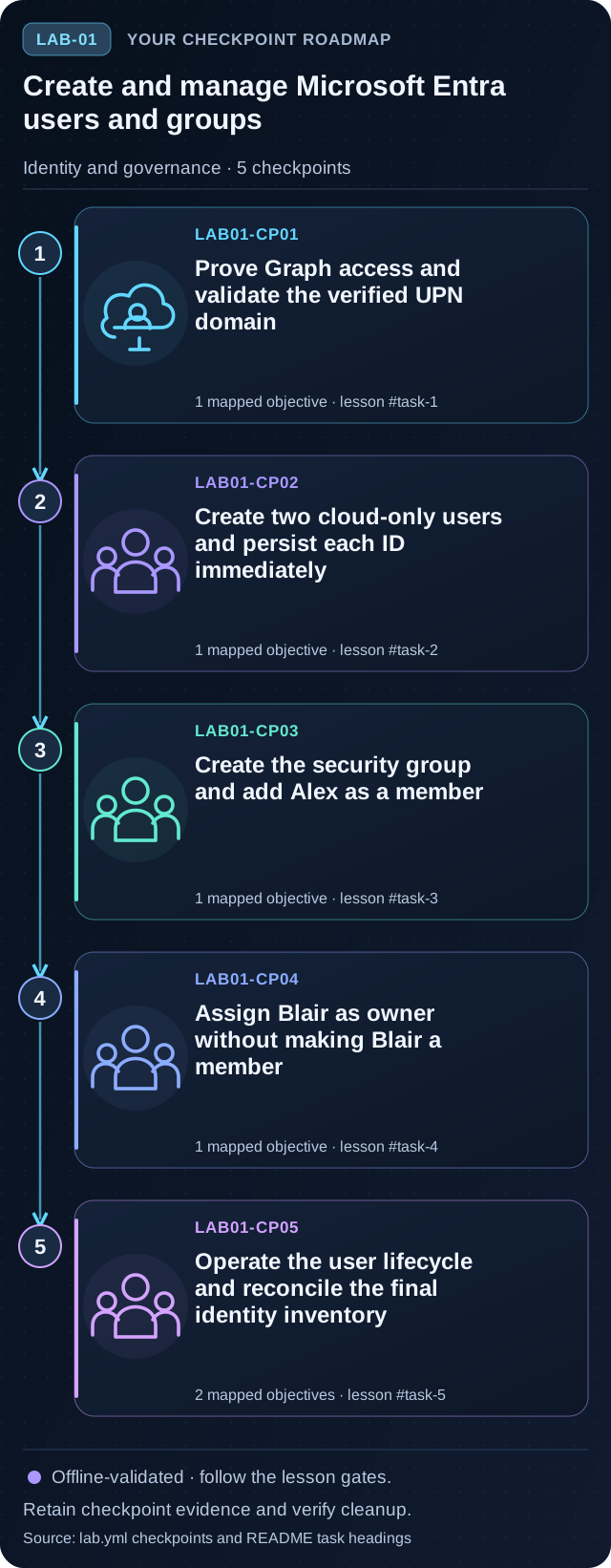
Create and manage Microsoft Entra users and groups
Preview the five tasks, then follow the guided instructions.
Open lab →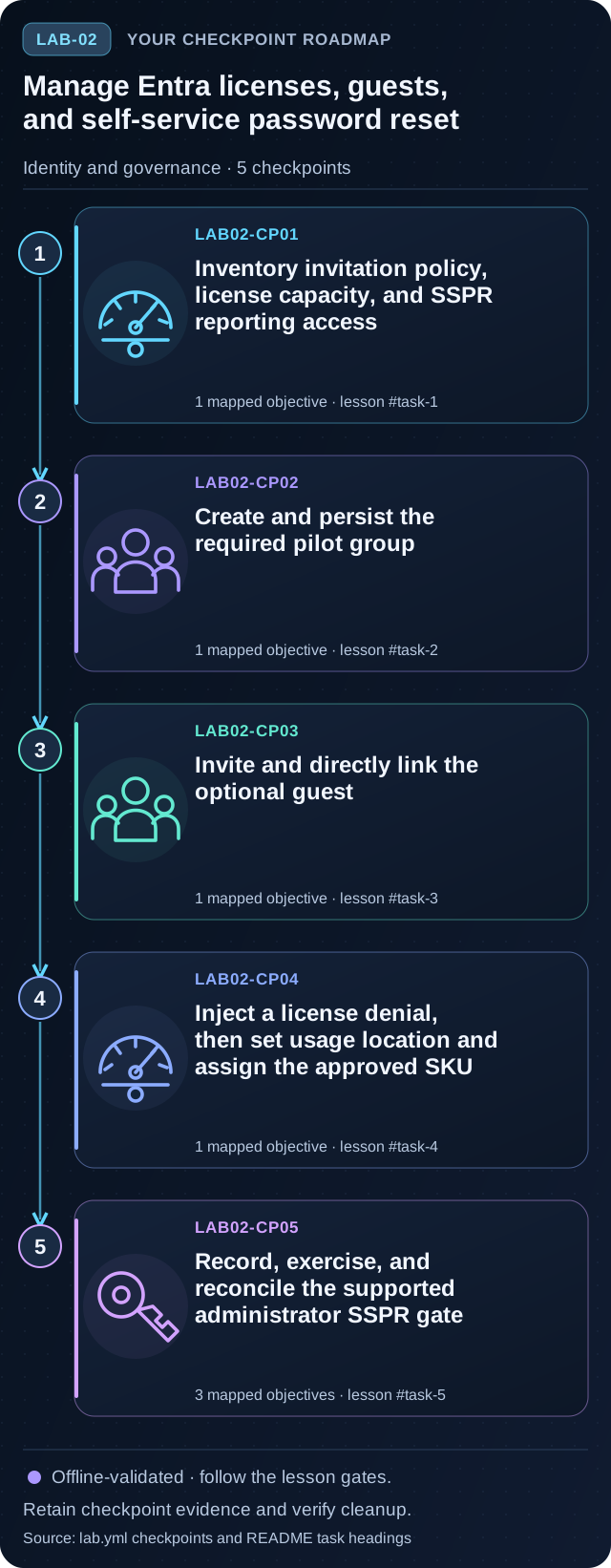
Manage Entra licenses, guests, and self-service password reset
Preview the five tasks, then follow the guided instructions.
Open lab →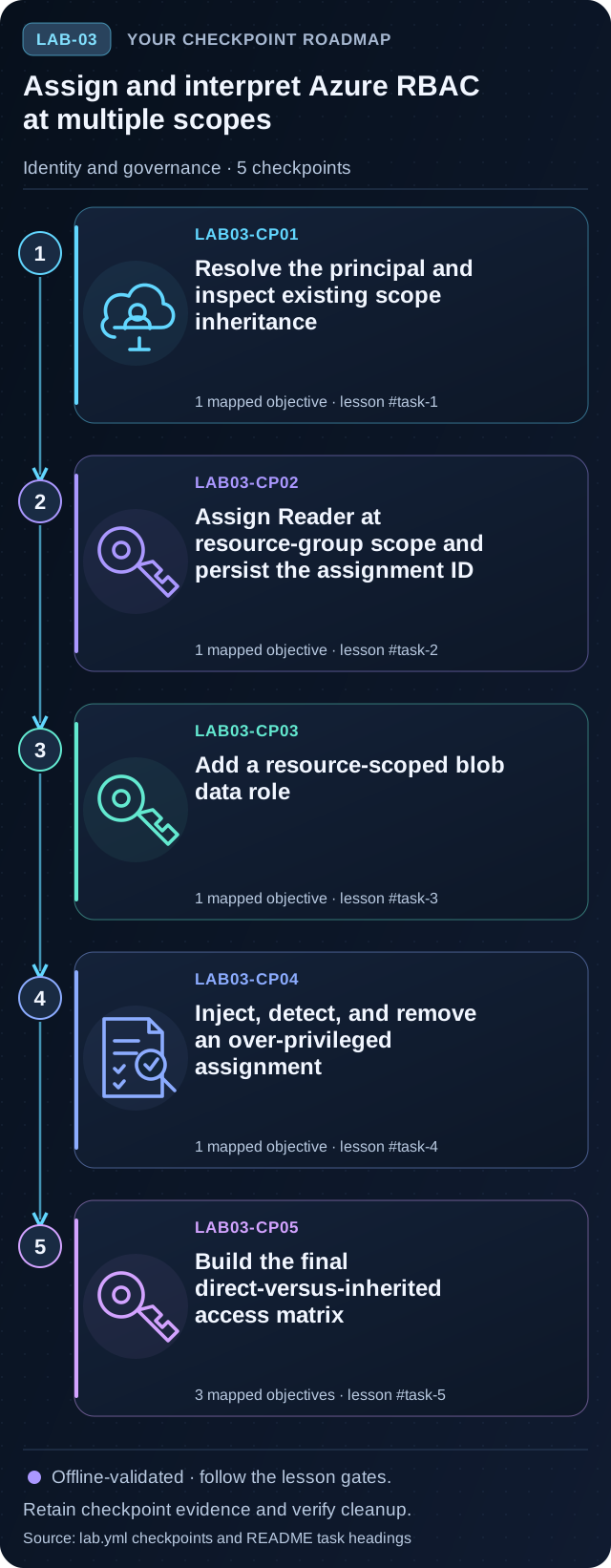
Assign and interpret Azure RBAC at multiple scopes
Preview the five tasks, then follow the guided instructions.
Open lab →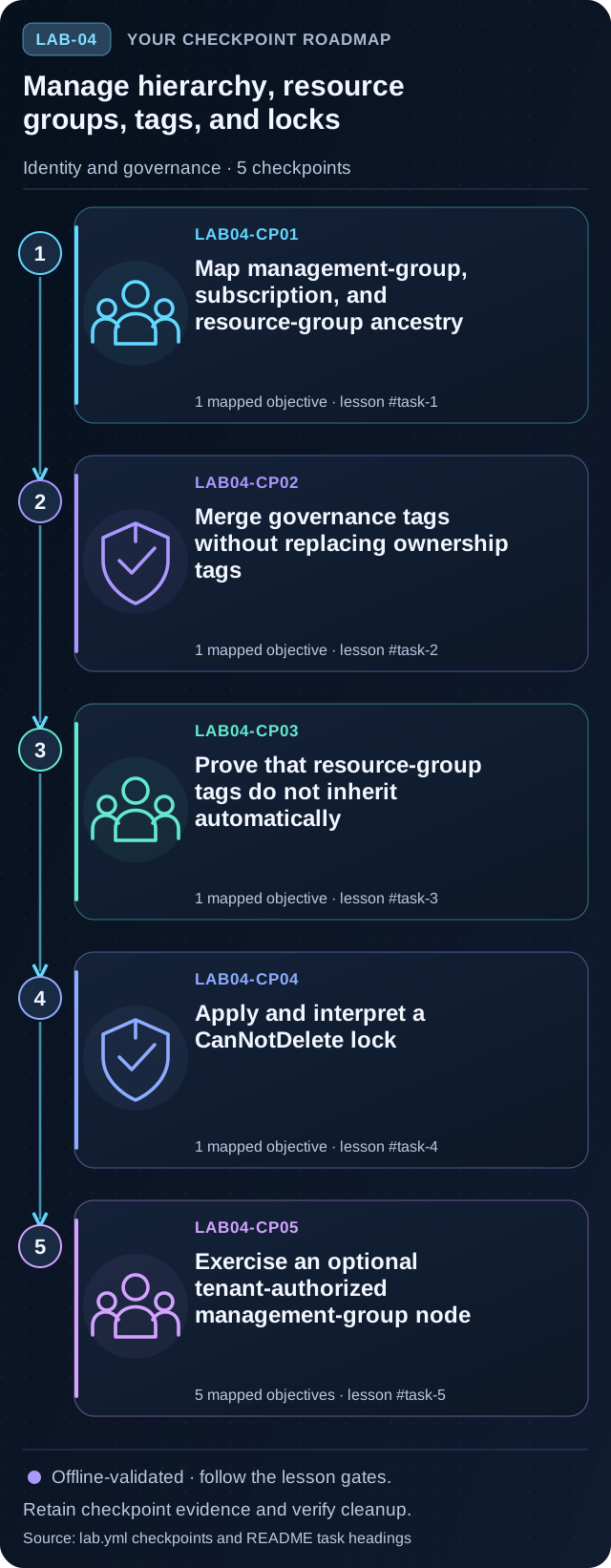
Manage hierarchy, resource groups, tags, and locks
Preview the five tasks, then follow the guided instructions.
Open lab →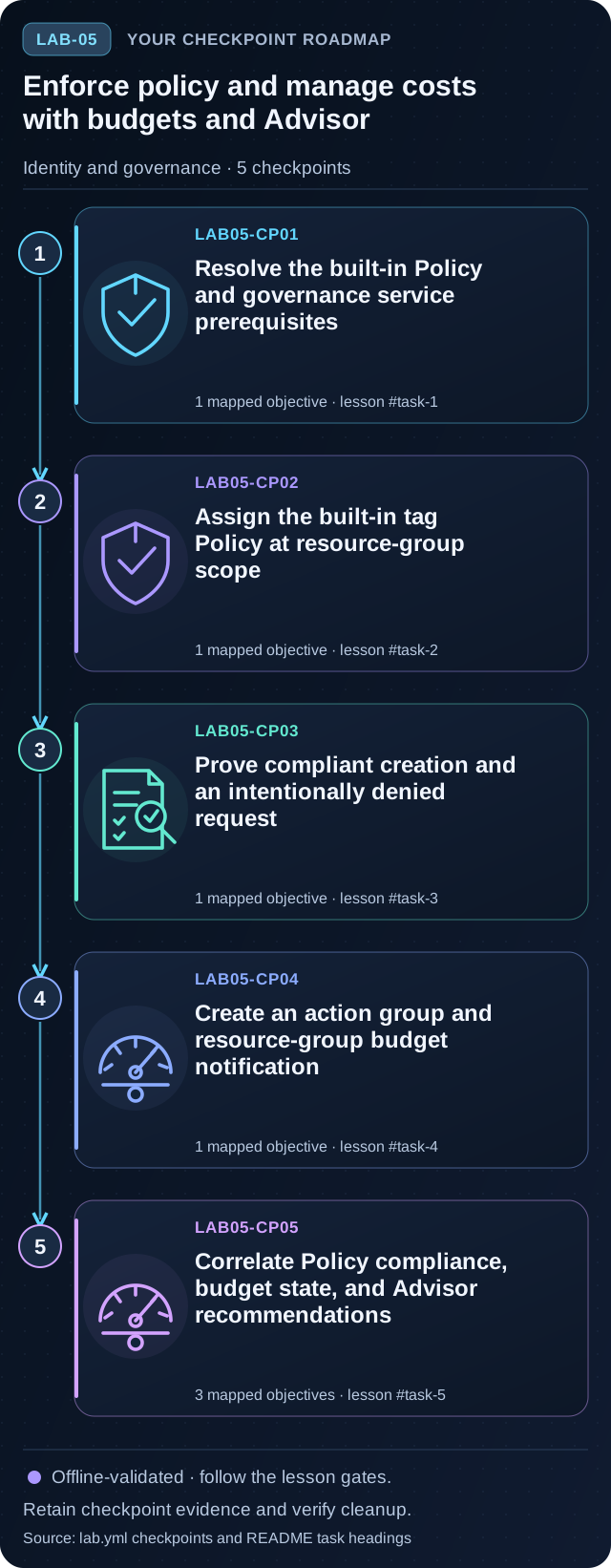
Enforce policy and manage costs with budgets and Advisor
Preview the five tasks, then follow the guided instructions.
Open lab →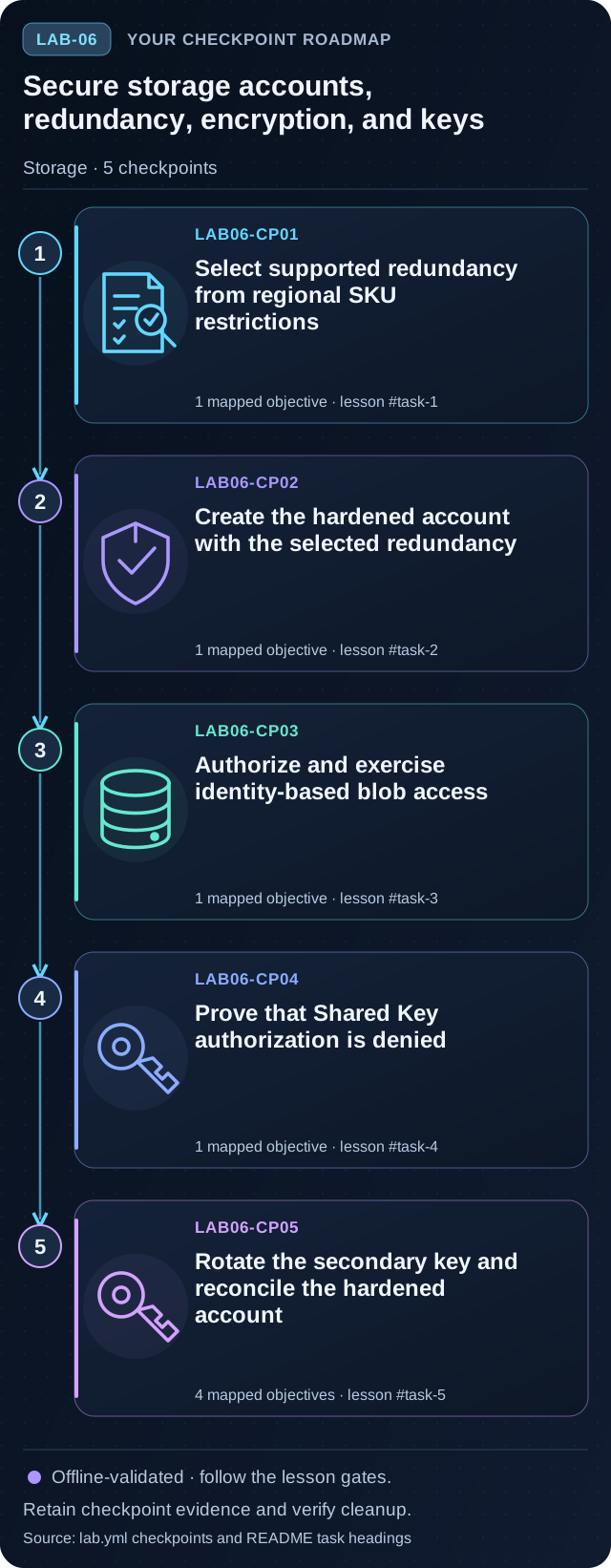
Secure storage accounts, redundancy, encryption, and keys
Preview the five tasks, then follow the guided instructions.
Open lab →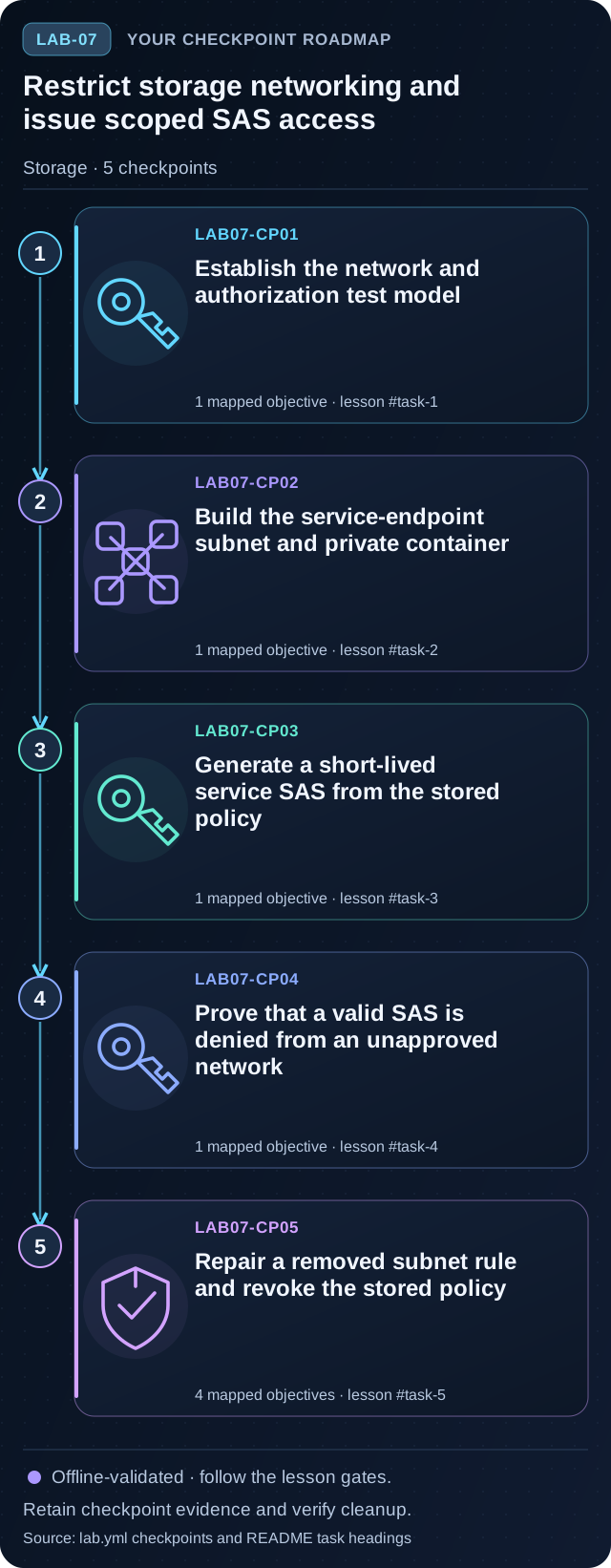
Restrict storage networking and issue scoped SAS access
Preview the five tasks, then follow the guided instructions.
Open lab →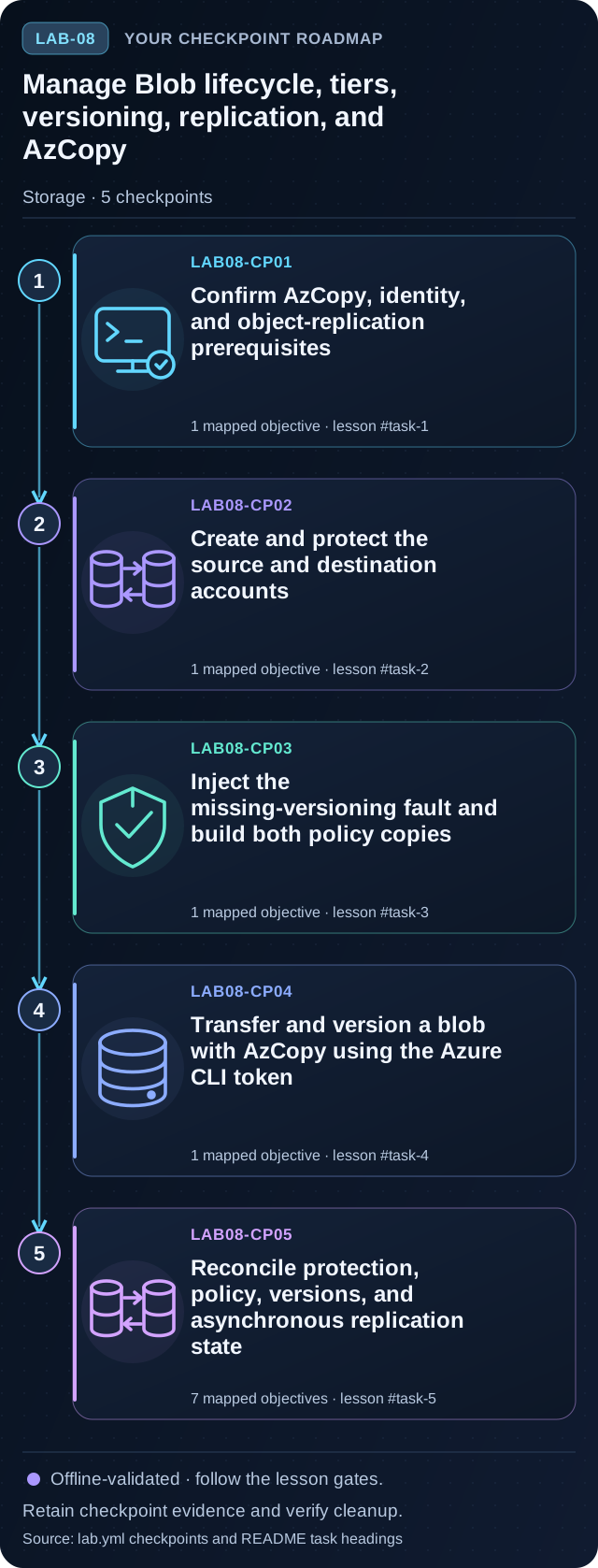
Manage Blob lifecycle, tiers, versioning, replication, and AzCopy
Preview the five tasks, then follow the guided instructions.
Open lab →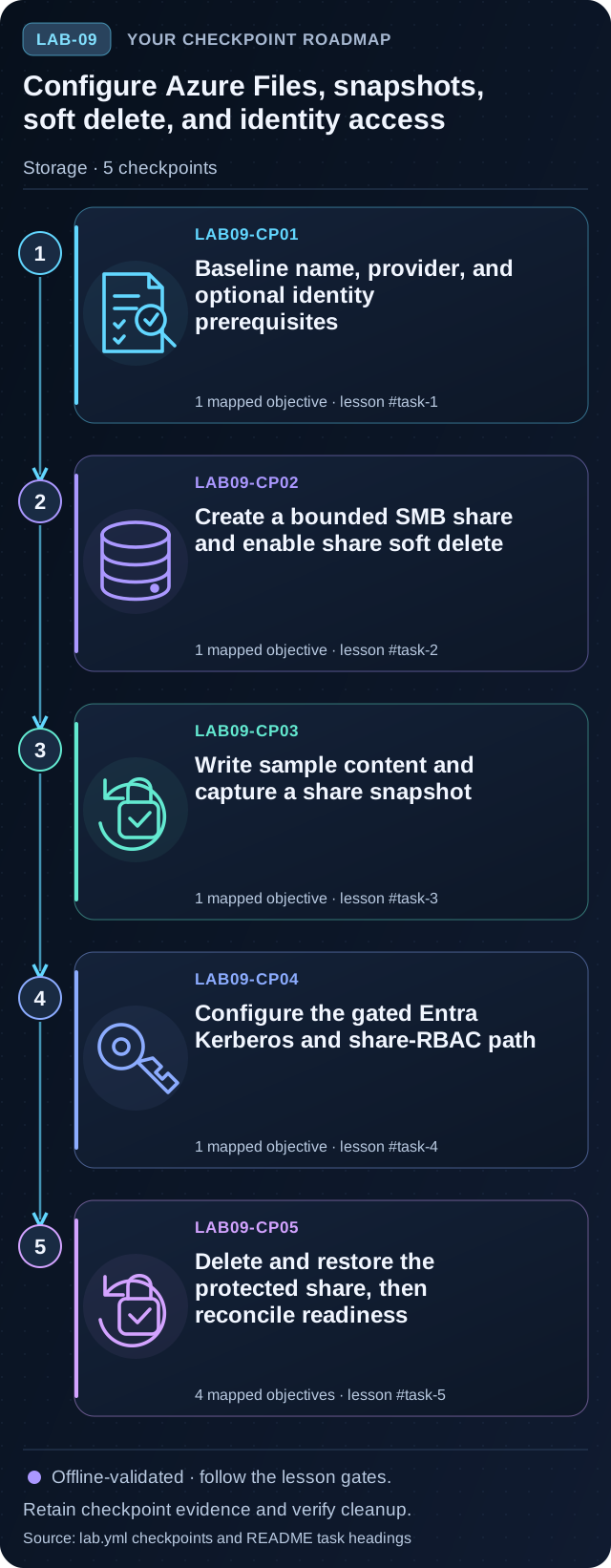
Configure Azure Files, snapshots, soft delete, and identity access
Preview the five tasks, then follow the guided instructions.
Open lab →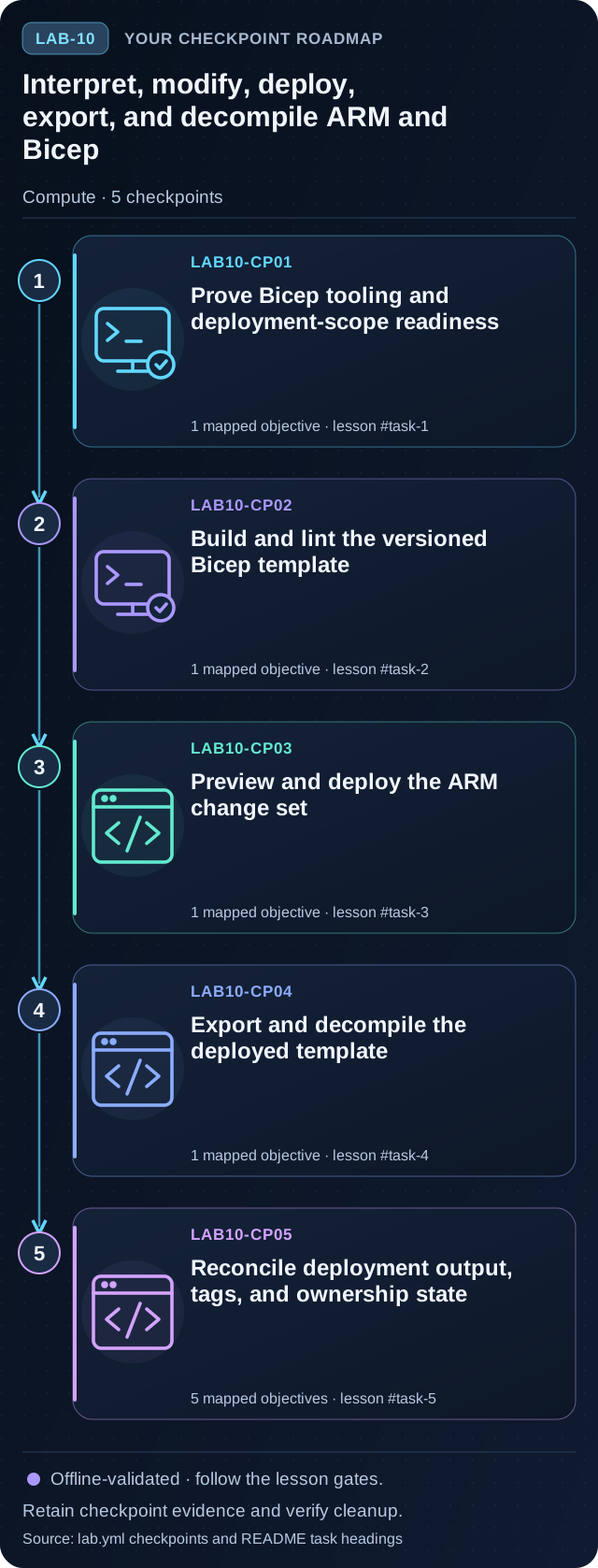
Interpret, modify, deploy, export, and decompile ARM and Bicep
Preview the five tasks, then follow the guided instructions.
Open lab →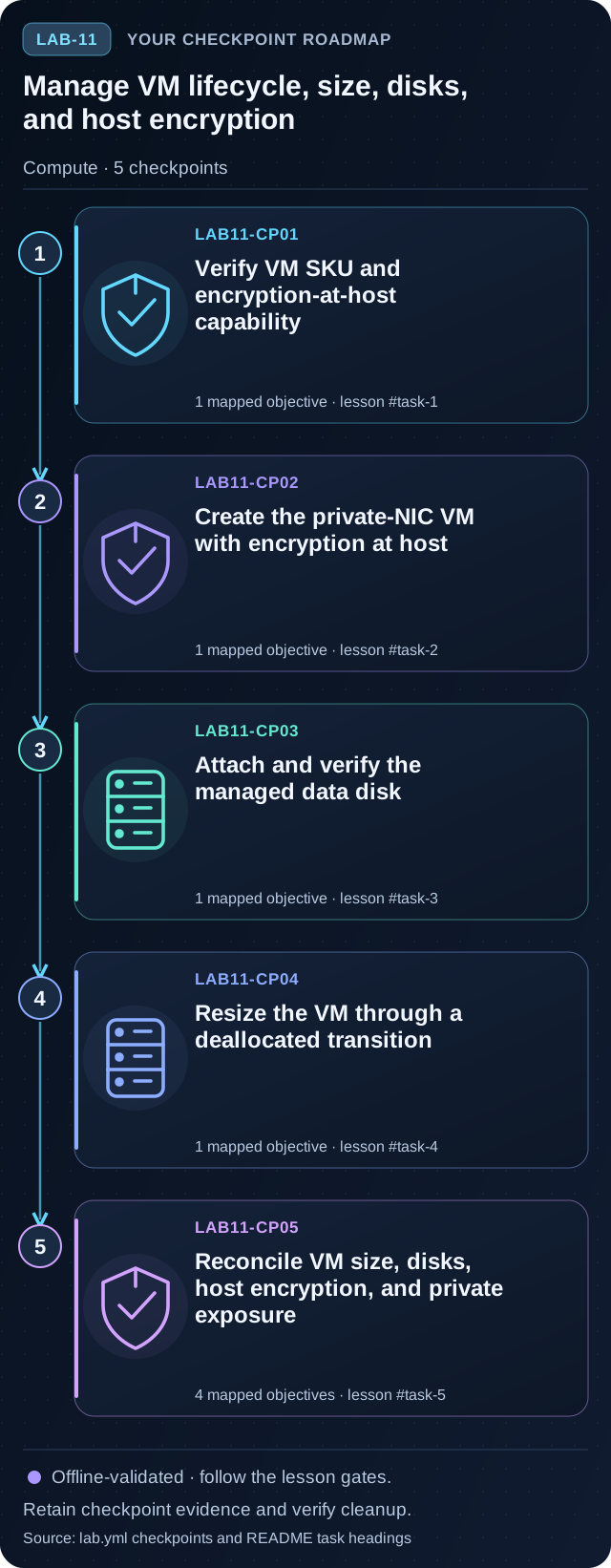
Manage VM lifecycle, size, disks, and host encryption
Preview the five tasks, then follow the guided instructions.
Open lab →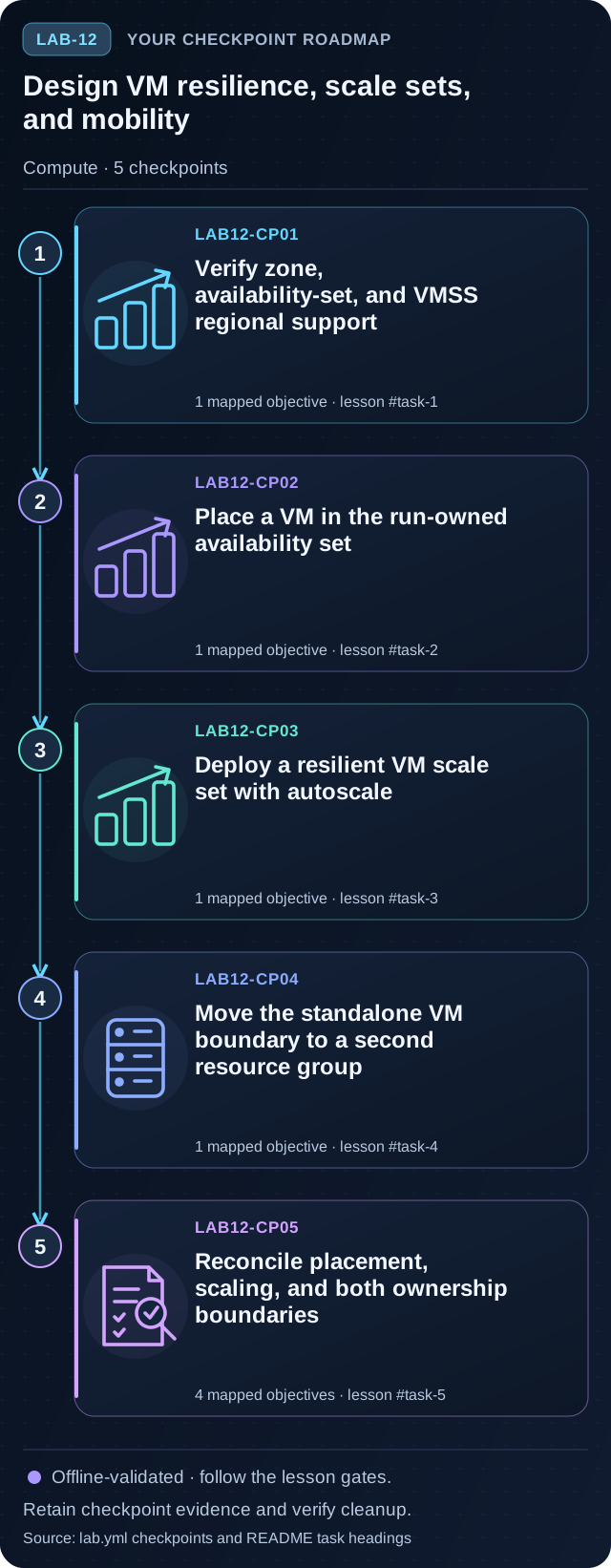
Design VM resilience, scale sets, and mobility
Preview the five tasks, then follow the guided instructions.
Open lab →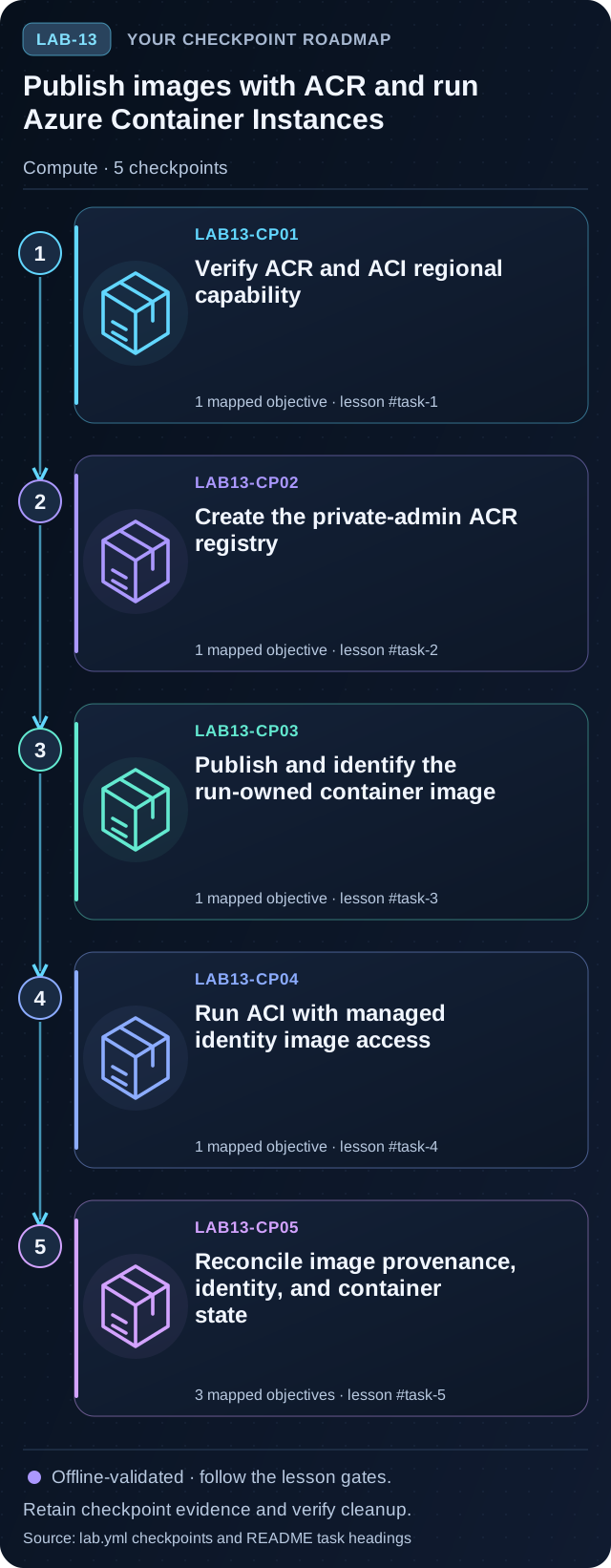
Publish images with ACR and run Azure Container Instances
Preview the five tasks, then follow the guided instructions.
Open lab →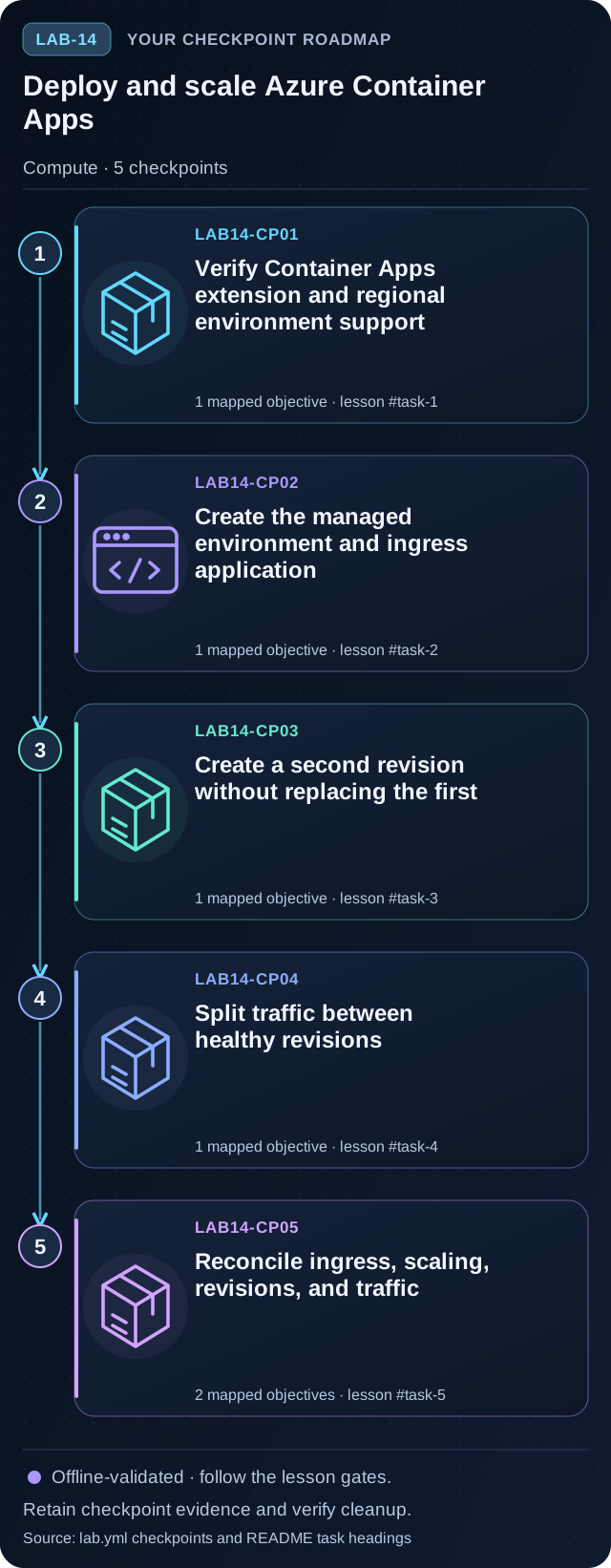
Deploy and scale Azure Container Apps
Preview the five tasks, then follow the guided instructions.
Open lab →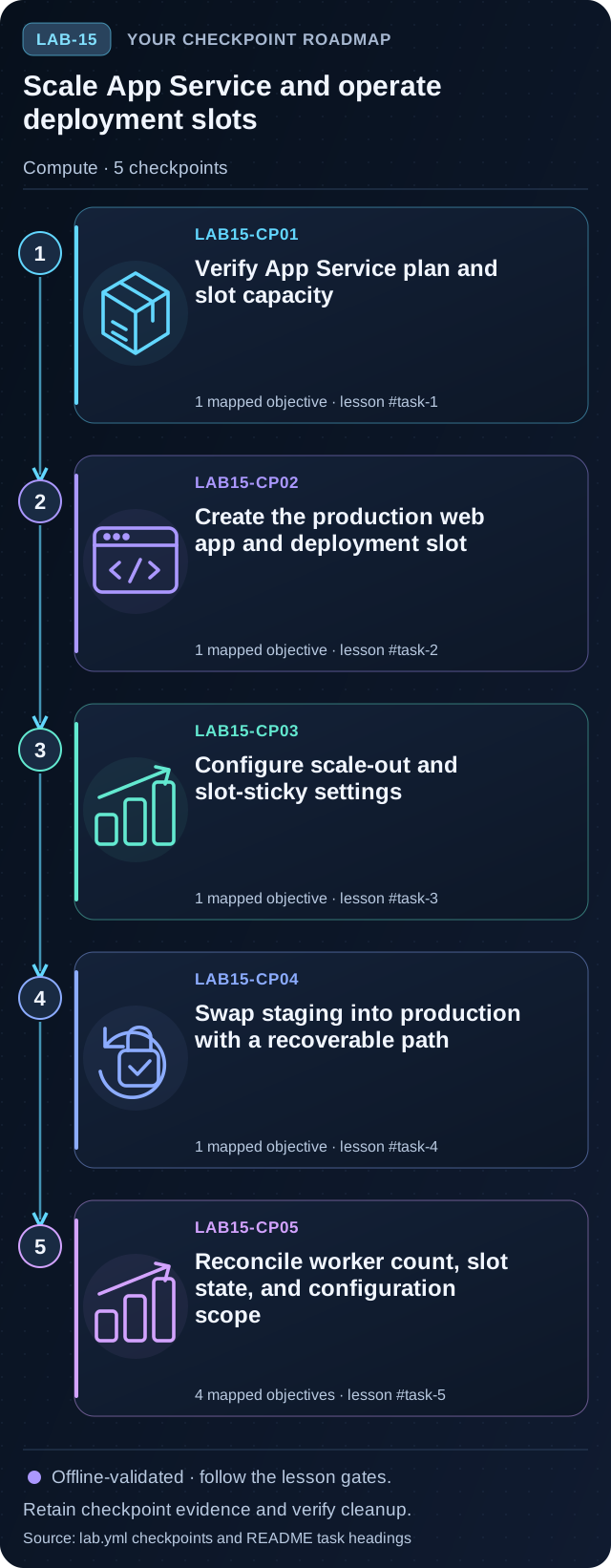
Scale App Service and operate deployment slots
Preview the five tasks, then follow the guided instructions.
Open lab →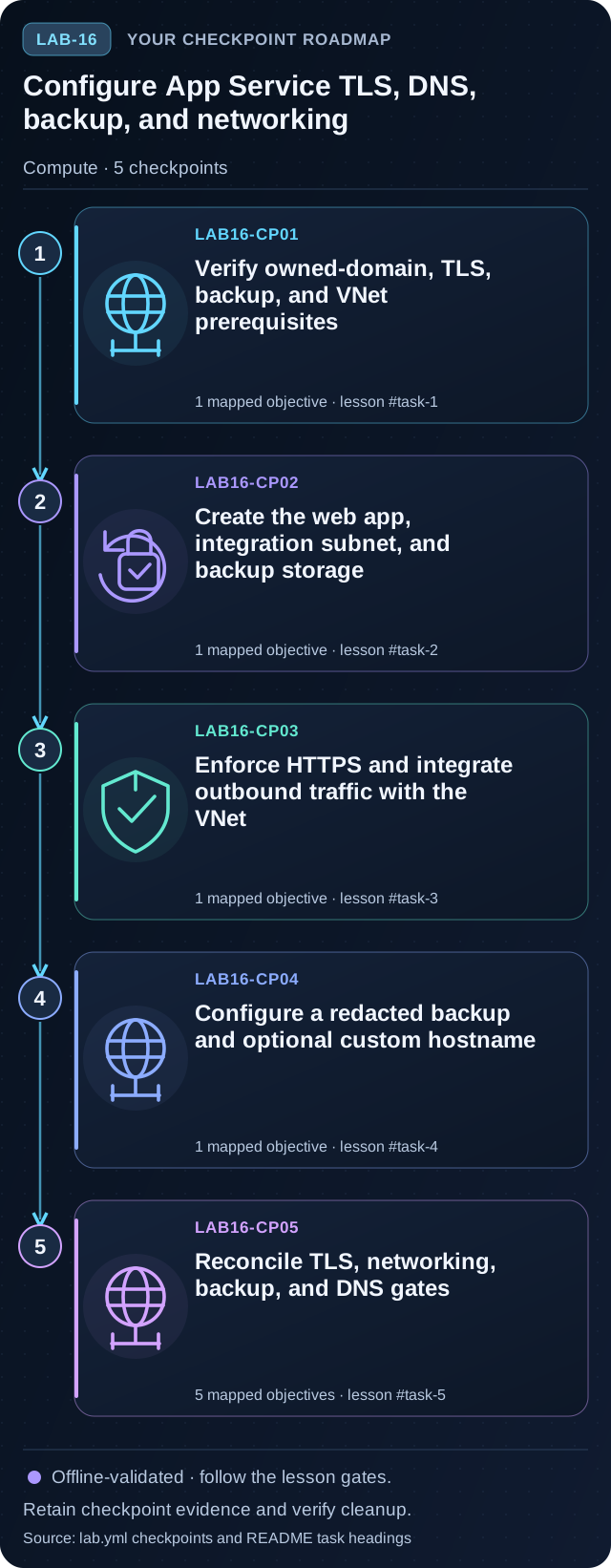
Configure App Service TLS, DNS, backup, and networking
Preview the five tasks, then follow the guided instructions.
Open lab →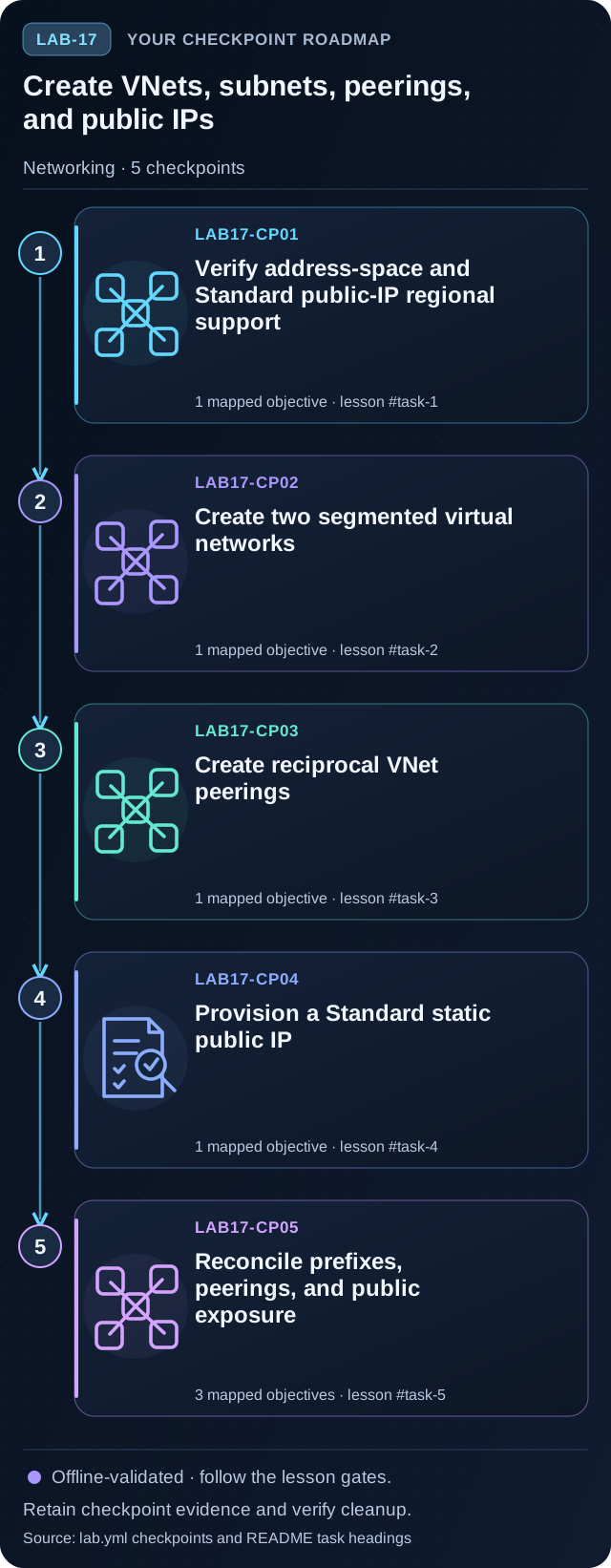
Create VNets, subnets, peerings, and public IPs
Preview the five tasks, then follow the guided instructions.
Open lab →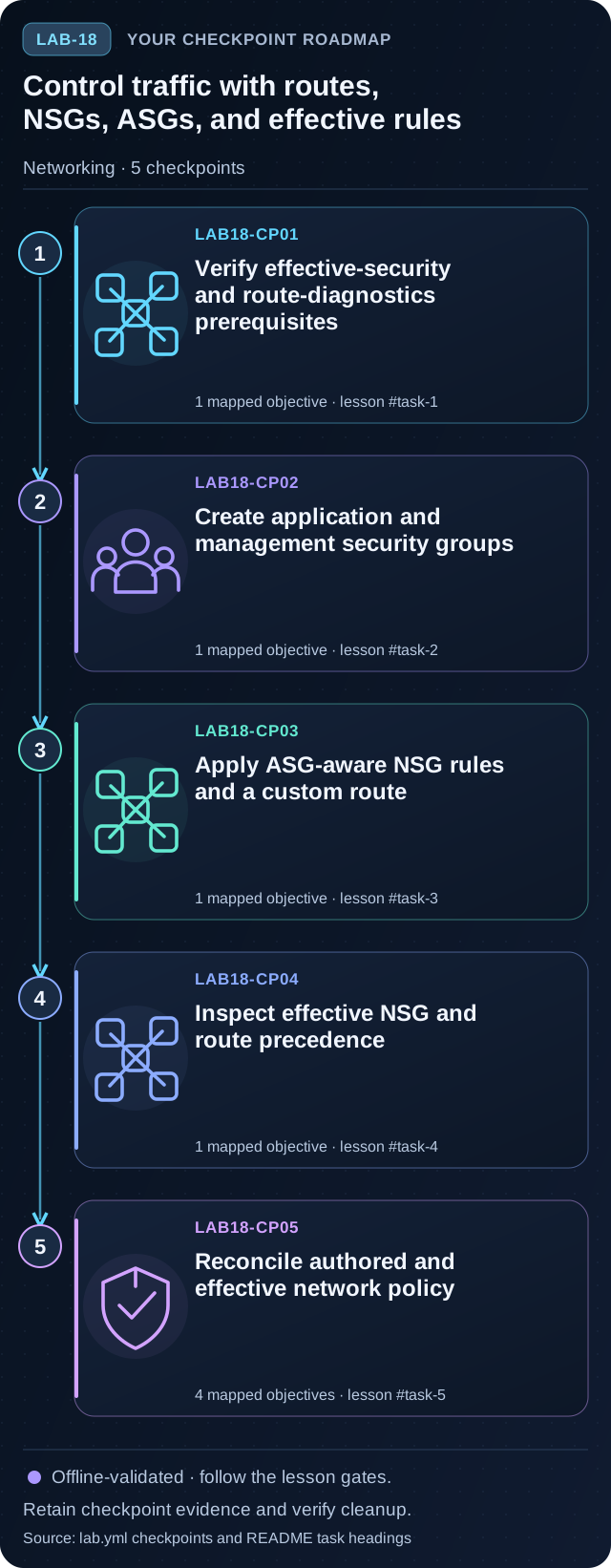
Control traffic with routes, NSGs, ASGs, and effective rules
Preview the five tasks, then follow the guided instructions.
Open lab →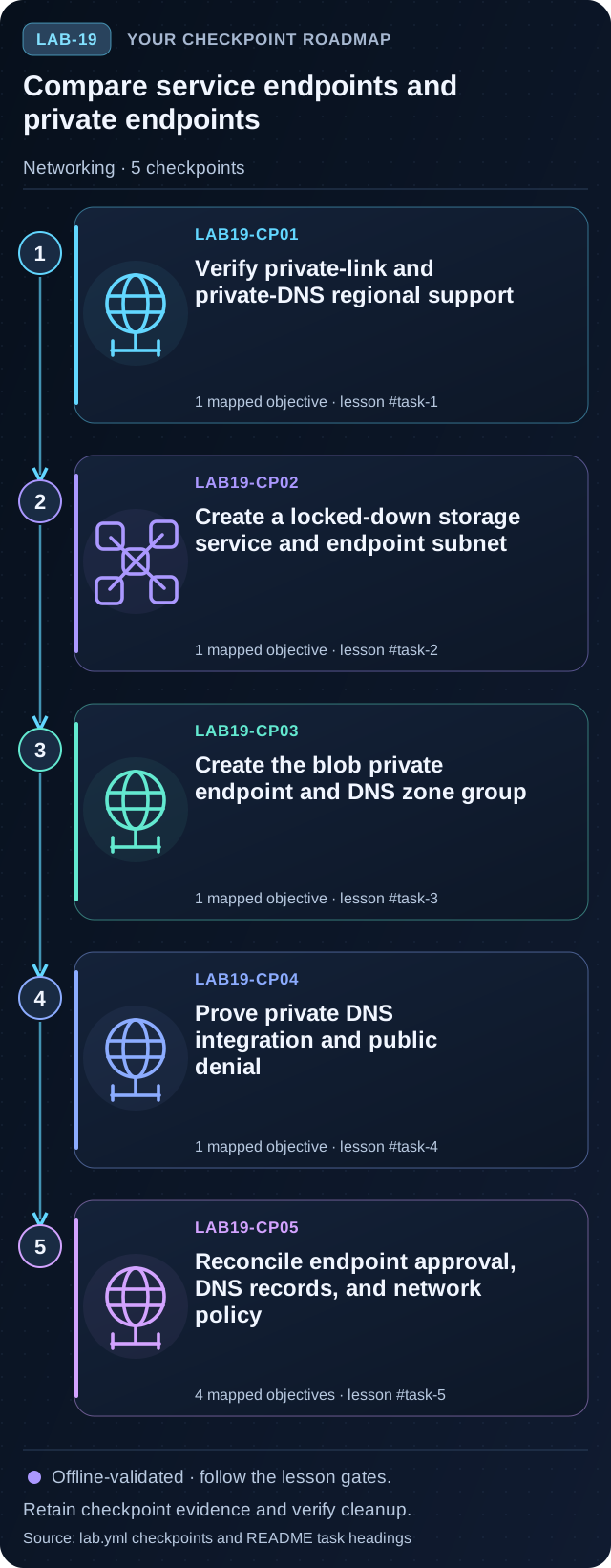
Compare service endpoints and private endpoints
Preview the five tasks, then follow the guided instructions.
Open lab →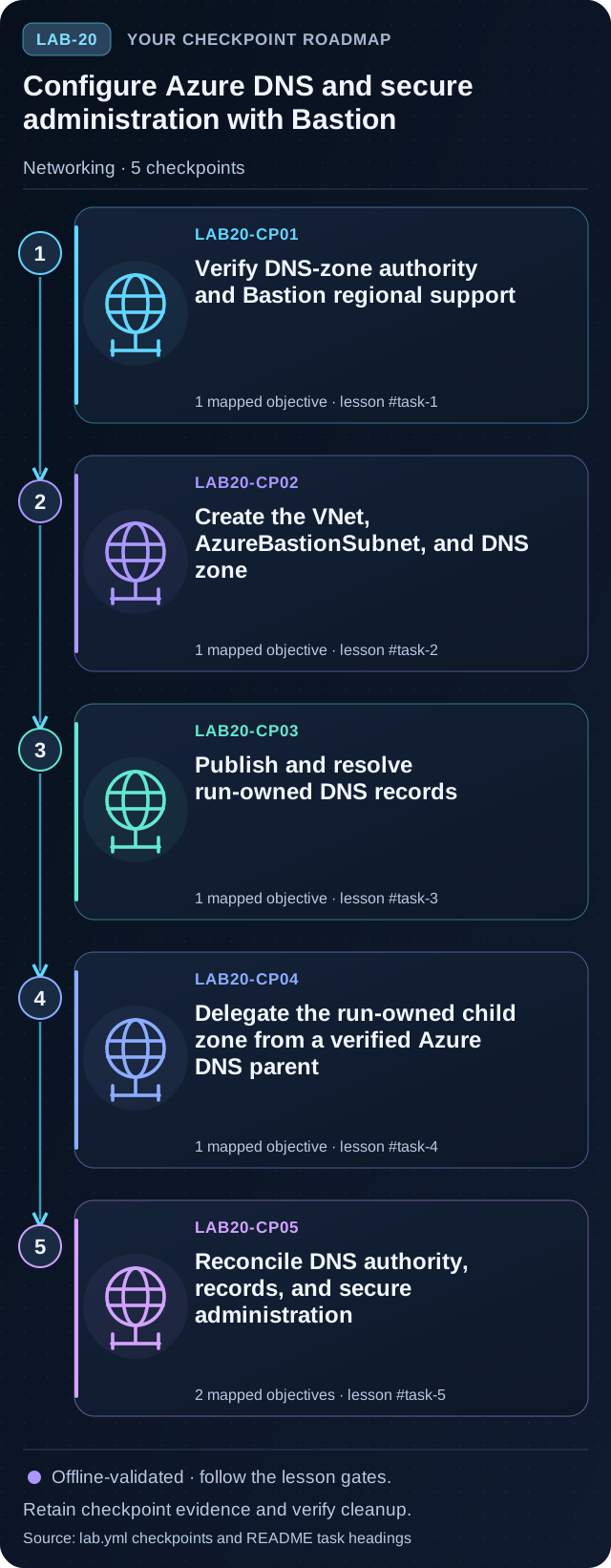
Configure Azure DNS and secure administration with Bastion
Preview the five tasks, then follow the guided instructions.
Open lab →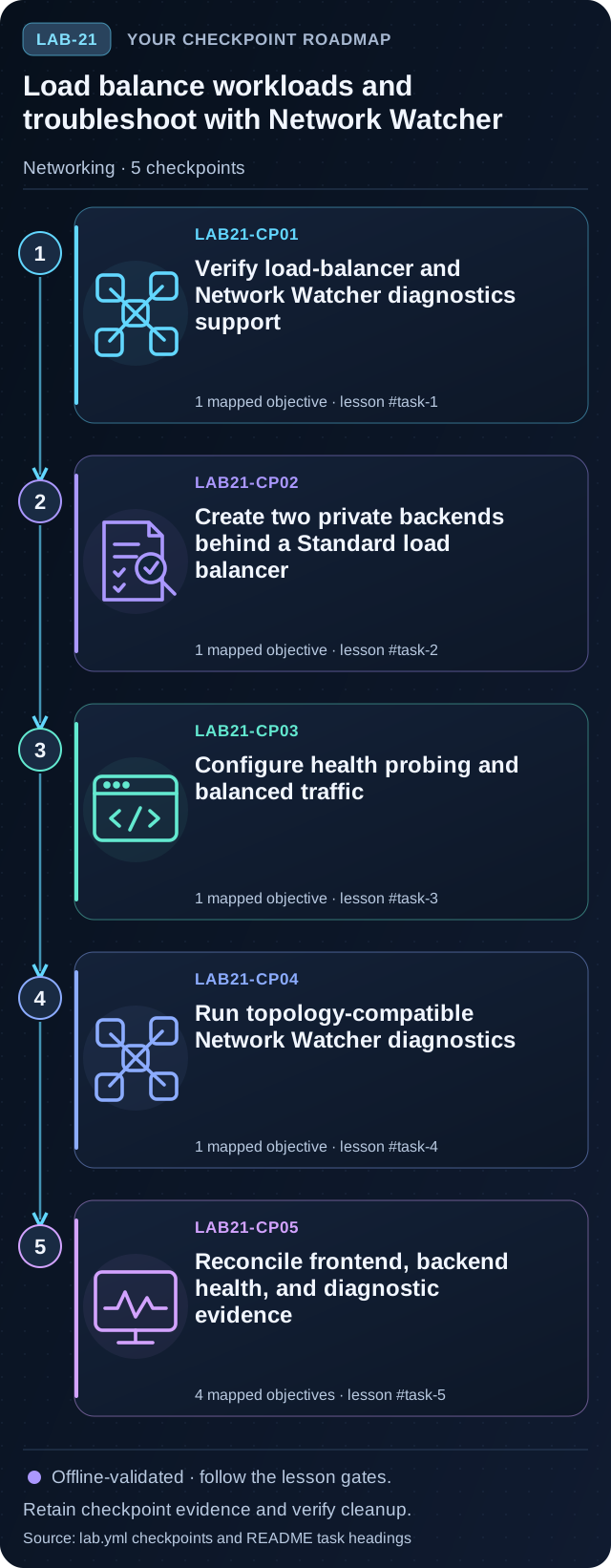
Load balance workloads and troubleshoot with Network Watcher
Preview the five tasks, then follow the guided instructions.
Open lab →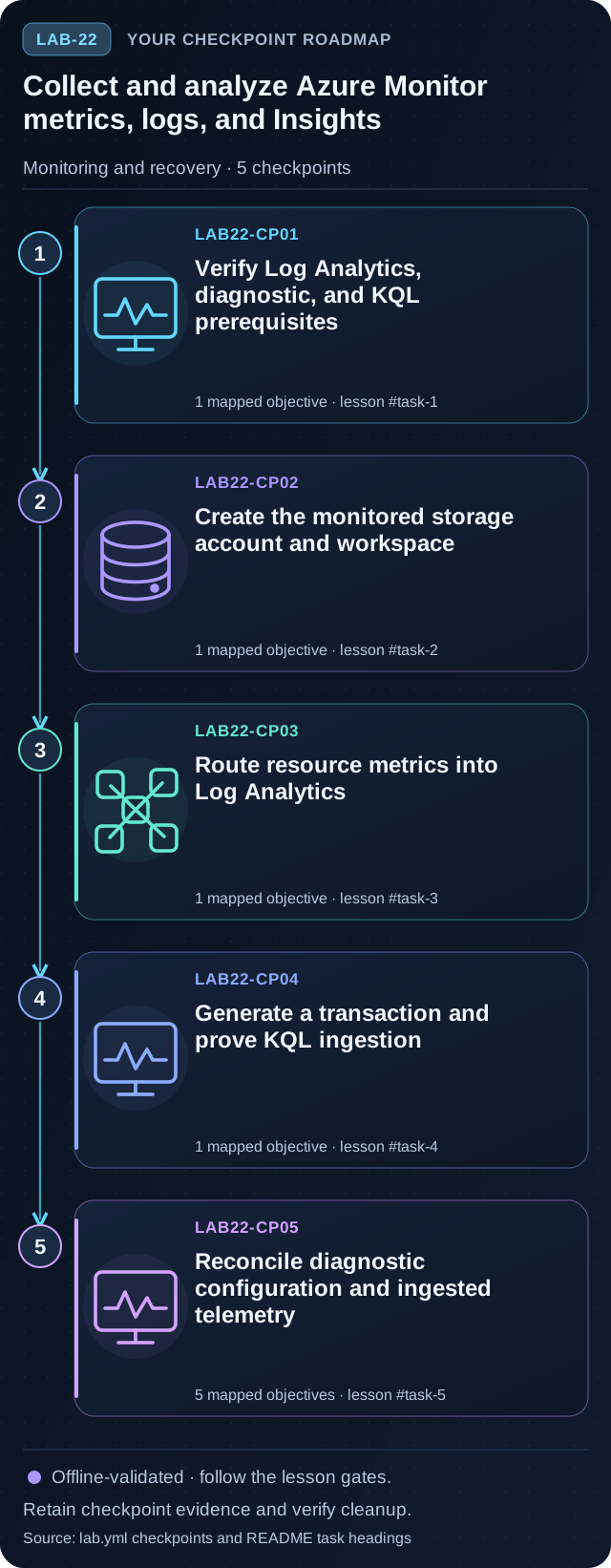
Collect and analyze Azure Monitor metrics, logs, and Insights
Preview the five tasks, then follow the guided instructions.
Open lab →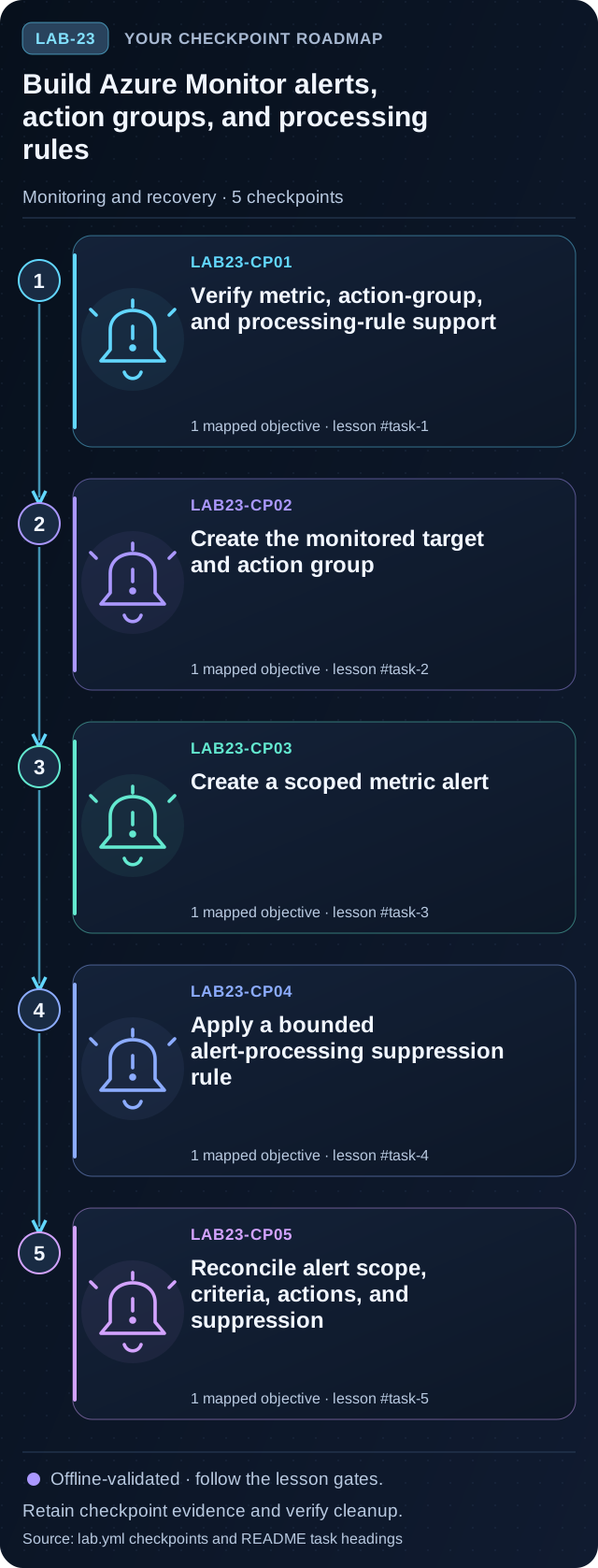
Build Azure Monitor alerts, action groups, and processing rules
Preview the five tasks, then follow the guided instructions.
Open lab →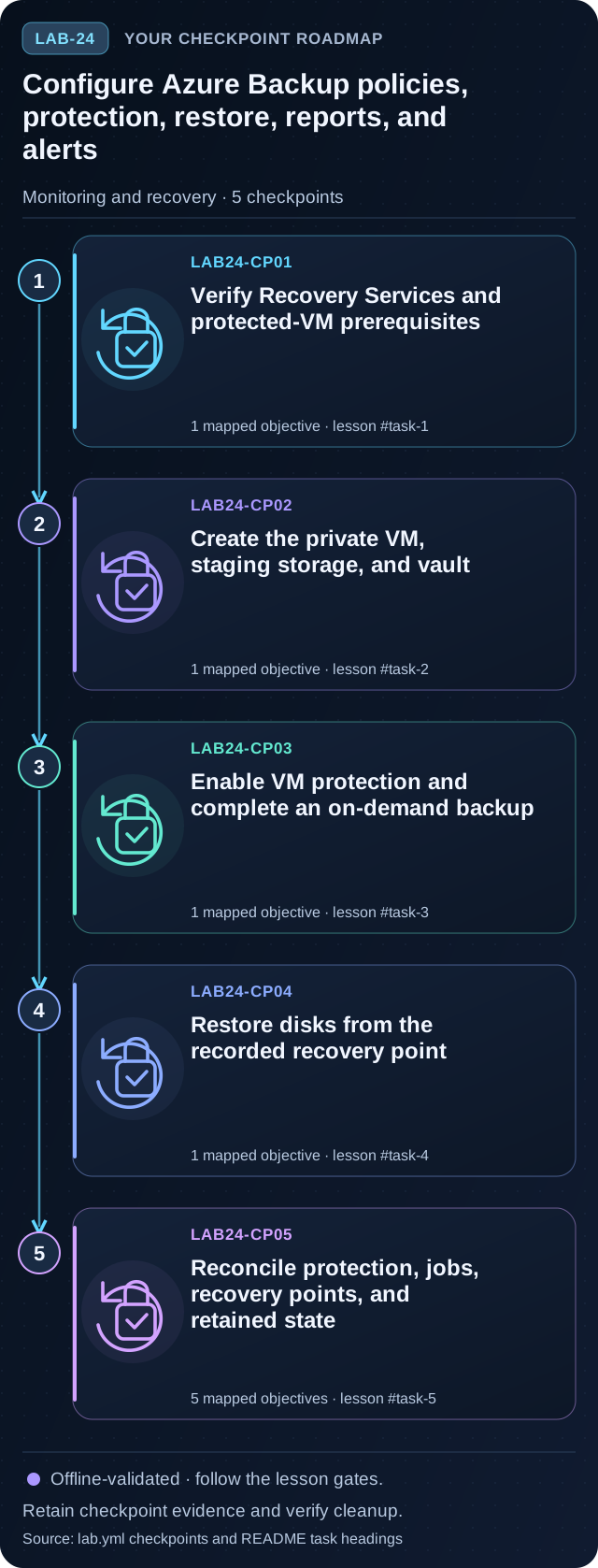
Configure Azure Backup policies, protection, restore, reports, and alerts
Preview the five tasks, then follow the guided instructions.
Open lab →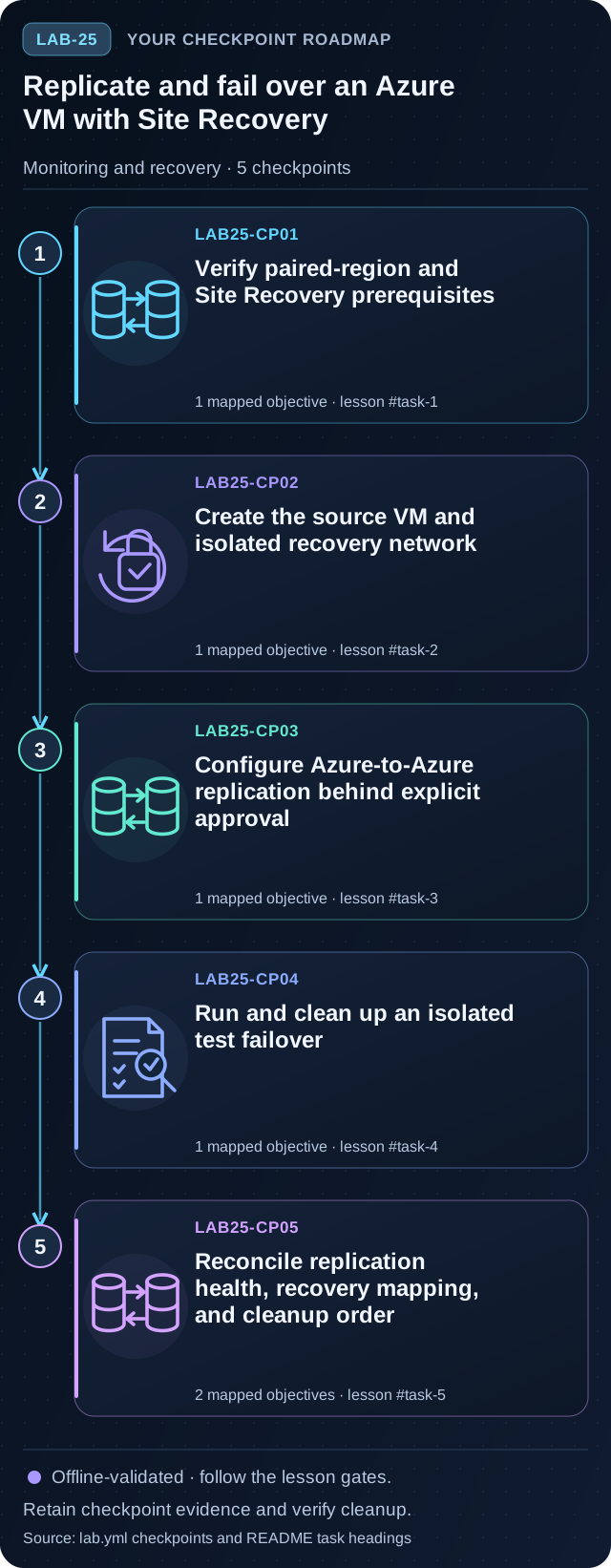
Replicate and fail over an Azure VM with Site Recovery
Preview the five tasks, then follow the guided instructions.
Open lab →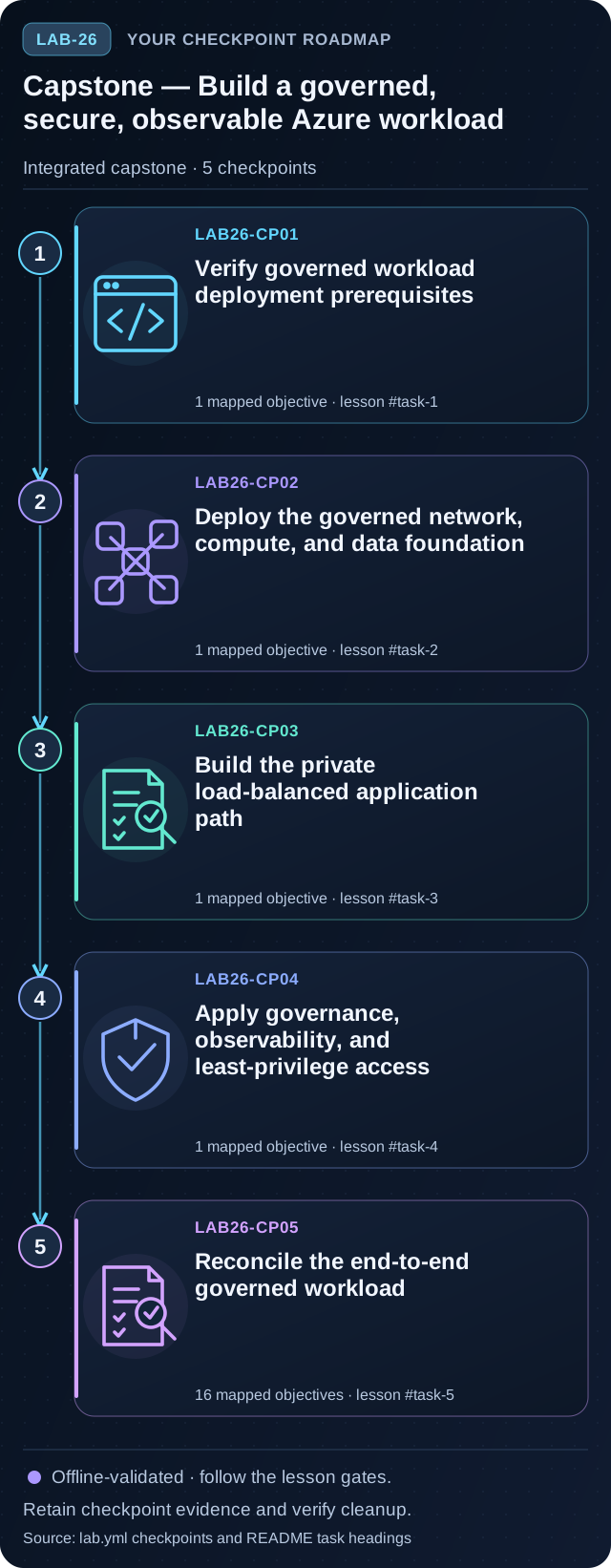
Capstone — Build a governed, secure, observable Azure workload
Preview the five tasks, then follow the guided instructions.
Open lab →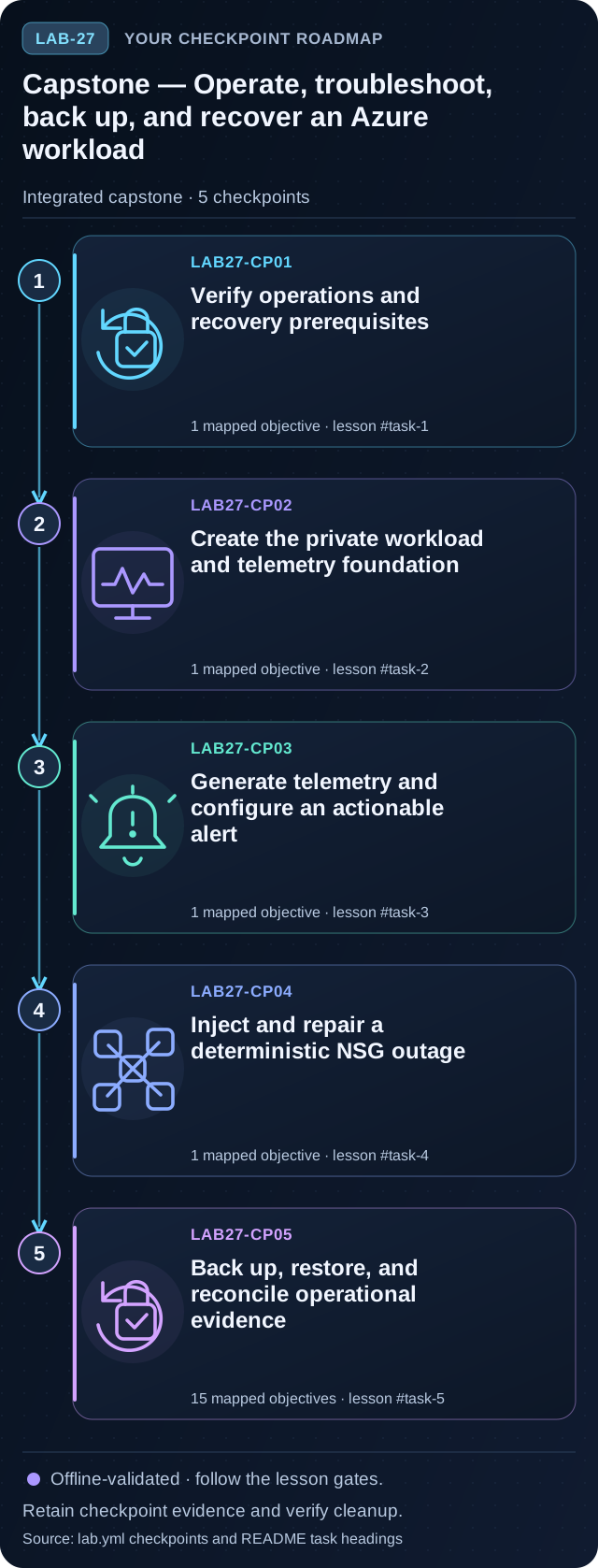
Capstone — Operate, troubleshoot, back up, and recover an Azure workload
Preview the five tasks, then follow the guided instructions.
Open lab →